


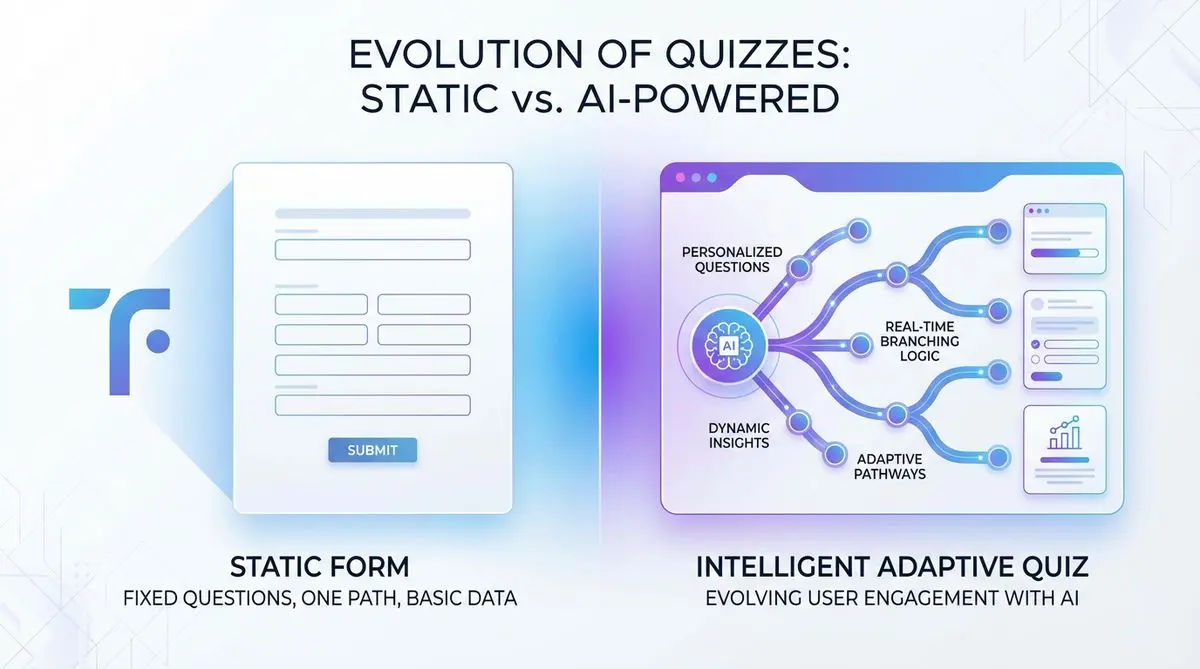
Typeform set the bar for conversion-friendly form design in 2014, and most of its UX patterns are still industry standard. What it never built is qualification — there's no real scoring engine, no AI follow-ups, and no agent-readable schema.
Six Typeform alternatives in 2026 add what Typeform doesn't: AI generation from a prompt, real lead scoring with score-band routing, and embed options that survive ad-blockers. Below: tested side-by-side with pricing for every team size.
Dashform vs Typeform: Feature Comparison
| Feature | Dashform | Typeform |
|---|---|---|
| AI Form Generation | Yes — full AI builder | Limited AI features |
| Quiz Funnels | Built-in with scoring | Basic quiz only |
| Lead Qualification | Automatic AI scoring | Manual tagging |
| Custom Branding | Full white-label | Limited on free plan |
| Pricing (Starter) | Free tier available | $25/month |
| Templates | 100+ AI-optimized | 50+ templates |
| Analytics | AI-powered insights | Basic analytics |
| Conditional Logic | AI-driven branching | Manual logic builder |
| Response Limit (Free) | Unlimited | 10 responses/month |
Why Typeform Falls Short for Lead Generation
Typeform was built as a form and survey tool. It was never designed for lead qualification. Here's where it struggles:
No lead scoring: Every submission looks the same. A CEO with a $50K budget and a student "just browsing" both land in the same inbox.
Limited adaptive logic: Typeform has basic conditional logic, but it can't dynamically adjust the entire question flow based on AI analysis of responses.
No direct CRM integration for scoring: It integrates with CRMs, but without lead scores or qualification data—just raw form data.
No calendar booking: You collect the lead, then manually follow up. By the time you respond, they've moved on.
For surveys and feedback? Typeform is fine. For lead generation and qualification? You need something built for that purpose.
What Makes an AI Quiz Funnel Different
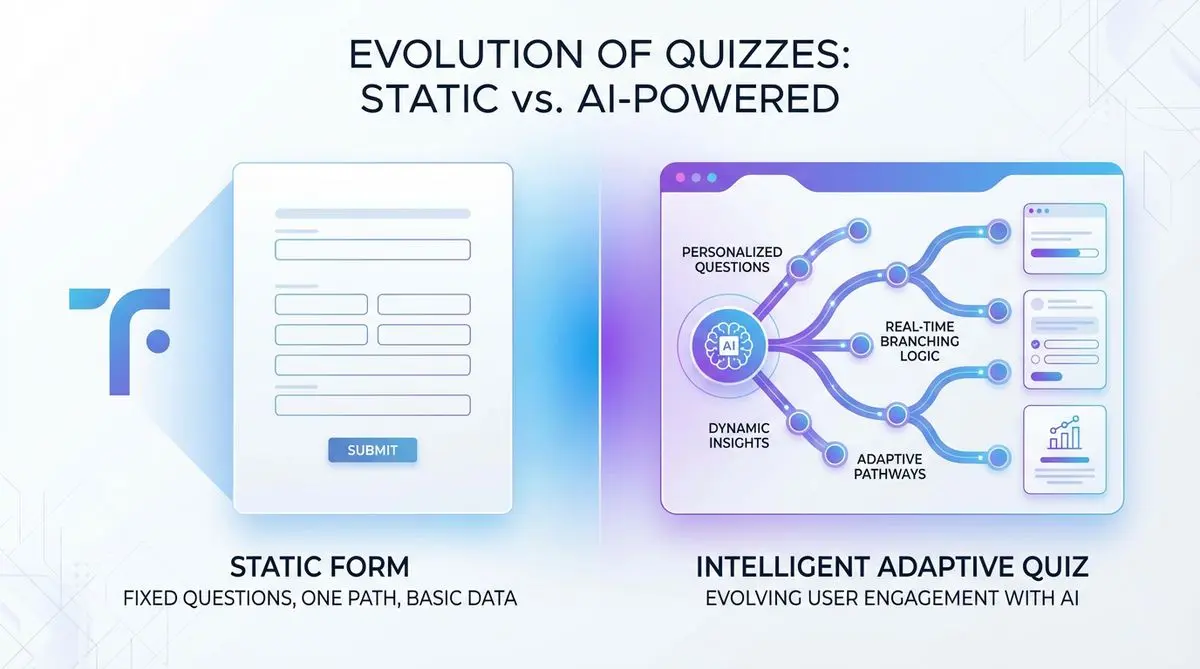
AI quiz funnels represent a fundamentally different approach to lead capture. Instead of passively collecting answers, they actively qualify prospects through intelligent conversation:
• Questions adapt in real-time based on each response
• Every answer feeds into a lead score (budget, timeline, fit, intent)
• High-scoring leads get routed directly to your calendar
• Low-scoring leads enter automated nurture sequences
• Setup takes minutes, not hours—AI generates the entire funnel from a text description
This is the difference between a form that collects data and a funnel that qualifies buyers.
Dashform: The AI-Native Typeform Alternative
Dashform was built from day one as an AI-native quiz funnel builder. It's not a form tool with AI bolted on—the intelligence IS the product.
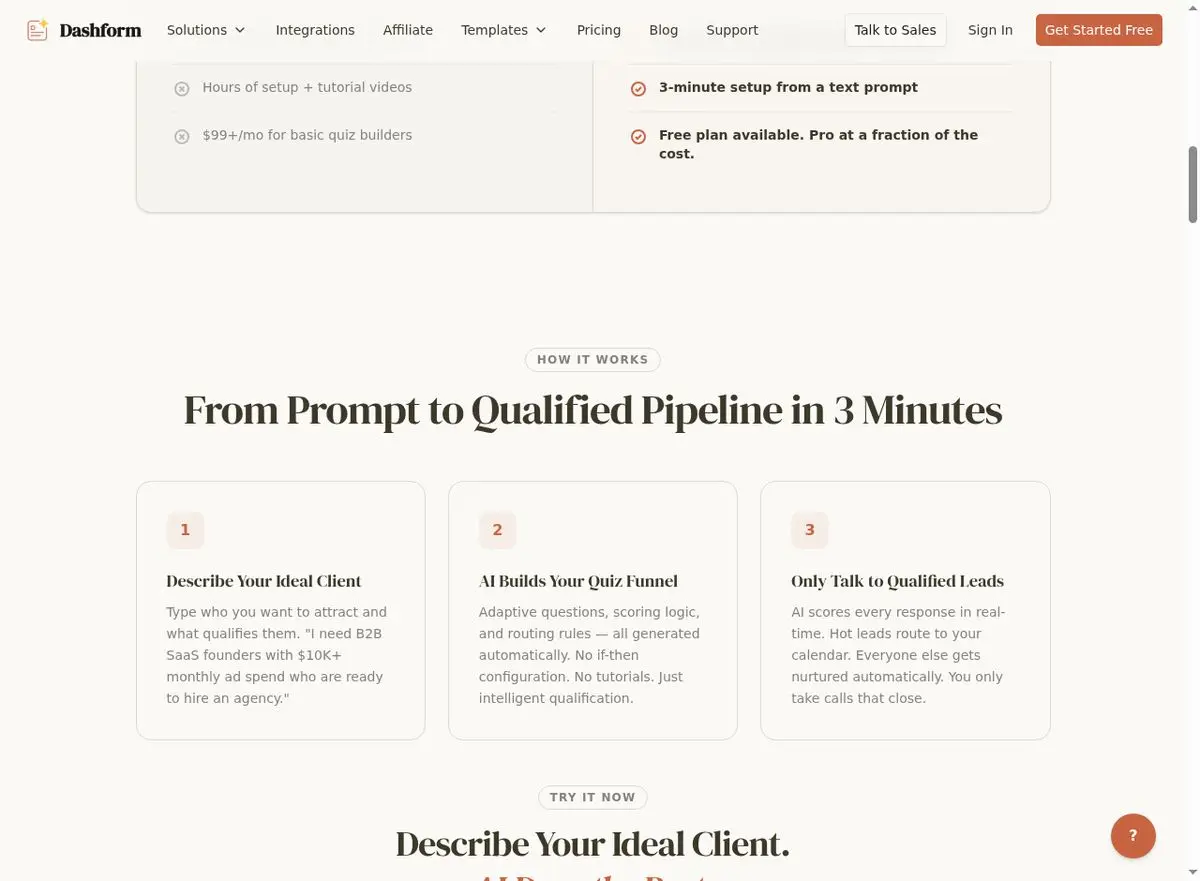
How It Works
-
Describe your business in plain English: "B2B marketing agency, $5K minimum retainer, targeting SaaS companies in North America."
-
AI generates a complete quiz funnel with adaptive branching logic in 3 minutes.
-
Embed it on your website, landing page, or share via link.
-
Prospects answer questions that adapt based on their responses.
-
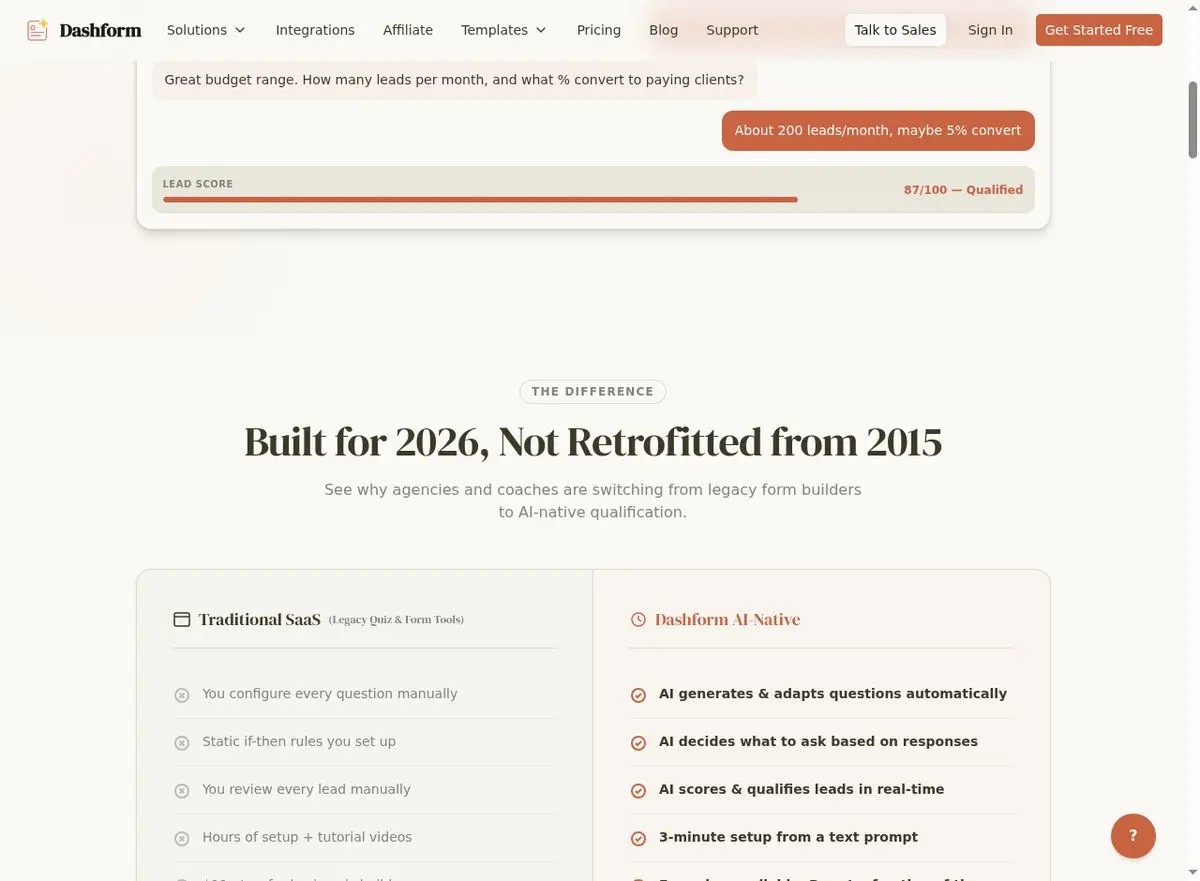
Each lead gets scored in real-time. Top leads book directly to your calendar.
Dashform vs Typeform: Head-to-Head
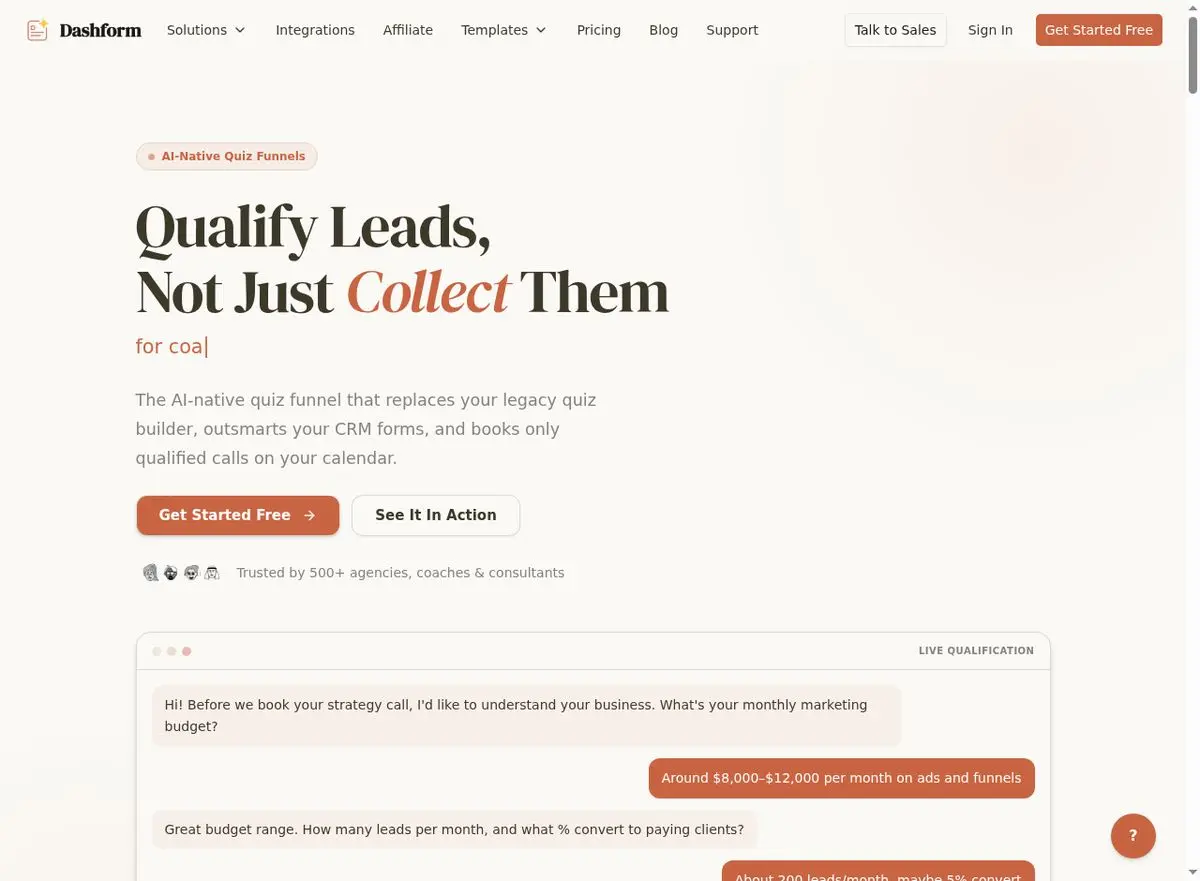
AI quiz generation: Dashform = describe your business, get a complete funnel. Typeform = manually build every question.
Adaptive logic: Dashform = AI adapts questions in real-time. Typeform = basic pre-defined conditional paths.
Lead scoring: Dashform = real-time scoring on budget, timeline, fit. Typeform = no built-in scoring.
Calendar booking: Dashform = automatic booking for top leads. Typeform = manual follow-up required.
Setup time: Dashform = 3 minutes from prompt to live funnel. Typeform = hours to days.
CRM integration: Both integrate via Zapier. Dashform also sends lead scores and qualification data—not just raw answers.
Who Should Switch From Typeform to Dashform
Not everyone needs to switch. If you're collecting employee feedback or running customer satisfaction surveys, Typeform is fine. But if your forms are meant to generate and qualify leads, Dashform is built for exactly that:
Agencies: Qualify client leads automatically before your team picks up the phone.
Coaches and consultants: Stop wasting discovery calls on unqualified prospects.
Course creators: Separate serious buyers from window shoppers before they hit your sales page.
SaaS companies: Use quiz funnels for product-led growth—qualify leads before they start a trial.
Home services: Solar, HVAC, roofing—qualify homeowners on budget, timeline, and property details instantly.
Get Started in 3 Minutes
Ready to upgrade from Typeform? Try Dashform free and see the difference AI-native lead qualification makes. Describe your business, generate your quiz funnel, and start qualifying leads today.
Explore more comparisons: 7 Best involve.me Alternatives | Dashform vs involve.me | 7 Best LeadQuizzes Alternatives | Dashform vs LeadQuizzes.
FAQ
Is Dashform a complete Typeform replacement?
Dashform replaces Typeform for lead generation use cases. If you need surveys, feedback forms, or general data collection, Typeform is still a fine choice. But if your goal is qualifying leads and booking meetings, Dashform is purpose-built for that.
Can I migrate my existing Typeform forms to Dashform?
You don't need to migrate. Simply describe your business and ideal customer, and Dashform's AI generates a new, optimized quiz funnel in 3 minutes. It's faster than trying to recreate your existing forms.
Does Dashform work with my existing CRM and tools?
Yes. Dashform integrates with GoHighLevel, HubSpot, and Zapier—which connects it to virtually any CRM, email marketing, or booking tool you already use.
Industry data from Statista's Survey Software market analysis projects the online form market to reach $8.3 billion by 2028. For conversion benchmarks, see Unbounce's Conversion Benchmark Report.
Related Reading
Best FormHug Alternative in 2026
Best GoHighLevel Alternatives in 2026
How to Create a High-Converting AI Quiz Lead Magnet





