Pick LeadQuizzes when you need white-label quizzes on every plan, and pick Dashform when you want an AI to qualify each lead and start on a free plan.
Quick pick:
- Dashform if you want an AI to qualify each lead, starting free.
- LeadQuizzes if white-label quizzes on every plan matter most.
Dashform vs LeadQuizzes: Evaluate Your Qualification Workflow
LeadQuizzes has been a go-to quiz marketing tool for years, with a loyal user base. But with AI reshaping how leads get qualified and scored, the landscape has shifted. Dashform represents the new generation of AI-native lead qualification tools. This comparison helps you decide which platform delivers more qualified leads for your budget.
Dashform vs LeadQuizzes: Overview
| Category | Dashform | LeadQuizzes |
|---|---|---|
| Approach | AI-automated lead qualification | Quiz-based lead capture |
| AI generation | Full AI-native | Limited AI on the entry plan |
| Lead scoring | Automatic AI scoring | Manual setup required |
| Templates | Template gallery and AI-assisted drafting | Review current template options |
| Free plan | Yes | Trial only |
| White-label | Eligible paid plans | Verify current plan terms |
| Interface | Modern conversational | Traditional drag-and-drop |
| Response limits | By plan | Hard cap on every plan |
| Best for | AI-first lead qualification | Quiz-focused lead capture |
If you're evaluating quiz funnel and form builder platforms, you may also want to read our guide on AI quiz generators vs traditional quiz makers and learn how to create a high-converting quiz lead magnet.
The Core Difference: Lead Capture vs Lead Qualification
Compare how each tool collects answers, represents results, and supports review against your qualification criteria.
With LeadQuizzes, you build a quiz, collect email addresses, and manually sort through responses to determine lead quality. The platform gives you the data; you do the analysis.
With Dashform, enabled lead scoring evaluates completed replies against configured criteria and assigns hot, warm, or cold verdicts. Configure Destinations separately and review classifications; a verdict is not proof that a person will buy.
Lead Qualification Workflow Comparison
| Step | Dashform | LeadQuizzes |
|---|---|---|
| 1. Setup | Describe ideal customer | Build quiz manually |
| 2. Creation | AI generates everything | Drag-and-drop + configure |
| 3. Scoring | Configured criteria; completed-reply verdicts | Verify scoring workflow |
| 4. Qualification | AI qualifies automatically | You review responses |
| 5. Routing | Configured Destinations | Verify supported delivery |
| 6. Follow-up | Separately configured email workflow | Verify supported follow-up |
| Validation | Test replies and delivery | Test equivalent workflow |
Pricing: What You Actually Pay
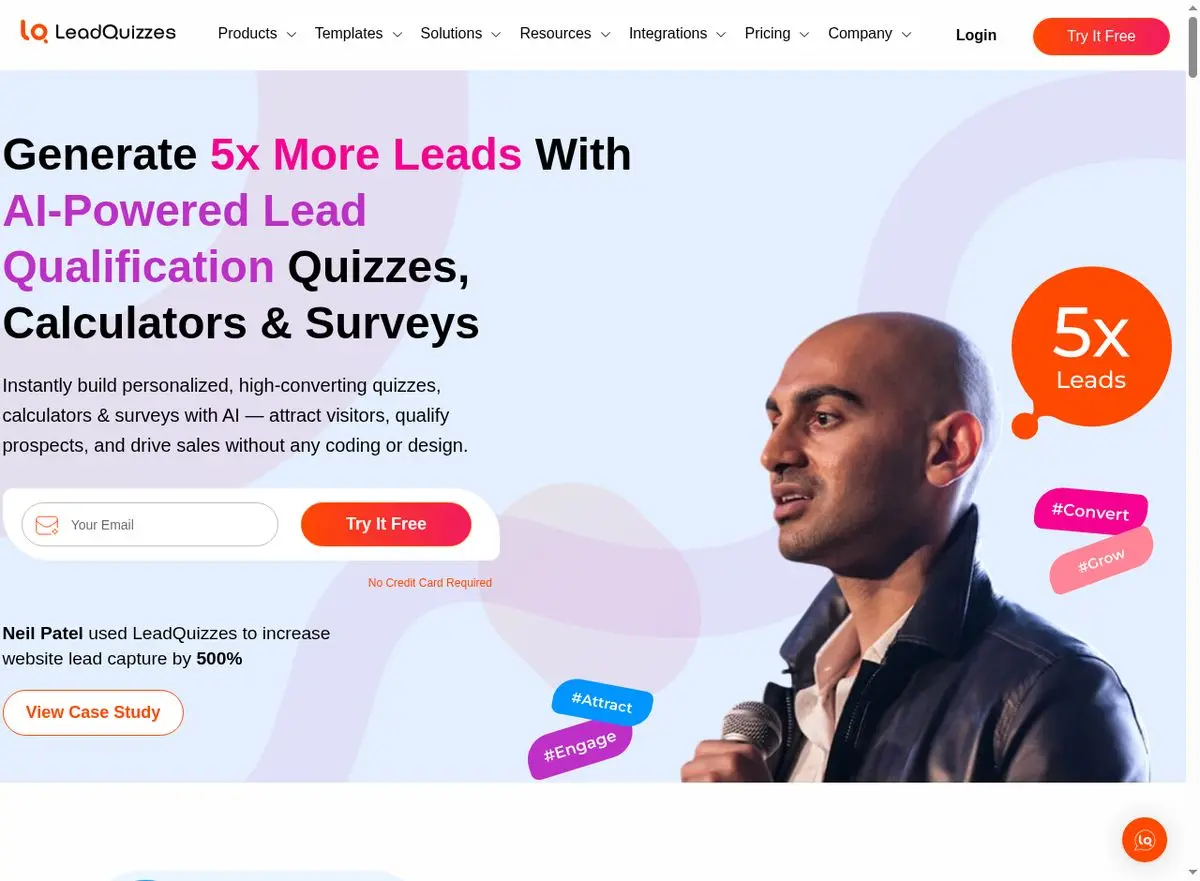
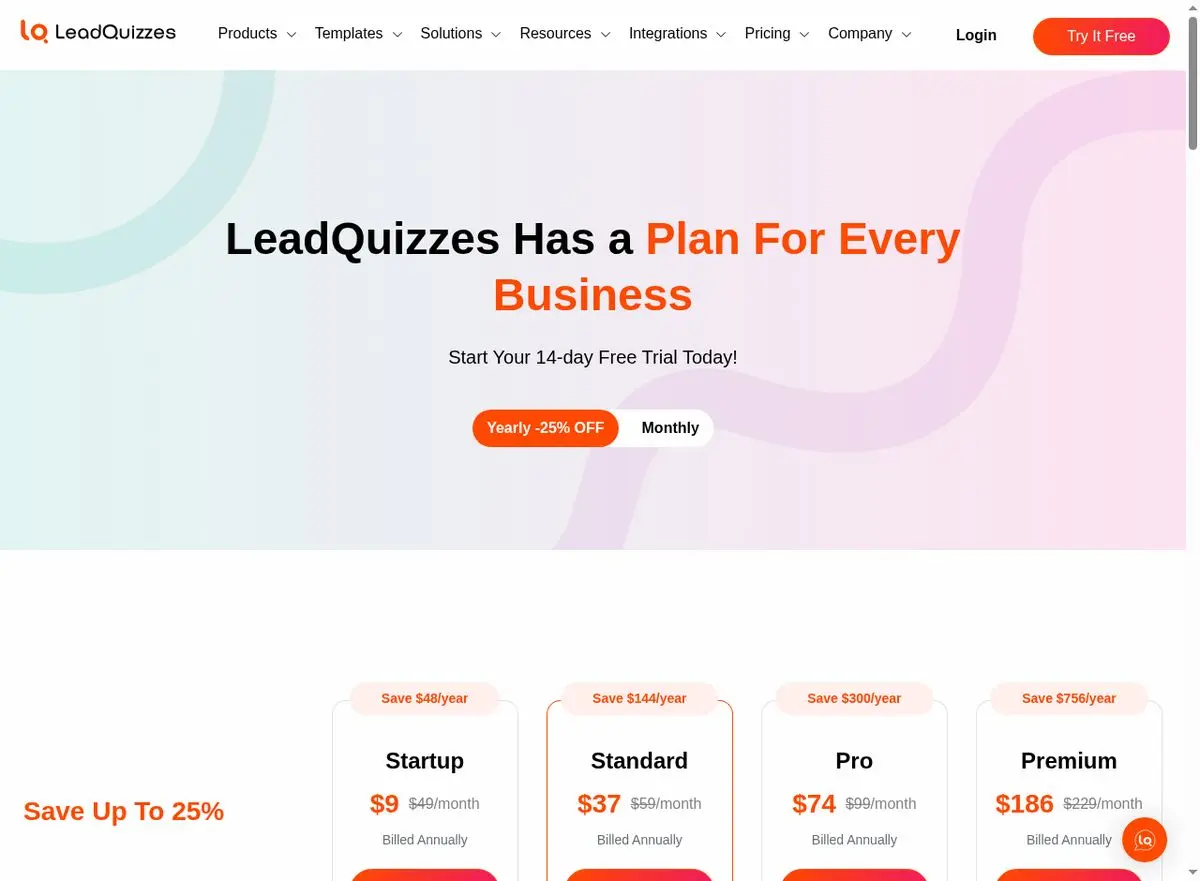
LeadQuizzes' entry plan looks affordable, but the limitations add up quickly:
LeadQuizzes Pricing Breakdown
| Plan | What It Limits |
|---|---|
| Startup | Low response cap, few AI quizzes, no analytics visualizations |
| Standard | Higher response cap, full analytics |
| Pro | Check current response, AI-use, and validation allowances |
| Premium | The highest response cap, all features |
Current prices are on LeadQuizzes' pricing page.
Each plan caps responses, so as volume grows you move up plans, and overage charges add unpredictability to your budget.
Dashform plans carry usage allowances; review the current pricing page. Pricing is not a guarantee of qualified leads or a pay-for-outcomes model.
AI Capabilities: Generation vs. Full Automation
LeadQuizzes added AI quiz generation, but it's limited:
- Verify the current allowance for AI-generated quizzes on your chosen plan
- No AI lead scoring—you manually configure scoring rules
- No AI-powered follow-up or adaptive questioning
- No automatic CRM routing based on AI qualification
Dashform's AI handles the full pipeline:
- AI-assisted quiz and form drafting, subject to plan allowances
- Automatic lead scoring against your ideal customer profile
- Adaptive conversational flows that adjust based on responses
- A native HubSpot Destination for its supported contact action; Salesforce requires a separately configured supported Zapier or webhook workflow
- Delivery to configured tools where you can separately set up follow-up sequences
Templates: Dashform vs LeadQuizzes
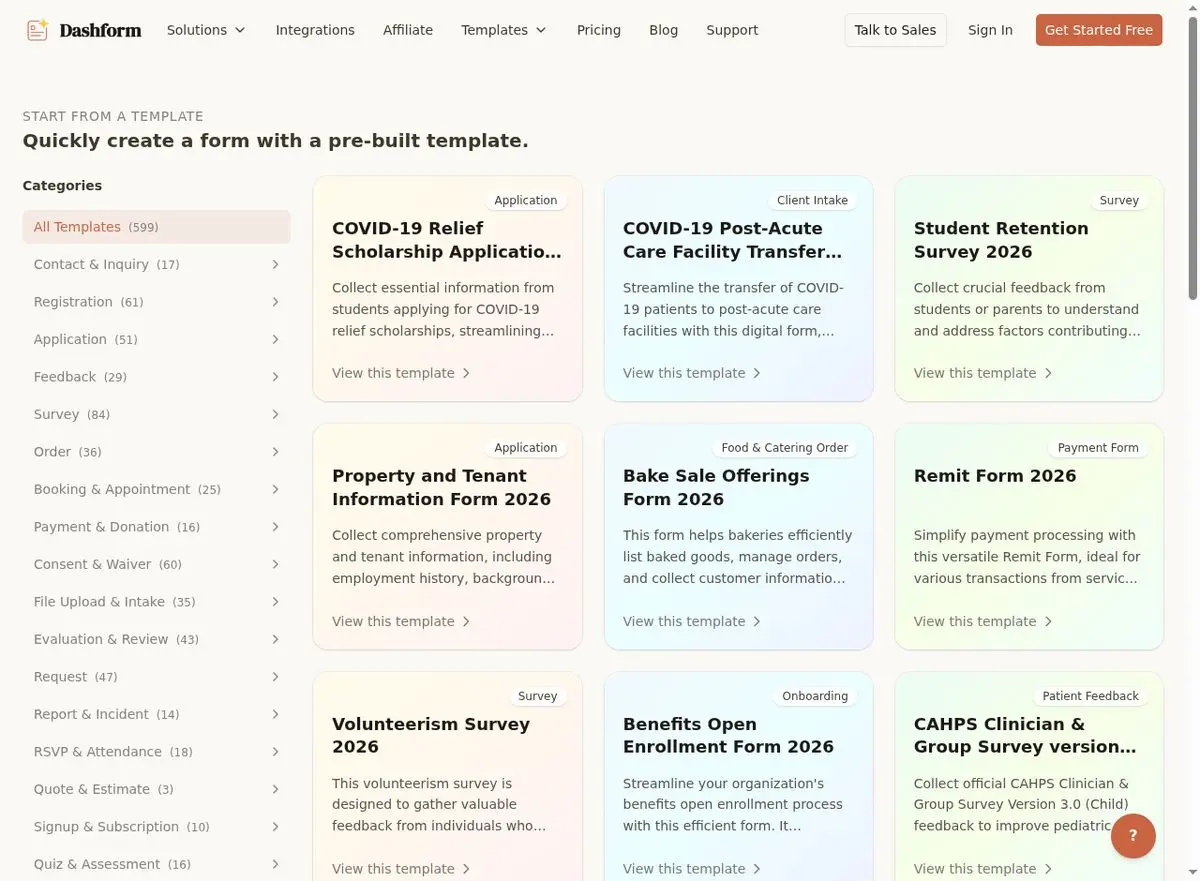
Dashform's template library provides editable starting points. Review the generated changes and any data-handling requirements. Examples include:
- Event Registration Form — for event planners and conference organizers
- Employee Evaluation Form — for HR teams running performance reviews
- Construction Lead Generation Form — for contractors capturing project inquiries
- Patient Feedback Form — for healthcare providers collecting patient insights
Compare the current LeadQuizzes template library with the particular quiz or intake workflow you need.
White-Label: Both Deliver, Dashform Does More
White-label is LeadQuizzes' standout feature—available on all plans, including the entry Startup tier. This makes it the go-to for agencies on tight budgets.
Dashform supports themes and branding removal on eligible paid plans. Review permissions and plan terms before designing a client service around those capabilities.
Integrations and CRM Depth
LeadQuizzes has strong native CRM integrations with ActiveCampaign, Infusionsoft, Mailchimp, Drip, and ConvertKit. Their Custom Events API (enterprise tier) tracks granular lead behavior like hesitation and partial completions—useful data for advanced lead scoring.
Dashform has native Destinations including HubSpot, Mailchimp, and MailerLite. Salesforce is not a native Connector; use a separately configured supported external workflow if needed. Test field mappings and Delivery logs. See Dashform integrations.
Who Should Choose Dashform?
- Teams that want AI to handle lead qualification end-to-end
- Agencies that want to white-label an AI lead qualification system (not just a quiz builder)
- Companies that want editable templates and AI-assisted drafting
- Businesses that want a free plan with AI capabilities
- Sales teams tired of manually sorting through unqualified leads
Who Should Choose LeadQuizzes?
- Teams that specifically need quiz-focused lead capture (not full qualification)
- Agencies on very tight budgets needing basic white-label
- Businesses heavily invested in ActiveCampaign or Infusionsoft CRMs
- Users who prefer a traditional drag-and-drop quiz builder interface
- Companies that need the Custom Events API for granular behavioral tracking
Explore more comparisons: 7 Best involve.me Alternatives | Dashform vs involve.me | 7 Best LeadQuizzes Alternatives | Best Typeform Alternative.
Frequently Asked Questions
Is Dashform a direct LeadQuizzes replacement?
Dashform can replace LeadQuizzes for lead qualification while adding AI automation that LeadQuizzes lacks. If your primary need is building styled quizzes with deep ActiveCampaign/Infusionsoft integration, LeadQuizzes may still fit. If you want AI-powered lead scoring and CRM routing, Dashform is the upgrade.
Does Dashform have the same white-label features as LeadQuizzes?
Dashform supports branding removal on eligible paid plans. Check the current plans of both products for the specific branding controls your workflow needs.
How do response limits compare?
LeadQuizzes charges by responses, with hard caps and overages on each plan. Dashform's plans are based on replies and AI credits, with a free tier to start.
Can I use both tools together?
You can evaluate a workflow using both, but configure data transfer deliberately and define which system owns each record. Feature parity is not assumed.
The Verdict
Evaluate both tools with the same questions, expected results, and delivery requirements. Try Dashform if AI-assisted authoring and configurable qualification suit that workflow; verify actual replies before drawing conclusions about lead quality.