

This seven-question form captures everything needed to log an electrical service visit from start to finish. It opens by collecting the work order ID and service date, then identifies the assigned technician and the customer's name and contact details. The site address question ensures the job is tied to a specific location, while the open-ended description field lets the technician record exactly what was serviced or repaired. The final "Select the current status of this work order." question — with options for completed, in progress, pending approval, or cancelled — gives the owner an at-a-glance picture of where every job stands. After submitting, respondents see a confirmation screen letting them know their entry has been recorded.
Try the conversation below to see how this template works
Trusted by over 10,000 customers and growing
Conversations Started
Questions Answered
Forms Created
Relies on the work order ID and service date questions to keep multiple concurrent jobs organised and traceable across a team.
Uses the site address and work description questions to maintain a clear audit trail of every electrical repair carried out across their properties.
Depends on the technician name and "Select the current status of this work order." question to monitor job progress and spot anything awaiting approval or still in progress.

AI builds and refines your form through natural conversation no templates, no complex logic, no coding. From a simple text prompt or URL, Dashform generates intelligent flows that adapt automatically.
Dashform turns traditional form-filling into a two-way dialogue. The AI understands intent, remembers context, and asks relevant follow-up questions just like a real human conversation.
Every response is transformed into structured, meaningful, and ready-to-use data. Integrate with your favorite tools.
Everything you need to create amazing forms
Everything you need to know about this template
Don't see exactly what you need? Use our AI Form Generator to create a custom form in seconds. Just describe what you want, and AI will build it for you.
Explore more templates to find the perfect fit
 Evaluation Survey
Guide clients through a structured, professional close to a project while collecting satisfaction ratings and actionable feedback.
 Client Intake
Gather client hobbies, interests, and communication preferences to tailor your services to each individual.
 Checklist
Document clinical inventory items by condition, quantity, location, and department, with a staff sign-off on accuracy.
 Attendance
Submit a correction to a recorded clock-in, clock-out, break start, or break end time for payroll and attendance accuracy.
 Order
OrderCollect garment type, size, color, quantity, shipping address, and payment method in one clean order form.
 Customer Feedback
Collect honest post-visit ratings, cleanliness feedback, staff scores, and improvement ideas from club members and guests.
Learn how to get the most out of your forms and templates
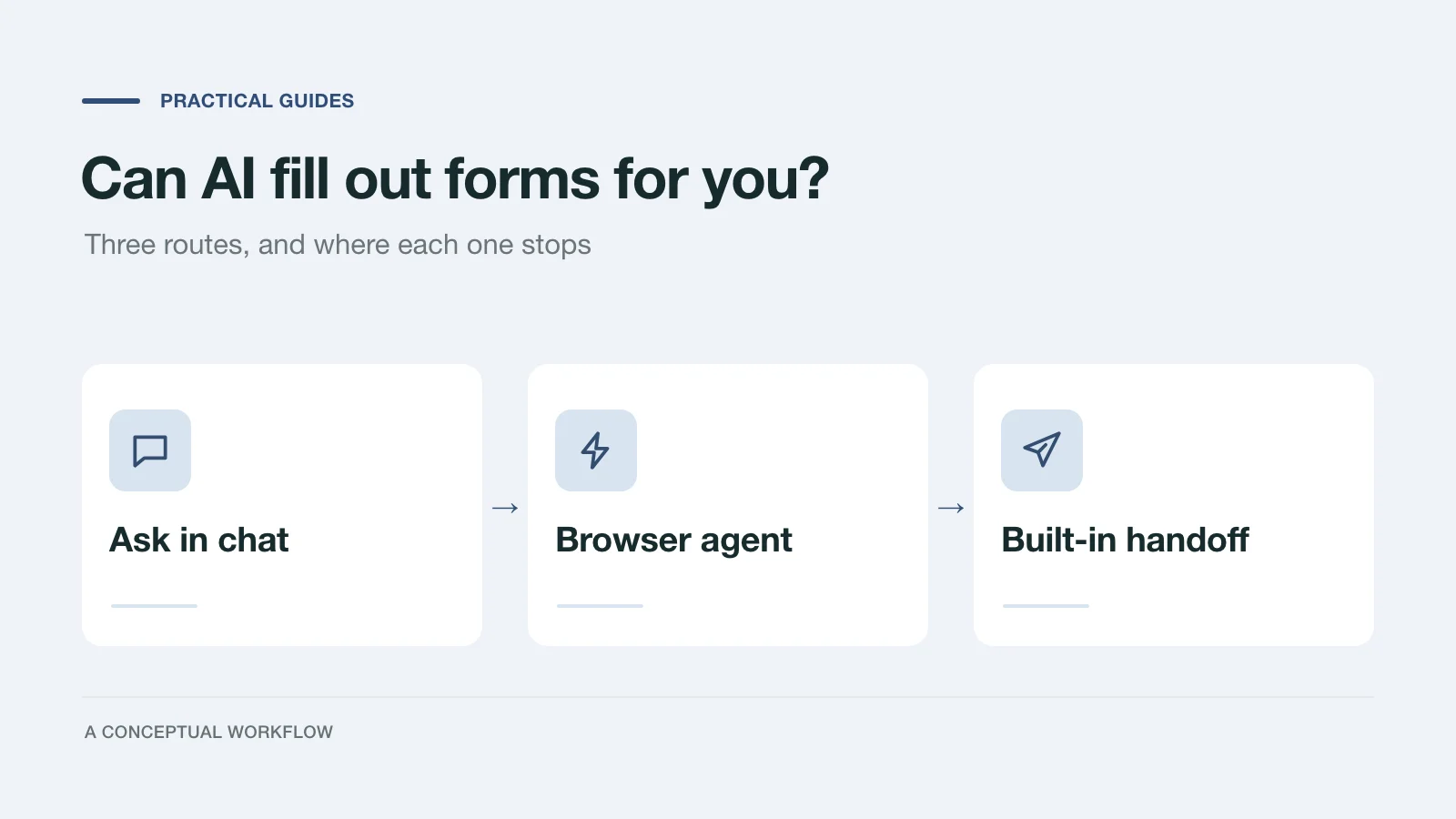
Yes, in three different ways: answers you paste in, a browser agent that clicks for you, or a form built for assistants. What each one handles and where it stops.
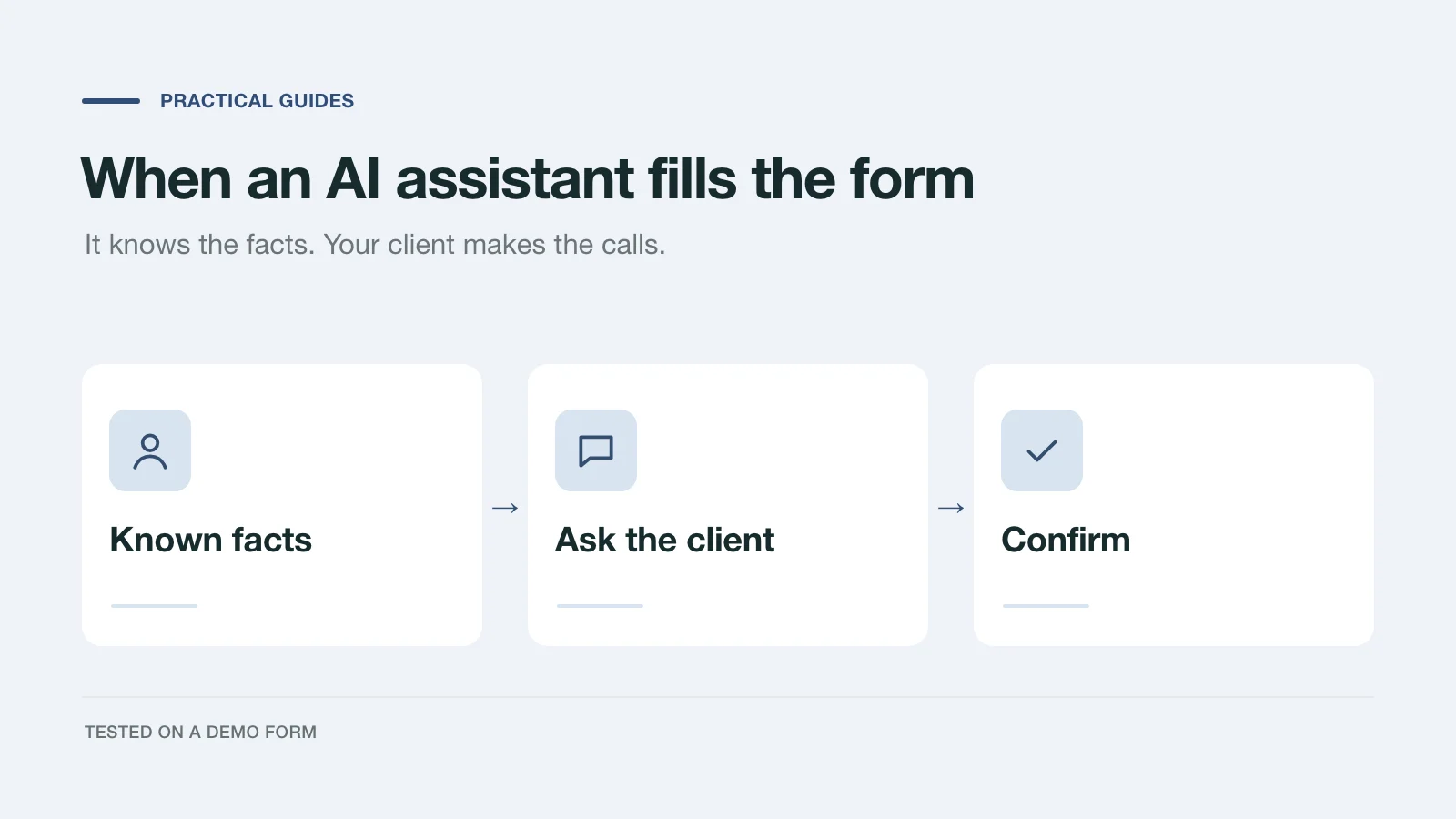
We had an AI assistant complete a demo project inquiry two ways: by clicking through the page and through a handoff prompt. What it knew, what it asked, and what to change.
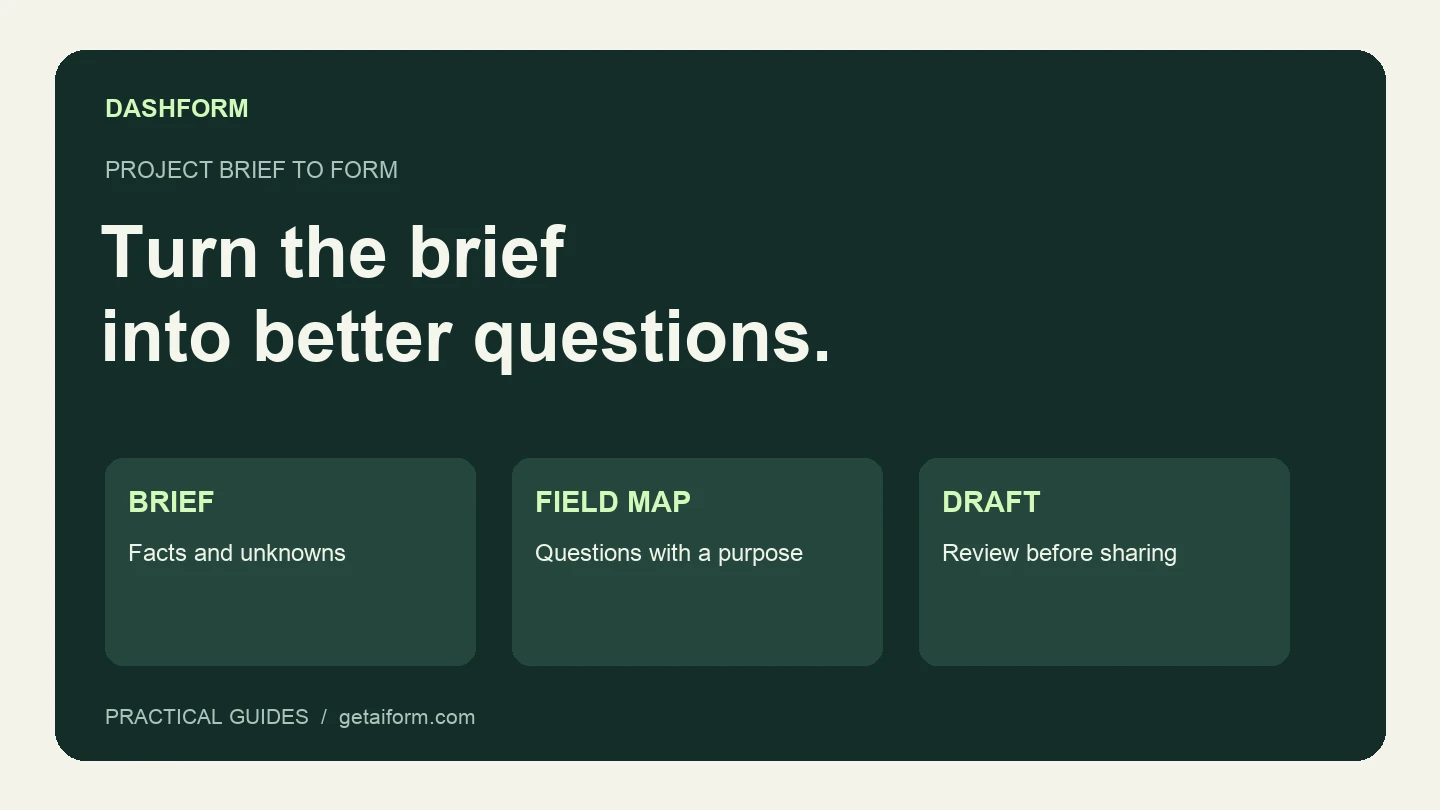
Turn a fictional agency brief into a reviewed Dashform draft using Claude Code, with copyable prompts, a field map, and a publication checklist.
Try the world's first AI-native form and turn every response into action instantly.