

The Project Completion Form walks project managers through a structured ten-question closeout report, opening with the project's title, completion date, and a detailed description of its objectives before asking for a written evaluation of overall success and timeline adherence. The financial section then captures three figures — estimated budget, total funds available, and actual spend — giving the form's owner a clear picture of how closely the project tracked its plan. An optional shareable link points reviewers to supporting documents or images. Two required text fields name the Project Head and identify the report preparer; they do not authenticate signatures or prove approval. The Ending thanks the preparer and explains that formal approval must be obtained separately.
Try the conversation below to see how this template works
Trusted by over 10,000 customers and growing
Conversations Started
Questions Answered
Forms Created
Rely on the "How would you evaluate the overall success of the project and its adherence to timelines?" question to capture a written record of each project's outcome alongside its financial data.
Use the three budget questions — estimated, available, and spent — to reconcile planned versus actual spend across completed projects.
Use the named Project Head and report preparer to identify who to contact when arranging a separate closeout review and formal approval.

AI builds and refines your form through natural conversation no templates, no complex logic, no coding. From a simple text prompt or URL, Dashform generates intelligent flows that adapt automatically.
Dashform turns traditional form-filling into a two-way dialogue. The AI understands intent, remembers context, and asks relevant follow-up questions just like a real human conversation.
Every response is transformed into structured, meaningful, and ready-to-use data. Integrate with your favorite tools.
Everything you need to create amazing forms
Everything you need to know about this template
Don't see exactly what you need? Use our AI Form Generator to create a custom form in seconds. Just describe what you want, and AI will build it for you.
Explore more templates to find the perfect fit
 Other
OtherRequest an official community service verification letter by submitting your volunteer hours, dates, and organization details.
 Tracking Log
A structured eight-question handover form for shift staff to log activities, incidents, and priority follow-ups for the next team.
 Hr
HrEight-question employee survey rating work-life balance, collaboration, transparency, growth, values, and inclusion.
 Complaint
A ten-question form for logging complaints with full incident details, prior resolution attempts, and urgency level.
 Quiz
QuizPractice conditional logic with delivery, AND, OR, and fallback scenarios, then compare your reasoning with an ending answer guide.
 Event Registration
Collect attendee details, ticket choice, dietary needs, and optional add-ons in one smooth conference sign-up flow.
Learn how to get the most out of your forms and templates

Compare Dashform quiz authoring with your Opinion Stage workflow: AI-assisted drafts, configurable branches, Endings, themes, and plan allowances.
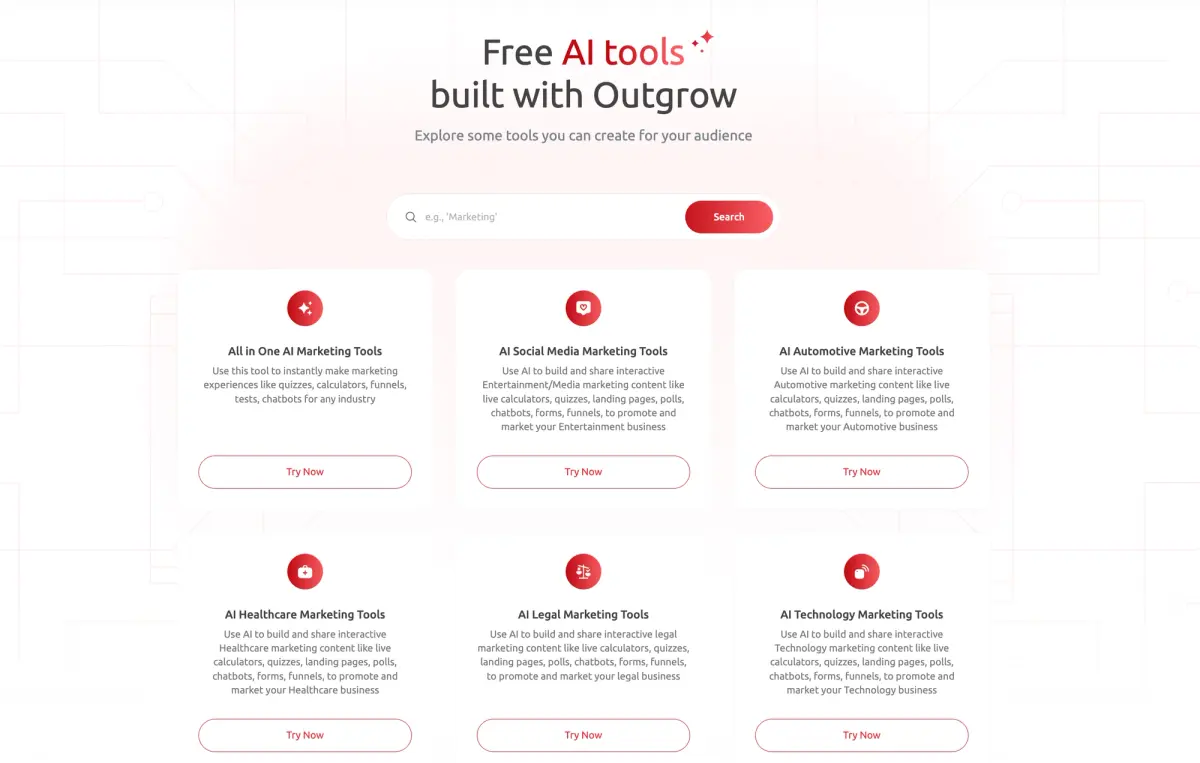
Compare Dashform and Outgrow by drafting workflow, qualification requirements, branding, and current plan allowances. Test the features your campaign needs before switching.
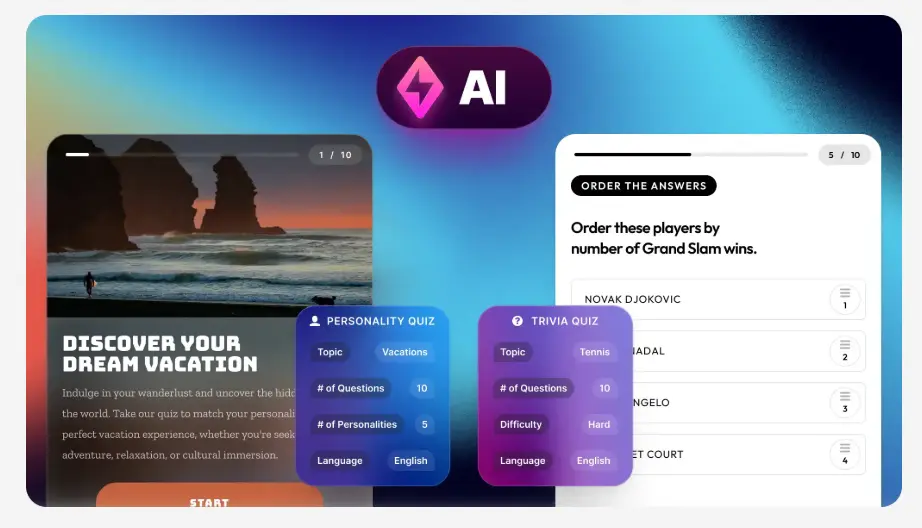
Evaluate Dashform and Riddle for quiz drafting, question logic, result content, branding, and publishing with a practical workflow checklist.
Try the world's first AI-native form and turn every response into action instantly.