The Vendor Profile Form opens with a welcome screen explaining that the information collected will be used to build a comprehensive vendor profile for potential collaborations. It then gathers four required contact and identification details — company legal name, primary contact person, official email, and business phone number — before asking for an optional website URL. The sixth question asks vendors to classify their primary offerings from six options, including 'Products', 'Services', 'Consulting', 'Software Development', and others, giving the form owner an immediate sense of what each vendor brings to the table. Two optional open-ended questions round out the form: one inviting a description of core competencies and value proposition, and another asking how long the company has been in business, which together add depth without creating barriers to submission. After submitting, respondents see a thank-you screen acknowledging their time and confirming their details have been received.
Try the conversation below to see how this template works
Trusted by over 10,000 customers and growing
Conversations Started
Questions Answered
Forms Created
Rely on the required contact questions and the "Which of the following best describes your company's primary offerings?" question to quickly categorize and route new vendor inquiries.
Use the optional "Please provide a brief description of your company, its core competencies, and unique value proposition." question to evaluate potential service partners and sponsors at a glance.
Depend on the company name, contact details, and offerings classification to build a structured directory of vendors available for sponsorships, supplies, or on-site services.

AI builds and refines your form through natural conversation no templates, no complex logic, no coding. From a simple text prompt or URL, Dashform generates intelligent flows that adapt automatically.
Dashform turns traditional form-filling into a two-way dialogue. The AI understands intent, remembers context, and asks relevant follow-up questions just like a real human conversation.
Every response is transformed into structured, meaningful, and ready-to-use data. Integrate with your favorite tools.
Everything you need to create amazing forms
Everything you need to know about this template
Don't see exactly what you need? Use our AI Form Generator to create a custom form in seconds. Just describe what you want, and AI will build it for you.
Explore more templates to find the perfect fit
 Client Intake
Gather contact details, dispute background, goals, and readiness from clients before their mediation session.
 Medical
Collect patient consent for medical treatment, covering identity, procedure details, risk acknowledgment, and electronic signature.
 Client Intake
Collect patient identity, medical history, allergies, medications, blood type, and emergency contact details in one place.
 Assessment
Document a seafarer's medical examination results, vision, cardiovascular health, and fitness-for-duty determination in one structured form.
 Event Registration
Collect a patient's full medical background — medications, allergies, past diagnoses, and family history — before an appointment.
 Client Intake
Collect patient identity and insurance details for smooth, accurate coverage verification before care.
Learn how to get the most out of your forms and templates

AI agents are taking on client intake for service businesses. How agent funnels handle discovery, qualification, and booking, and how front desks adapt.
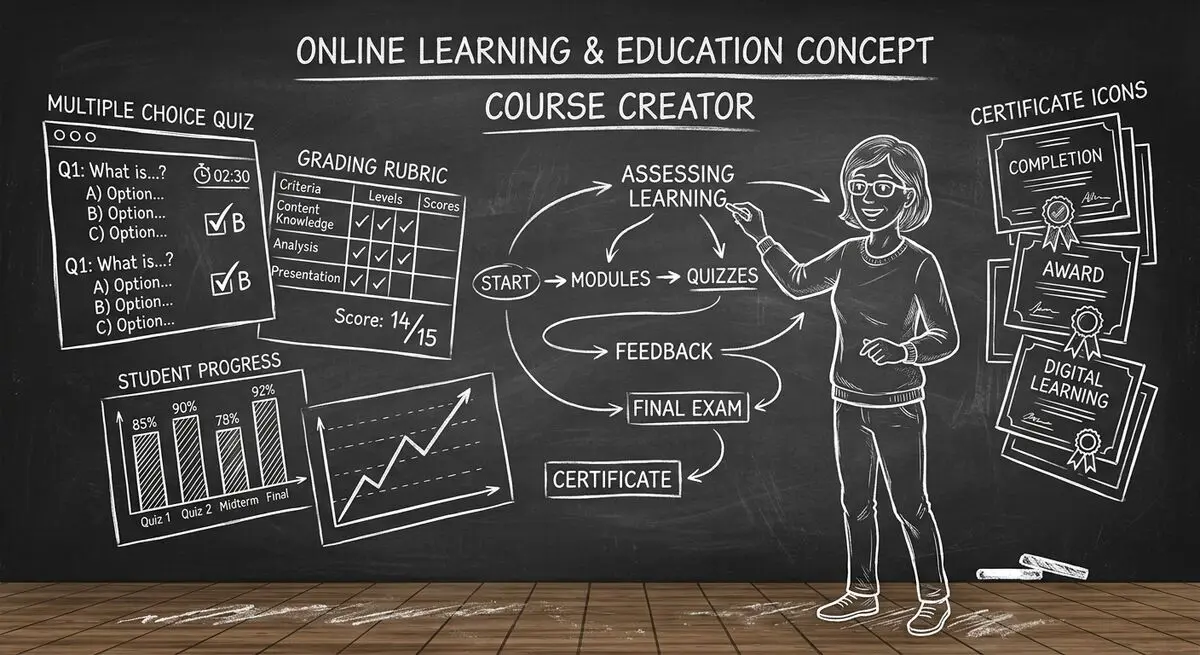
6 AI drafting tools for course creators, with suggestions for reviewing quiz questions, gathering feedback, and collecting enrollment information.
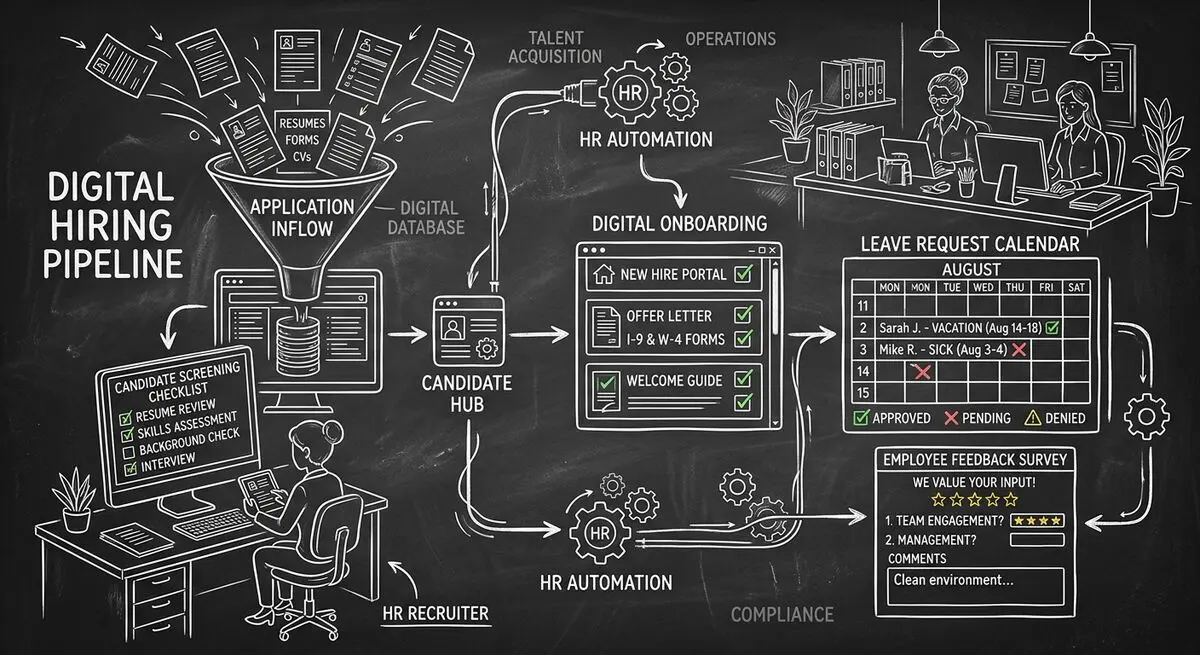
Six Dashform generator starting points for applications, onboarding forms, leave requests, surveys, and feedback, with human review and integration setup.
Try the world's first AI-native form and turn every response into action instantly.

