The Medical Details Form opens by asking for the patient's full name and date of birth, establishing identity before moving into clinical history. It then works through three optional but important open-ended questions covering allergies, current medications, and significant medical conditions or past surgeries — giving care providers a complete picture of the patient's health background. The "Do you know your blood type?" question offers nine clear options, including 'Unknown', so no patient is blocked by uncertainty. The form closes with two required questions collecting an emergency contact's name and phone number, ensuring someone can always be reached if needed. After submitting, respondents see confirmation that their medical details were recorded, with no automatic PDF transcript generated or delivered.
Try the conversation below to see how this template works
Trusted by over 10,000 customers and growing
Conversations Started
Questions Answered
Forms Created
Rely on the name, date of birth, and medical history questions to pre-populate patient records before an appointment.
Use the allergy, blood type, and emergency contact questions to prepare for on-site medical responses at large gatherings.
Depend on the emergency contact name and phone number questions to ensure a responsible adult can always be reached quickly.

AI builds and refines your form through natural conversation no templates, no complex logic, no coding. From a simple text prompt or URL, Dashform generates intelligent flows that adapt automatically.
Dashform turns traditional form-filling into a two-way dialogue. The AI understands intent, remembers context, and asks relevant follow-up questions just like a real human conversation.
Every response is transformed into structured, meaningful, and ready-to-use data. Integrate with your favorite tools.
Everything you need to create amazing forms
Everything you need to know about this template
Don't see exactly what you need? Use our AI Form Generator to create a custom form in seconds. Just describe what you want, and AI will build it for you.
Explore more templates to find the perfect fit
 Incident Report
Outline incident facts, contact details, witnesses, and reported damage before contacting the appropriate authority separately.
 Agreement
Collect a legally binding policy acceptance declaration with electronic signature from insurance clients.
 Contact
A clean, four-question contact form that captures a name, email, subject, and full message in one quick flow.
 Other
Collect contact details, skills, work samples, experience, and availability from professional candidates in one structured form.
 Evaluation Survey
Collect occupant feedback on comfort, layout, and facilities to identify what's working and what needs improving in your building.
 Satisfaction Survey
Collect branch visit ratings, service-type context, and open suggestions to improve your post office experience.
Learn how to get the most out of your forms and templates

Dashform supports MCP. Connect OpenClaw, Claude Code, LangChain, or any MCP agent to build forms, surveys, and quiz funnels through getaiform.com/api/mcp.
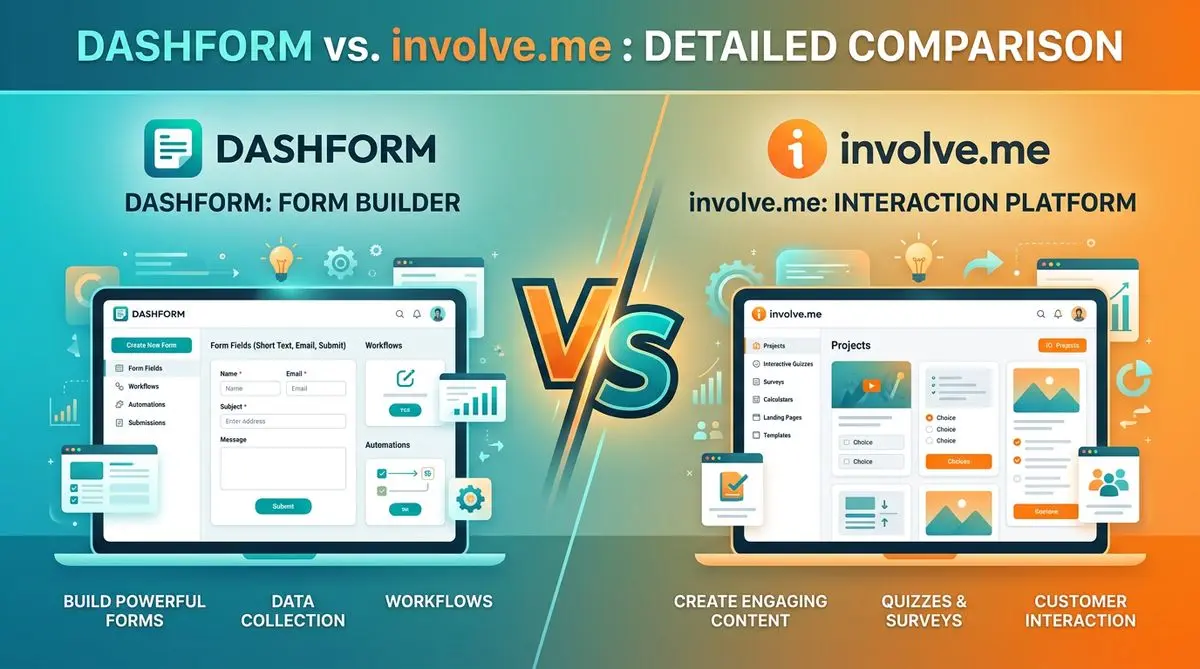
Dashform and involve.me side by side: pricing, AI generation, lead scoring, templates, and integrations, and which fits marketers, coaches, and agencies.
Dashform and LeadQuizzes side by side: templates, AI generation, white-label, lead scoring, and pricing, and which fits marketers and small businesses.
Try the world's first AI-native form and turn every response into action instantly.

