The Trade Amendment Form opens with a welcome screen explaining its purpose — formal documentation of proposed changes to existing trade agreements between nations. It then asks eight questions: the agreement's official title, the parties currently bound by it, a detailed description of the proposed changes, the specific articles or clauses affected, the proposed effective date, the rationale behind the changes, whether signatories must initial each page or section, and a list of any supporting documents or annexes. The earlier questions establish what agreement is being changed and who is involved, while the later ones capture the substance, timing, and procedural requirements of the amendment. After submitting, respondents see a confirmation screen acknowledging that their amendment details have been received for review.
Try the conversation below to see how this template works
Trusted by over 10,000 customers and growing
Conversations Started
Questions Answered
Forms Created
Relies on the "Describe the specific changes or additions proposed for the trade agreement. Please be as detailed as possible." question and the articles/clauses question to capture precise, clause-level amendment language in one place.
Uses the initialling question — "Will each page or section of this amendment require initials from signatories?" — alongside the supporting documents question to ensure procedural and evidentiary requirements are recorded from the outset.
Depends on the parties question and the proposed effective date to keep accurate records of which nations are bound and when any given amendment comes into force.

AI builds and refines your form through natural conversation no templates, no complex logic, no coding. From a simple text prompt or URL, Dashform generates intelligent flows that adapt automatically.
Dashform turns traditional form-filling into a two-way dialogue. The AI understands intent, remembers context, and asks relevant follow-up questions just like a real human conversation.
Every response is transformed into structured, meaningful, and ready-to-use data. Integrate with your favorite tools.
Everything you need to create amazing forms
Everything you need to know about this template
Don't see exactly what you need? Use our AI Form Generator to create a custom form in seconds. Just describe what you want, and AI will build it for you.
Explore more templates to find the perfect fit
 Customer Feedback
Gather post-interaction ratings, resolution feedback, and open-ended suggestions from customers in five focused questions.
 Feedback
A ten-question survey covering satisfaction, quality, highlights, problems, and likelihood to recommend.
 Client Intake
Collect customer contact details, preferred communication channel, and referral source in one tidy form.
 Survey
Measure customer satisfaction, loyalty, and acquisition in seven focused questions.
 Survey
A seven-question post-support survey covering resolution, agent helpfulness, response time, and ease of contact.
 Satisfaction Survey
A nine-question survey covering satisfaction, response time, staff knowledge, issue resolution, and likelihood to recommend.
Learn how to get the most out of your forms and templates
Map an existing ScoreApp assessment into a Dashform intake workflow, with a copyable brief, scoring worksheet, test cases, and clear migration limits.
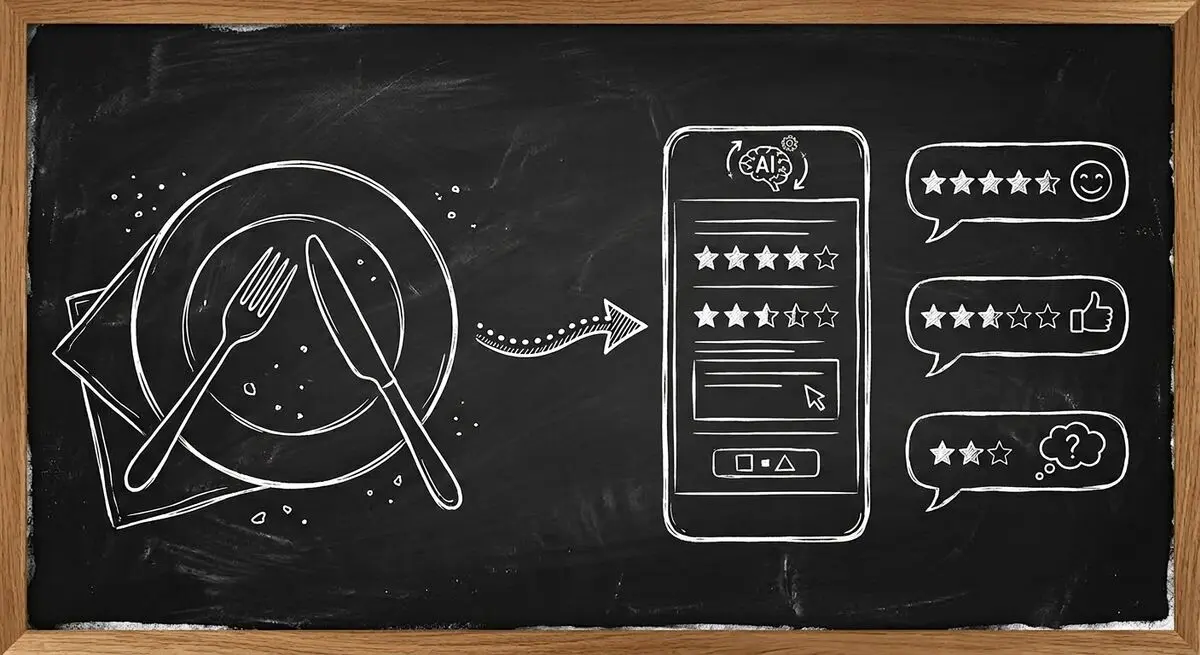
How restaurants use AI feedback forms and QR codes to read guest sentiment live, fix problems before they become public reviews, and win guests back.

Restaurant reputation tips: respond to reviews professionally, manage negative ones, and use AI feedback forms to protect and grow your restaurant's name.
Try the world's first AI-native form and turn every response into action instantly.

