This nine-question customer service survey opens by asking respondents to rate their overall satisfaction, then works through the specifics: response time and staff knowledge are single-choice questions that pinpoint where service succeeded or fell short, while the "Was your issue or question resolved to your satisfaction?" question tells the owner whether interactions actually closed the loop. Three rating questions — covering overall satisfaction, staff professionalism and courtesy, and communication clarity — give comparable numeric scores across key dimensions. Two optional open-ended questions invite praise and suggestions in the respondent's own words, placed near the end so they don't interrupt the flow of structured questions. The form closes with the "How likely are you to recommend our service to others?" question, a direct measure of loyalty. After submitting, respondents see a thank-you screen confirming that all responses are reviewed and used to improve service.
Try the conversation below to see how this template works
Trusted by over 10,000 customers and growing
Conversations Started
Questions Answered
Forms Created
The "How would you rate our response time to your inquiry or issue?" and "Was your issue or question resolved to your satisfaction?" questions give support managers concrete data on speed and resolution rates after each interaction.
The "How knowledgeable and helpful was our staff?" question and the open-ended suggestion prompt help store owners understand whether frontline staff are meeting shopper expectations.
The "How likely are you to recommend our service to others?" question gives small business owners a straightforward read on word-of-mouth potential alongside the detailed satisfaction ratings.

AI builds and refines your form through natural conversation no templates, no complex logic, no coding. From a simple text prompt or URL, Dashform generates intelligent flows that adapt automatically.
Dashform turns traditional form-filling into a two-way dialogue. The AI understands intent, remembers context, and asks relevant follow-up questions just like a real human conversation.
Every response is transformed into structured, meaningful, and ready-to-use data. Integrate with your favorite tools.
Everything you need to create amazing forms
Everything you need to know about this template
Don't see exactly what you need? Use our AI Form Generator to create a custom form in seconds. Just describe what you want, and AI will build it for you.
Explore more templates to find the perfect fit
 Checklist
Organize passenger, reservation, outbound flight, return flight, and travel notes before preparing an itinerary separately.
 Checklist
A six-question checklist covering surface condition, subfloor health, and installation compliance for any flooring inspection.
 General Survey
A six-question post-experience survey capturing satisfaction, likelihood to recommend, and open-ended feedback.
 General Survey
Collect food allergy details, reaction severity, emergency medications, and emergency contact info in one structured form.
 General Request
Request a replacement for a lost or stolen SNAP benefits card by submitting your contact details, case ID, and incident information.
 Registration
Register new clients for meal assistance by collecting contact details, household size, address, and dietary needs.
Learn how to get the most out of your forms and templates
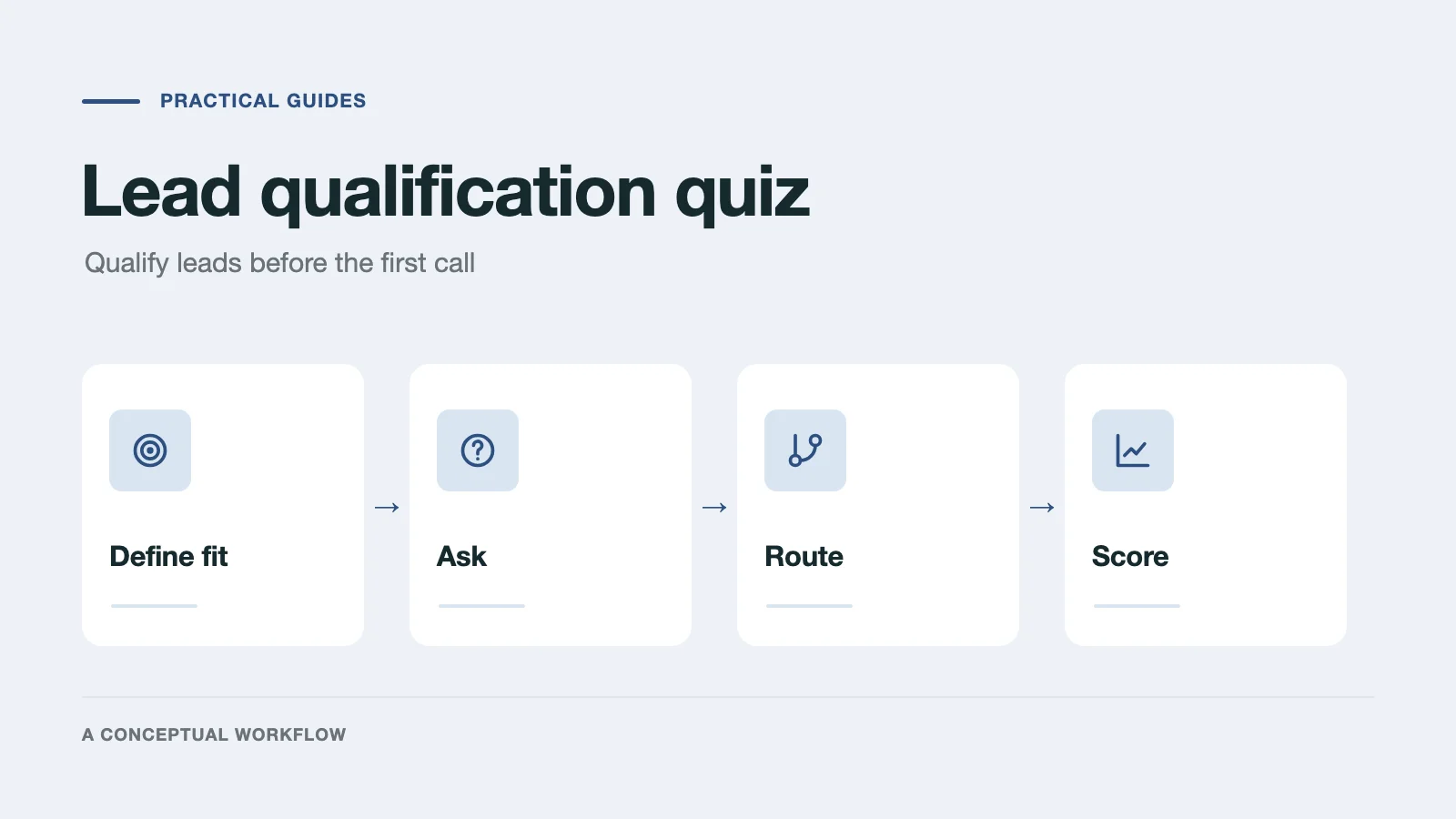
Build a lead qualification quiz: define who qualifies, ask questions that reveal fit, route each answer to a next step, and score every reply.
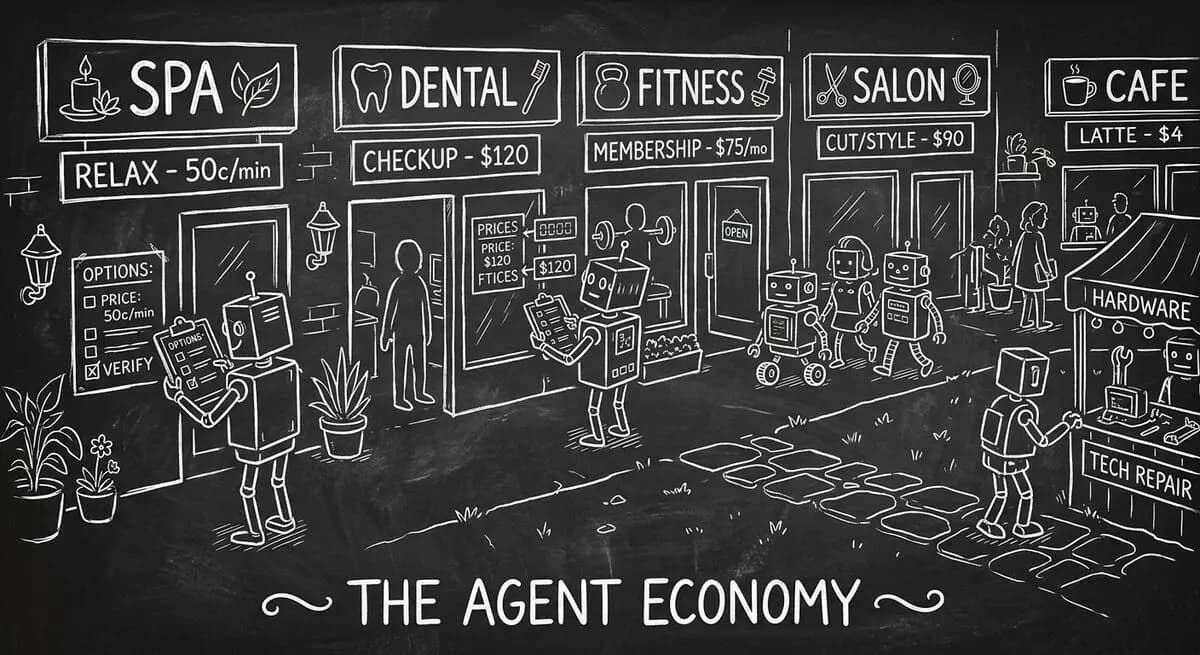
A practical guide to testing whether an authorized AI agent can find your service details and send an inquiry, with separate setup for confirmed bookings.

OpenAI's GPT-5.4 joined Claude Opus 4.6 and Gemini 3.1 Pro in early 2026. How their strengths differ for forms, quizzes, and lead qualification.
Try the world's first AI-native form and turn every response into action instantly.

