This form opens by asking for the respondent's full name and email address — both required — to establish a reliable record for follow-up. An optional phone number question follows, paired immediately with the "What is your preferred method of contact?" question, so the owner can note a preference; phone or SMS follow-up also needs the optional number. The "How did you hear about us? (Select all that apply)" question lets respondents pick as many sources as apply, giving the owner a clear picture of which marketing channels are driving new customers. A final open-ended comments question invites any preferences or notes the earlier questions didn't capture. After submitting, respondents see a brief thank-you screen confirming their details have been received.
Try the conversation below to see how this template works
Trusted by over 10,000 customers and growing
Conversations Started
Questions Answered
Forms Created
Relies on the "What is your preferred method of contact?" question to plan follow-up using the stated preference and the contact details actually provided.
Uses the open-ended "Do you have any additional comments or specific preferences you'd like us to know?" question to capture client needs before the first appointment or consultation.
Depends on the "How did you hear about us? (Select all that apply)" question to track which channels — social media, referrals, search, or ads — are bringing in new customers.

AI builds and refines your form through natural conversation no templates, no complex logic, no coding. From a simple text prompt or URL, Dashform generates intelligent flows that adapt automatically.
Dashform turns traditional form-filling into a two-way dialogue. The AI understands intent, remembers context, and asks relevant follow-up questions just like a real human conversation.
Every response is transformed into structured, meaningful, and ready-to-use data. Integrate with your favorite tools.
Everything you need to create amazing forms
Everything you need to know about this template
Don't see exactly what you need? Use our AI Form Generator to create a custom form in seconds. Just describe what you want, and AI will build it for you.
Explore more templates to find the perfect fit
 Information Request
Collect verified personal details and explicit data-use consent from individuals in one secure, structured form.
 Inquiry
Capture construction project inquiries with contact details, project type, description, timeline, and referral source.
 Progress Tracking
A structured weekly or periodic update form for construction teams to report phase, progress, challenges, next steps, and schedule status.
 Quote Request
Collect project scope, materials, timeline, budget, and permitting details to build an accurate construction proposal.
 Document Submission
Submit proposed materials, equipment, shop drawings, or work methods for project team review and approval.
 Registration
Collect a child's legal name, date of birth, parent/guardian contact, emergency contact, and medical notes in one tidy form.
Learn how to get the most out of your forms and templates
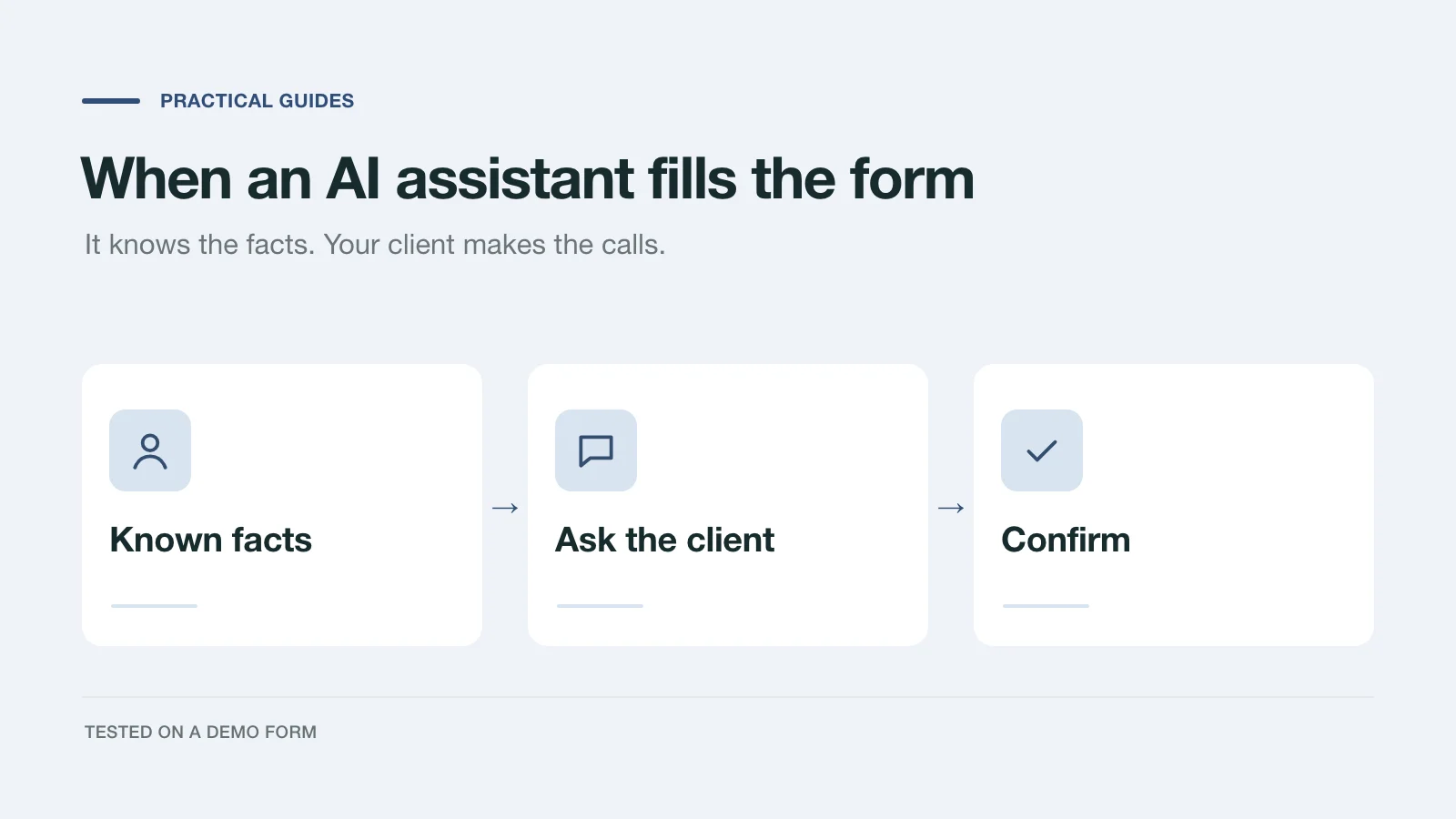
We had an AI assistant complete a demo project inquiry by clicking through the page and via a handoff prompt. What it knew, what it asked, what to change.
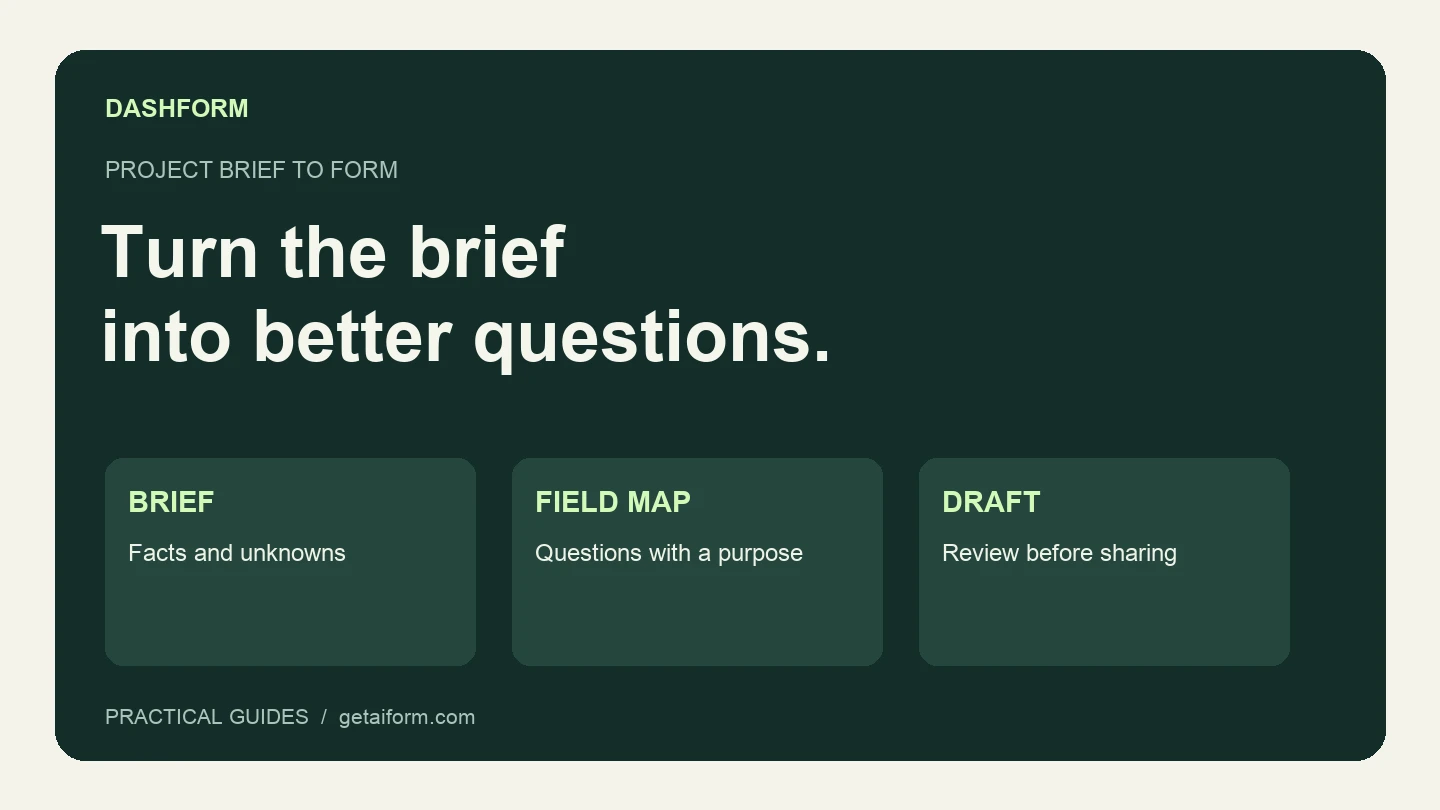
Turn a fictional agency brief into a reviewed Dashform draft using Claude Code, with copyable prompts, a field map, and a publication checklist.
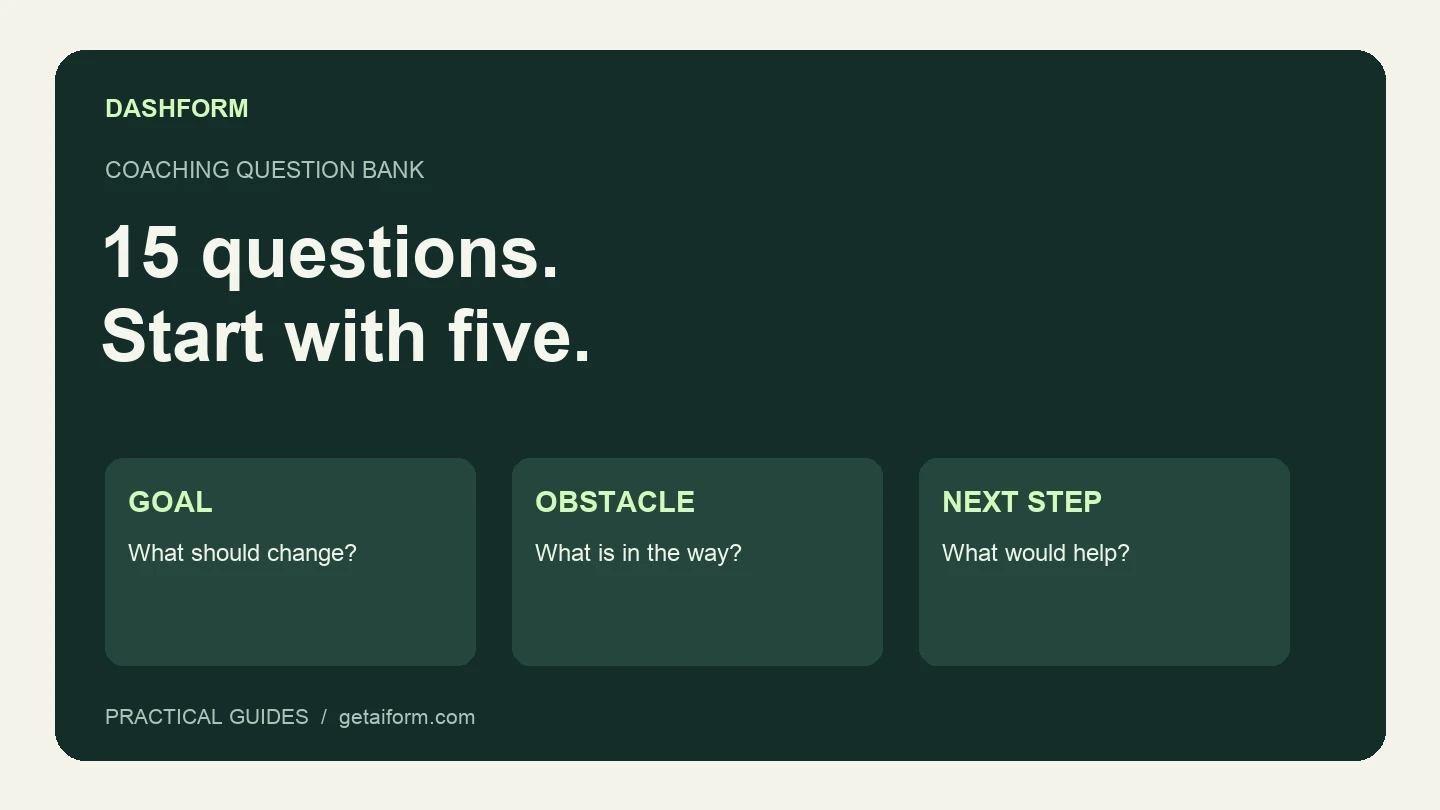
A practical coaching question bank with a five-question discovery form, example answers, follow-up guidance, and a copyable Dashform prompt.
Try the world's first AI-native form and turn every response into action instantly.

