This customer feedback survey opens by asking how the respondent interacted with the business — online purchase, in-store, support contact, and so on — so every subsequent answer is read in the right context. It then collects two separate ratings: one for overall satisfaction and one specifically for product or service quality, giving owners a clearer picture than a single score would. A multiple-choice question captures positive highlights, while a required question about problems lets respondents flag anything from no issues at all to serious unresolved ones. Two open-ended questions — one focused on issues or suggestions, one a catch-all — give respondents space to say what the rating scales can't capture. The survey closes with a standard likelihood-to-recommend rating before a thank-you screen that confirms responses have been recorded and will be reviewed.
Try the conversation below to see how this template works
Trusted by over 10,000 customers and growing
Conversations Started
Questions Answered
Forms Created
Relies on the "How did you interact with us?" and "How would you rate the quality of our product or service?" questions to separate delivery and browsing experience from the product itself.
Uses the "Did you encounter any problems or frustrations?" question alongside the open-ended "Please describe any issues or suggestions for improvement" question to surface recurring pain points and unresolved cases.
Leans on the likelihood-to-recommend rating and the "Which aspects of your experience stood out positively?" question to identify what drives retention and what still needs work.

AI builds and refines your form through natural conversation no templates, no complex logic, no coding. From a simple text prompt or URL, Dashform generates intelligent flows that adapt automatically.
Dashform turns traditional form-filling into a two-way dialogue. The AI understands intent, remembers context, and asks relevant follow-up questions just like a real human conversation.
Every response is transformed into structured, meaningful, and ready-to-use data. Integrate with your favorite tools.
Everything you need to create amazing forms
Everything you need to know about this template
Don't see exactly what you need? Use our AI Form Generator to create a custom form in seconds. Just describe what you want, and AI will build it for you.
Explore more templates to find the perfect fit
 Checklist
A five-question checklist to map out your Black Friday goals, budget, categories, and shopping channel before the big day.
 Signup
Collect name, email, product interests, and referral source ahead of your Black Friday sale.
 Checklist
A five-question checklist to help shoppers review personal safety, security, and planning before Black Friday.
 Document Submission
Collect seller and buyer details, property description, transaction type, and value for a property deed record.
 General Application
A structured application form for prospective board members covering contact info, background, motivation, and availability.
 Registration
A clean five-question registration form that collects contact details and submission channel in under a minute.
Learn how to get the most out of your forms and templates
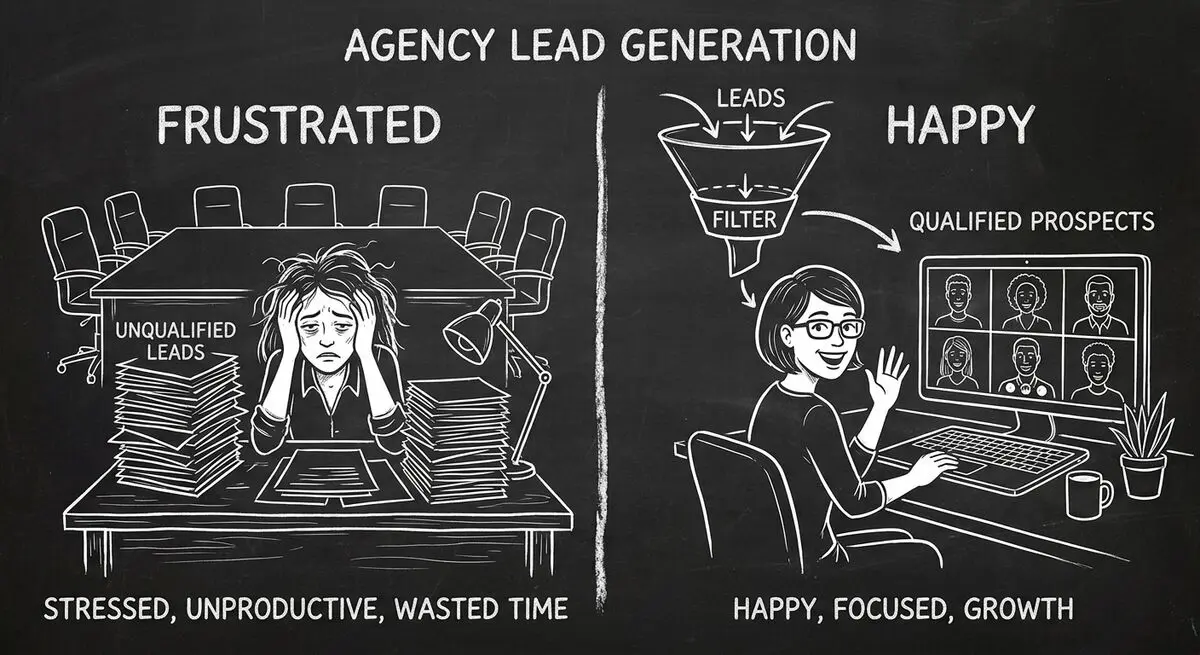
An illustrative playbook for a B2B content agency swapping its contact form for an AI quiz funnel: the questions, scoring, routing, and 60-day metrics.
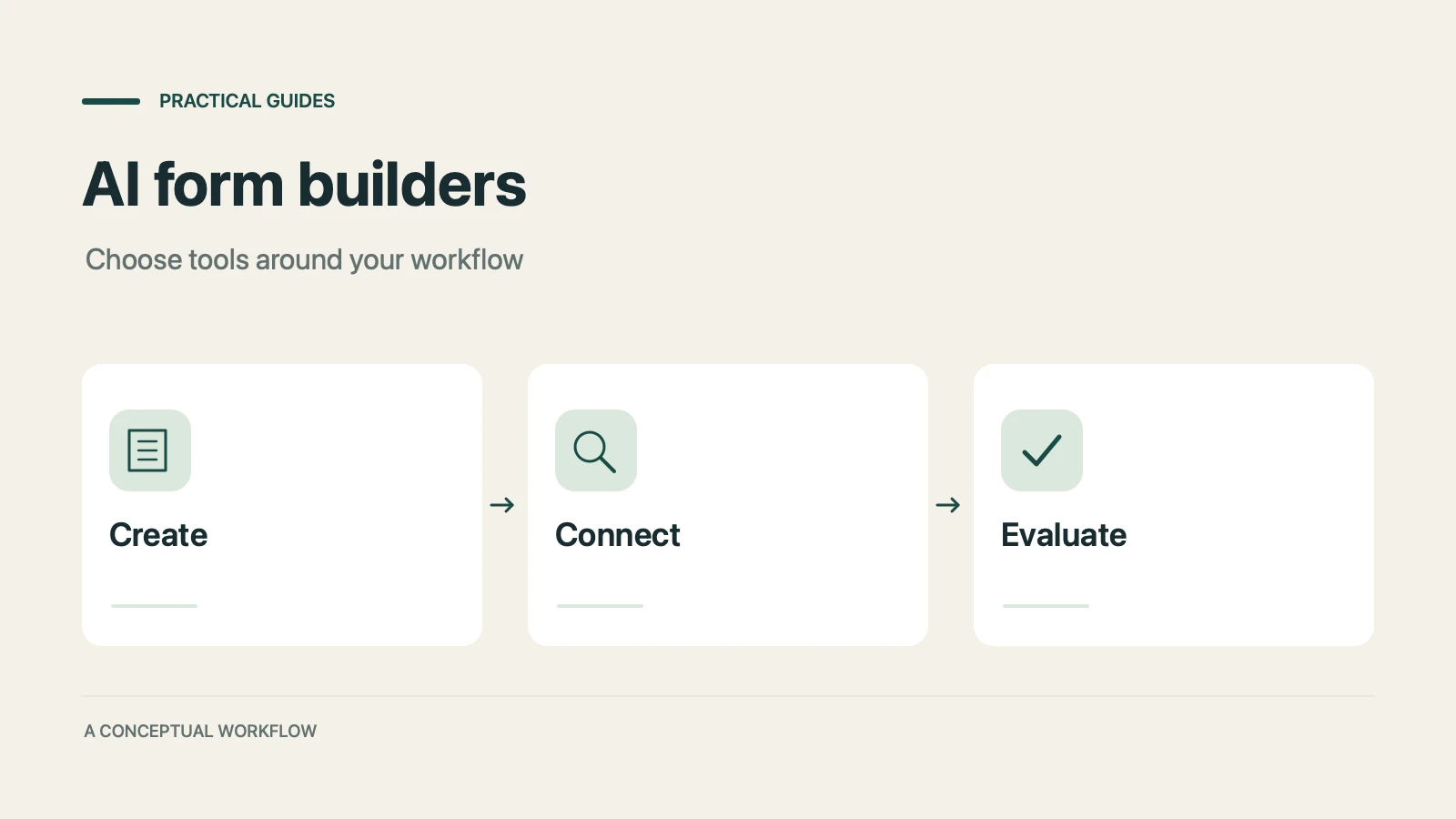
AI lead form tools compared: Dashform, Typeform, Jotform, Fillout, Heyflow, Tally, and involve.me on drafting, scoring, integrations, and best use.
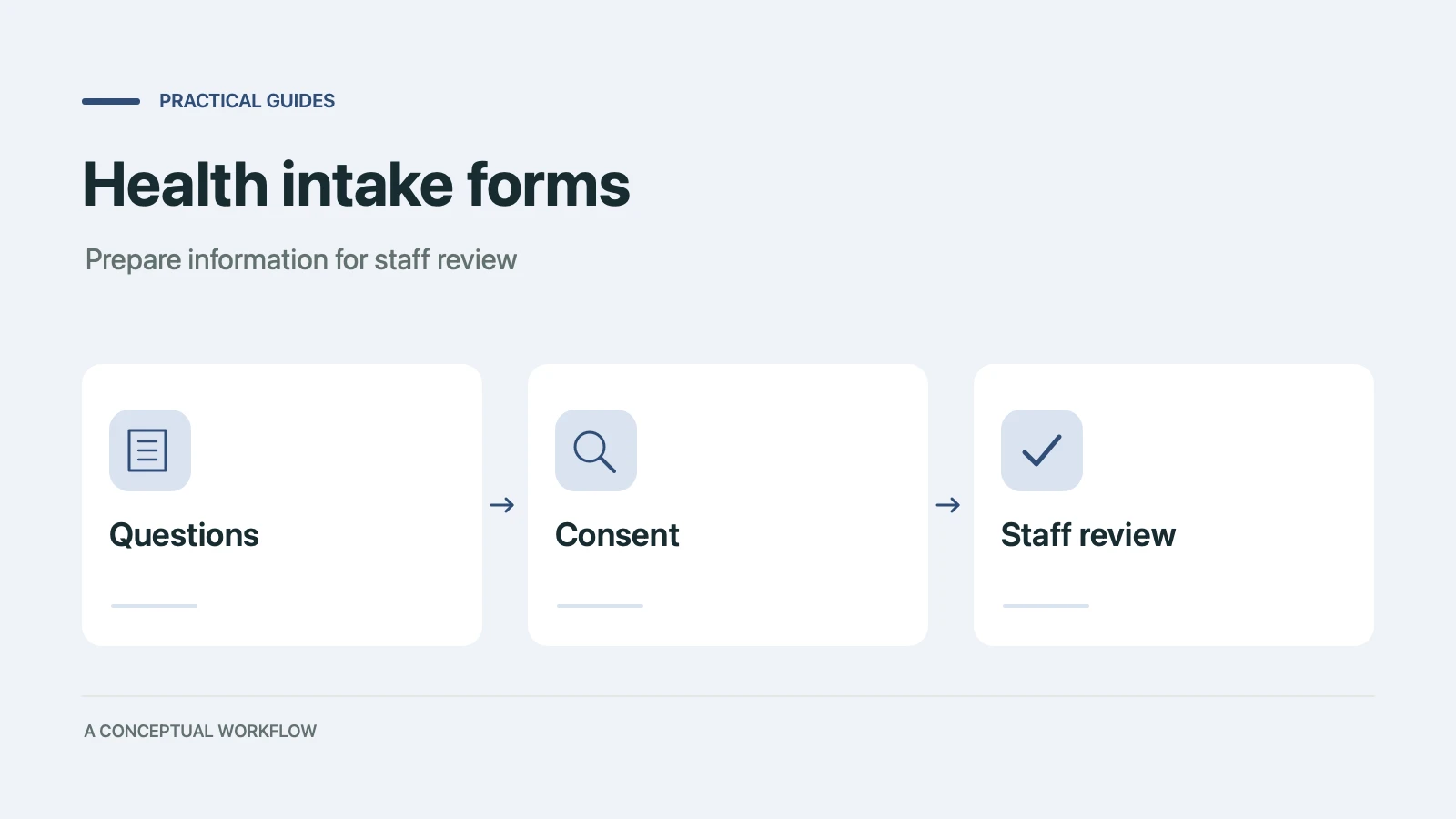
Draft intake questions for clinician review, distinguish administrative forms from validated assessments, and plan privacy and scheduling requirements.
Try the world's first AI-native form and turn every response into action instantly.

