This telehealth consent form opens by asking for the respondent's full legal name and date of birth to tie the consent record to a verified patient identity. It then asks whether they consent to receive remote healthcare services, with a clear yes-or-no choice, followed by an optional open-ended question inviting them to describe any questions or concerns about the risks and benefits of telehealth — giving the provider a chance to address hesitations before care begins. The form closes with an electronic signature question, where typing their full name serves as a binding acknowledgment of consent. After submitting, respondents see a confirmation that their responses have been received securely.
Try the conversation below to see how this template works
Trusted by over 10,000 customers and growing
Conversations Started
Questions Answered
Forms Created
Relies on the "Do you consent to receive healthcare services via telehealth?" question and the electronic signature question to create a complete, documented consent record before a remote appointment begins.
Uses the "Please enter your full legal name." and "Please enter your date of birth (MM/DD/YYYY)." questions to verify patient identity and attach the consent to the correct record.
Depends on the electronic signature question and the secure submission confirmation to demonstrate that informed consent was obtained and acknowledged in a traceable way.

AI builds and refines your form through natural conversation no templates, no complex logic, no coding. From a simple text prompt or URL, Dashform generates intelligent flows that adapt automatically.
Dashform turns traditional form-filling into a two-way dialogue. The AI understands intent, remembers context, and asks relevant follow-up questions just like a real human conversation.
Every response is transformed into structured, meaningful, and ready-to-use data. Integrate with your favorite tools.
Everything you need to create amazing forms
Everything you need to know about this template
Don't see exactly what you need? Use our AI Form Generator to create a custom form in seconds. Just describe what you want, and AI will build it for you.
Explore more templates to find the perfect fit
 Agreement
Collect signed handbook acknowledgments from students and parents at the start of the school year.
 Survey
A five-question survey that uncovers why students stay or leave, covering satisfaction, support, social life, and key retention factors.
 Registration
Collect key details about a student's training program, from dates and type to skills gained and self-rated performance.
 Order
Submit subcontractor work orders with project details, scope, urgency, and contact info in one streamlined form.
 Agreement
Collect all key terms for a sublease — parties, dates, rent, deposit, and landlord consent — ready to draft an agreement.
 Subscription
Collect plan choices, billing preferences, and content interests from new subscribers in one clean form.
Learn how to get the most out of your forms and templates
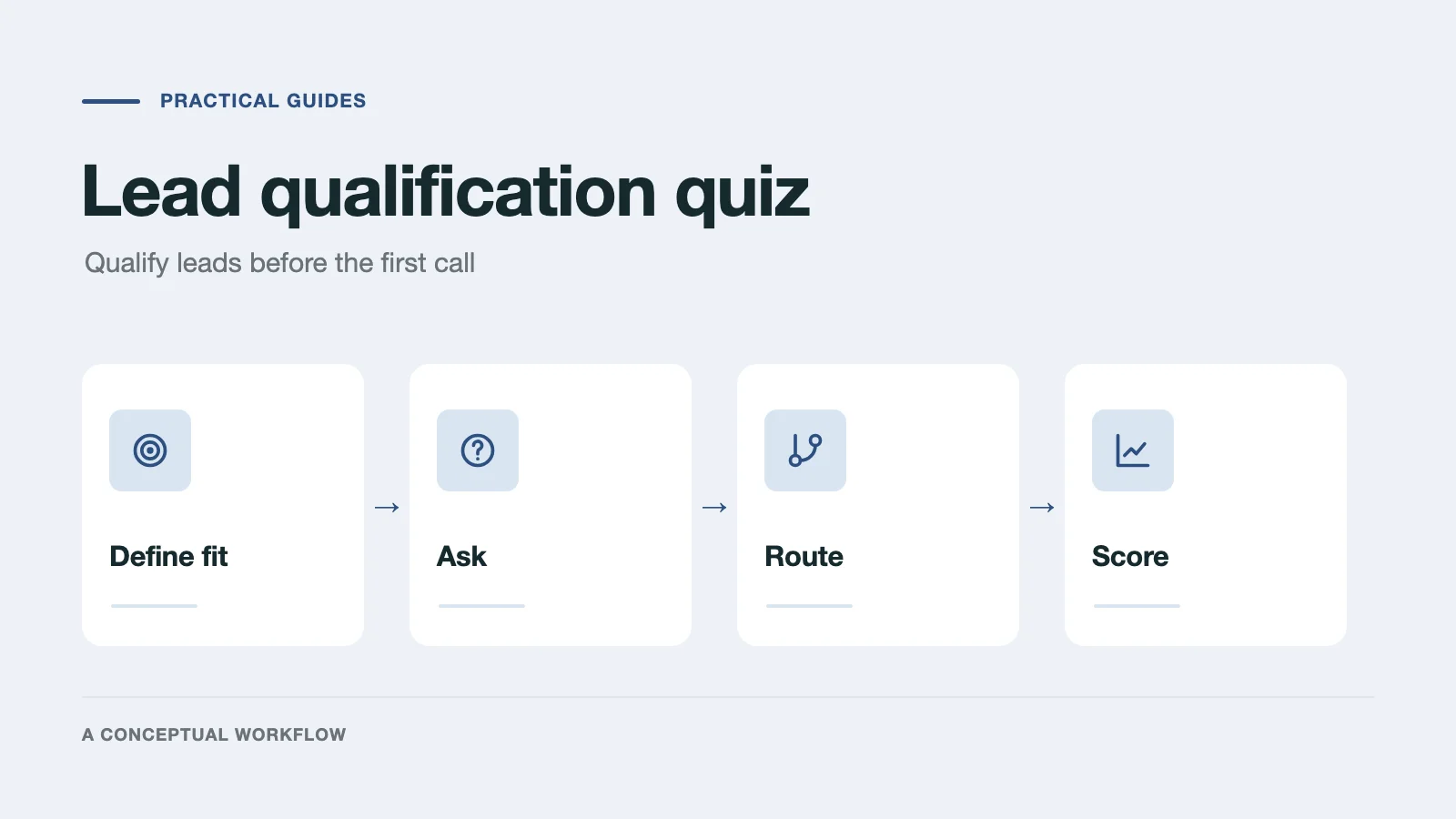
Build a lead qualification quiz: define who qualifies, ask questions that reveal fit, route each answer to a next step, and score every reply.
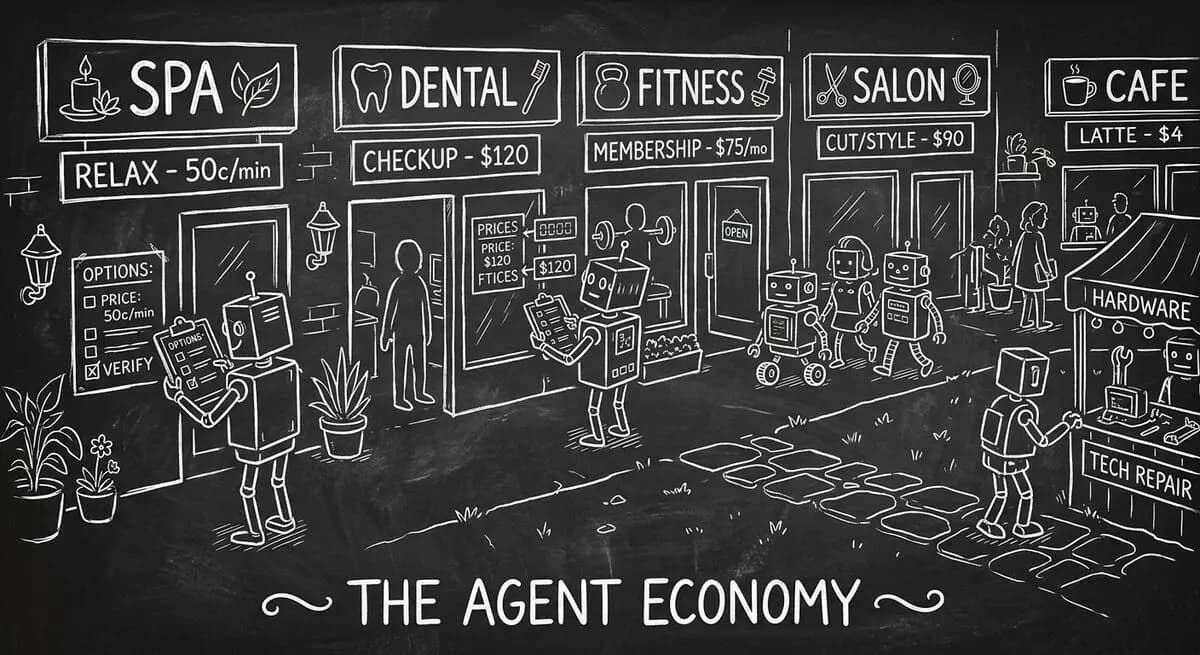
A practical guide to testing whether an authorized AI agent can find your service details and send an inquiry, with separate setup for confirmed bookings.

OpenAI's GPT-5.4 joined Claude Opus 4.6 and Gemini 3.1 Pro in early 2026. How their strengths differ for forms, quizzes, and lead qualification.
Try the world's first AI-native form and turn every response into action instantly.

