This nine-question form collects every detail needed to draft a sublease agreement, starting with the legal names of the original tenant and subtenant, the full property address, and the exact lease dates. It then moves into the financial terms — monthly rent and any security deposit — before asking whether the landlord has consented to the sublease, which determines whether the arrangement is legally sound before it goes further. A final optional question captures utility responsibilities so there are no grey areas once the subtenant moves in. After submitting, respondents see a confirmation telling them their agreement will be prepared for review and signatures from all parties.
Try the conversation below to see how this template works
Trusted by over 10,000 customers and growing
Conversations Started
Questions Answered
Forms Created
Relies on the landlord consent question to confirm whether permission has been secured before the agreement moves to the drafting stage.
Uses the rent, security deposit, and utility questions together to ensure every financial obligation is documented before any party signs.
Depends on the start and end date questions to lock in fixed sublease terms that align with semester or academic-year schedules.

AI builds and refines your form through natural conversation no templates, no complex logic, no coding. From a simple text prompt or URL, Dashform generates intelligent flows that adapt automatically.
Dashform turns traditional form-filling into a two-way dialogue. The AI understands intent, remembers context, and asks relevant follow-up questions just like a real human conversation.
Every response is transformed into structured, meaningful, and ready-to-use data. Integrate with your favorite tools.
Everything you need to create amazing forms
Everything you need to know about this template
Don't see exactly what you need? Use our AI Form Generator to create a custom form in seconds. Just describe what you want, and AI will build it for you.
Explore more templates to find the perfect fit
 Registration
Collect student name, date of birth, grade level, parent contact details, and emergency contact in one tidy form.
 General Request
Collect student details, optional email-address preferences, and agreement or clarification needs about institutional IT policies.
 Survey
Collect student feedback on classroom satisfaction, engagement, material clarity, and instructor support.
 Agreement
Collect student housing details, emergency contacts, and formal agreement acceptance in one streamlined form.
 Agreement
Collect signed handbook acknowledgments from students and parents at the start of the school year.
 Survey
A five-question survey that uncovers why students stay or leave, covering satisfaction, support, social life, and key retention factors.
Learn how to get the most out of your forms and templates

Dashform supports MCP. Connect OpenClaw, Claude Code, LangChain, or any MCP agent to build forms, surveys, and quiz funnels through getaiform.com/api/mcp.
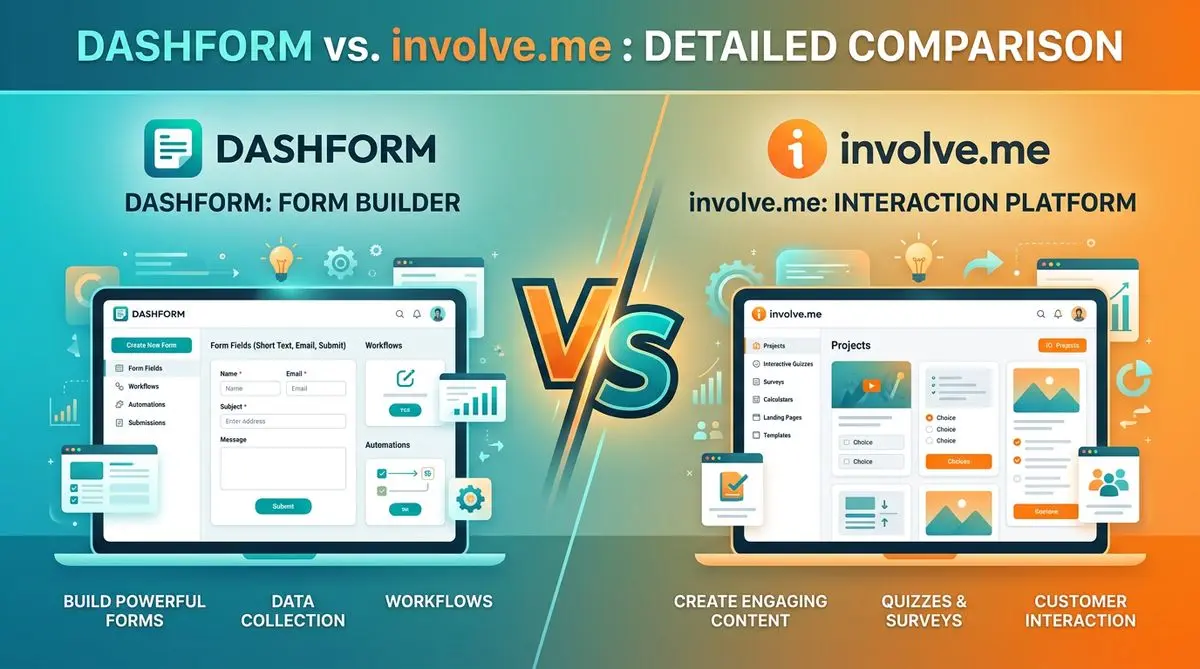
Dashform and involve.me side by side: pricing, AI generation, lead scoring, templates, and integrations, and which fits marketers, coaches, and agencies.
Dashform and LeadQuizzes side by side: templates, AI generation, white-label, lead scoring, and pricing, and which fits marketers and small businesses.
Try the world's first AI-native form and turn every response into action instantly.

