This registration form opens by collecting contact essentials — full name, email address, and primary phone number — then asks the "What is your preferred method of contact?" question so the coordinating team knows how to follow up in the way that works best for each volunteer. The "When are you generally available to volunteer for telechaplaincy services? (Select all that apply)" question covers six slots across weekday and weekend mornings, afternoons, and evenings, giving schedulers the detail they need to match volunteers to service windows. The optional "Do you have any prior experience in spiritual care, counseling, or active listening? If so, please describe." question lets applicants share relevant background without making it a barrier to entry, while the final "Why are you interested in volunteering for telechaplaincy services?" question helps the team understand each volunteer's motivations. After submitting, respondents see a warm confirmation screen thanking them and letting them know the team will be in touch shortly.
Try the conversation below to see how this template works
Trusted by over 10,000 customers and growing
Conversations Started
Questions Answered
Forms Created
The availability question's six time slots help coordinators schedule remote pastoral coverage across day and evening shifts without back-and-forth.
The optional experience question lets coordinators quickly identify volunteers with a background in active listening or grief support when pairing them with patients.
The "Why are you interested in volunteering for telechaplaincy services?" question reveals each applicant's motivations, making it easier to match volunteers to communities and roles that fit their values.

AI builds and refines your form through natural conversation no templates, no complex logic, no coding. From a simple text prompt or URL, Dashform generates intelligent flows that adapt automatically.
Dashform turns traditional form-filling into a two-way dialogue. The AI understands intent, remembers context, and asks relevant follow-up questions just like a real human conversation.
Every response is transformed into structured, meaningful, and ready-to-use data. Integrate with your favorite tools.
Everything you need to create amazing forms
Everything you need to know about this template
Don't see exactly what you need? Use our AI Form Generator to create a custom form in seconds. Just describe what you want, and AI will build it for you.
Explore more templates to find the perfect fit
 Evaluation
Track assignment progress across a class by collecting each student's status, submission date, and confidence level.
 Application
A straightforward application form for athletes to share their contact details, sport, achievements, and social media profile for sponsorship review.
 Registration
Register a student-athlete for a sports season by submitting their details, sport selection, emergency contact, and participation consent.
 Attendance
Enter participant, event, organizer, and attendance-hour details for separate certificate preparation.
 Rsvp
Track attendance across events, training sessions, or workplaces with a single, straightforward form.
 Assessment
Capture audit scope, findings, compliance status, recommendations, and priority level in one structured report.
Learn how to get the most out of your forms and templates
Weighing Dashform as a Heyflow alternative? Compare AI drafting, qualification, ad tracking, and pricing, then run the pilot brief before you switch.
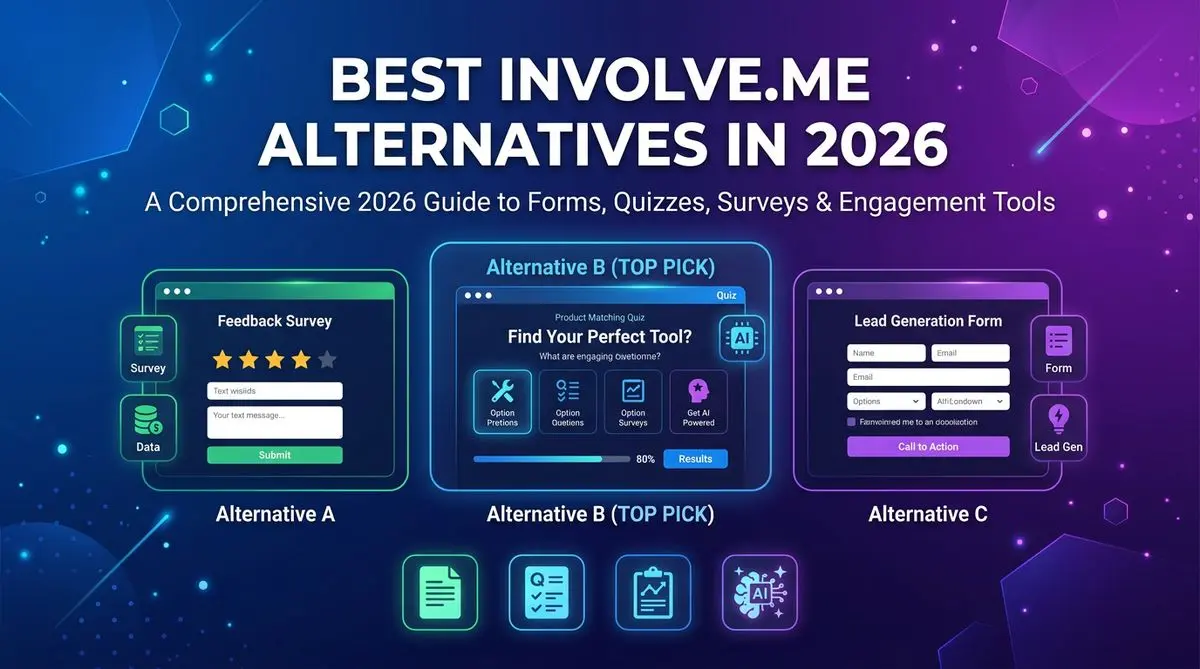
Compare 7 involve.me alternatives (Dashform, Outgrow, Interact, LeadQuizzes, ScoreApp, Typeform, Tally) by best use, free plan, and white-label.

LeadQuizzes' interface is dated and its plans cap responses. 7 alternatives with AI quiz generation, automatic lead scoring, and modern UX, compared.
Try the world's first AI-native form and turn every response into action instantly.

