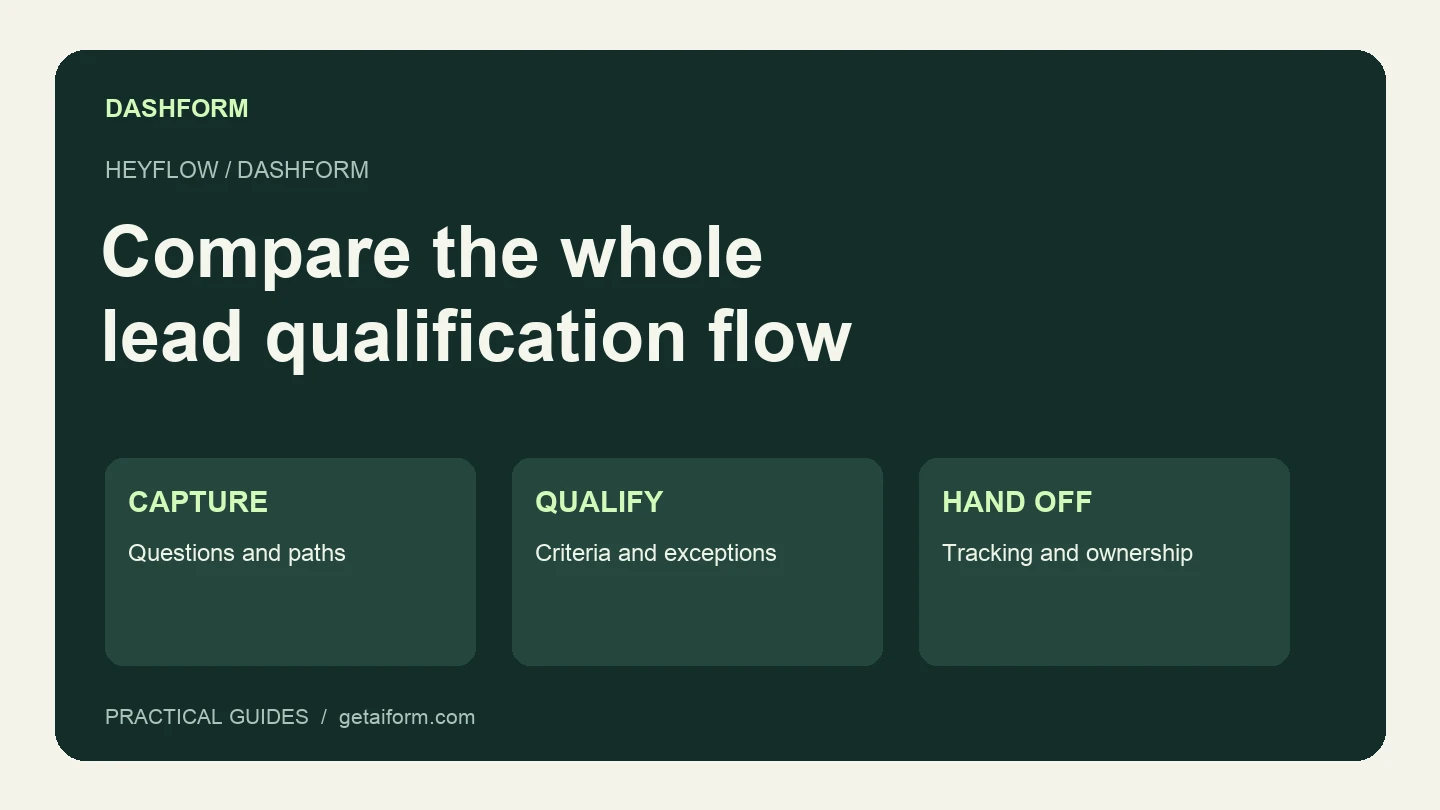
If a Heyflow funnel is already sending useful leads to your sales team, replacing it starts with a list of what must keep working. That list may include a phone validation step, a tracking event, a conditional question, and the field mapping into your CRM. Recreating the visible questions is only part of the job.
Dashform is a candidate when you want to build intake from a business brief and review inquiries against your own criteria. Heyflow is worth keeping on your shortlist when the campaign depends on its design, experimentation, or tracking tools.
This is a two-product comparison written by Dashform, based on product information checked September 8, 2026. We have not measured a conversion-rate difference between the products.
Both products offer AI assistance
Heyflow's current plans advertise AI-generated blocks. Its site also includes AI campaign and MCP offerings. An “AI versus manual builder” comparison no longer helps you choose.
Instead, give each builder the same brief and inspect the draft. Did it ask about the service you actually sell? Did it invent a price? Can you edit the awkward question without rebuilding everything? Those checks tell you more than an AI badge.
| Decision | Heyflow | Dashform |
|---|---|---|
| Drafting the form | AI-generated blocks and a visual funnel workflow | Generate and edit a form from a description |
| Qualification | Conditional logic; formulas and calculations are listed in its conversion bundle | Structured branching and AI review using hot, warm, and cold criteria |
| Campaign measurement | Documents ad tracking integrations and native A/B testing, with plan or bundle differences | Check each required tracking event and integration in your proposed setup |
| Agent-assisted creation | Publishes an MCP offering; inspect its current scope | Authenticated MCP supports draft creation, edits, and separate publication |
| Buying decision | Match the required bundles, responses, and seats | Match reply and AI-credit allowances to your usage |
The Heyflow details above come from its current pricing and feature list. Dashform's workflow is described in the getting-started guide and MCP setup guide.
Compare a complete setup, in the right currency
Heyflow's pricing page varies by billing interval, currency, and lead-generation versus ecommerce use. During this review its lead-generation cards displayed euro prices. Use the selectors on the live pricing page and record the quote for your own setup before comparing it with a dollar price elsewhere.
Dashform has a free Hobby tier and paid Pro and Business plans. Its pricing page lists both reply allowances and AI credits. A free pilot does not mean unlimited replies or unlimited AI usage.
For either product, estimate the total needed for the campaign you intend to run: monthly responses, collaborators, branding requirements, integrations, and experimentation. Ad spend is a separate budget. Neither builder requires you to buy ads merely to collect a response.
A pilot worth running before you migrate
Use a single inquiry flow with a clear next action. Here is an illustrative brief for a website agency:
Draft a structured website-project inquiry form.
We need the visitor's requested service, desired outcome, current site,
budget range, target start date, approval process, and contact email.
Use these services: website redesign, new website, ongoing site support,
and other. Include "Not sure yet" for budget and timing.
Ask a short clarification when "other" is selected.
Don't invent prices, available dates, or a guaranteed booking.
End by saying that the team will review the inquiry.
Keep the form unpublished while we check it.
Use your own service list and budget bands. For scoring, our agency qualification scorecard includes a worked rubric and explains how to keep exact arithmetic separate from an AI judgment.
Next, test the whole handoff:
- Submit a clear-fit example and check every saved answer.
- Try “other” and “not sure yet” so you can see the fallback behavior.
- Check the mobile form, confirmation text, and destination of every link.
- If you connect a CRM, inspect the resulting record and field mapping.
- If you rely on advertising measurement, verify the actual event in the receiving system. A generic webhook alone does not prove correct ad attribution.
Keep test inquiries clearly labeled and separate from real leads. Don't switch your main campaign URL until its required behaviors pass.
AI generation does not replace A/B testing
An AI-written form is a draft. It can still ask an unnecessary question, explain your offer badly, or send a visitor to the wrong next step.
If you need an experiment, define the competing versions and measure the same outcome for both. Count qualified inquiries and later progress as well as completions. A shorter form can collect more submissions while leaving the team with less useful context.
We recommend piloting Dashform when collecting and reviewing inquiries is the main job. If your existing Heyflow campaign depends on a particular testing or tracking feature, confirm that feature in the replacement before moving it. There is no useful universal ad-spend threshold at which one product becomes the correct choice.
Build the pilot in Dashform using the brief above, then compare the saved inquiry and follow-up work with your current flow.