

The Progress Tracking Form opens by collecting identity and context — name, email, project or goal name, and check-in date — so every update is correctly attributed and timestamped. It then asks for "Current Status" and "Overall Progress (% Complete)" as structured single-choice questions, giving owners an at-a-glance snapshot without interpretation. Three open-ended questions follow: what was accomplished, what blockers exist (optional, so respondents aren't forced to invent problems), and what the next steps are — together building a concise narrative around that snapshot. The form closes with "How confident are you in hitting your next milestone?", a rating that flags morale or risk before it becomes a missed deadline. After submitting, respondents see a confirmation noting their update has been recorded and that any urgent blockers will prompt a follow-up.
Try the conversation below to see how this template works
Trusted by over 10,000 customers and growing
Conversations Started
Questions Answered
Forms Created
Rely on "Current Status" and "Overall Progress (% Complete)" to aggregate team-wide snapshots without scheduling extra status meetings.
Use the accomplishments and next-steps questions to replace the written portion of a stand-up, keeping everyone aligned across time zones.
Depend on "How confident are you in hitting your next milestone?" alongside the blockers question to spot where a client or mentee needs the most support before the next session.

AI builds and refines your form through natural conversation no templates, no complex logic, no coding. From a simple text prompt or URL, Dashform generates intelligent flows that adapt automatically.
Dashform turns traditional form-filling into a two-way dialogue. The AI understands intent, remembers context, and asks relevant follow-up questions just like a real human conversation.
Every response is transformed into structured, meaningful, and ready-to-use data. Integrate with your favorite tools.
Everything you need to create amazing forms
Everything you need to know about this template
Don't see exactly what you need? Use our AI Form Generator to create a custom form in seconds. Just describe what you want, and AI will build it for you.
Explore more templates to find the perfect fit
 Survey
Gather structured AirPods feedback on satisfaction, sound, and comfort, plus open-ended thoughts on features and improvements.
 Job Application
Gather professional background, reference contacts, availability, skills, and motivation without asking applicants about family background.
 Appointment Booking
A straightforward booking form that captures contact details, preferred date and time, and visit purpose.
 Appointment Booking
Request an appointment with contact details, preferred timing, and a reason for the visit so staff can review availability.
 Course Registration
Register for an art workshop by sharing your contact details, chosen class, experience level, and payment preference.
 Application
Submit your artist or band demo for consideration in upcoming projects or events with this seven-question reply form.
Learn how to get the most out of your forms and templates
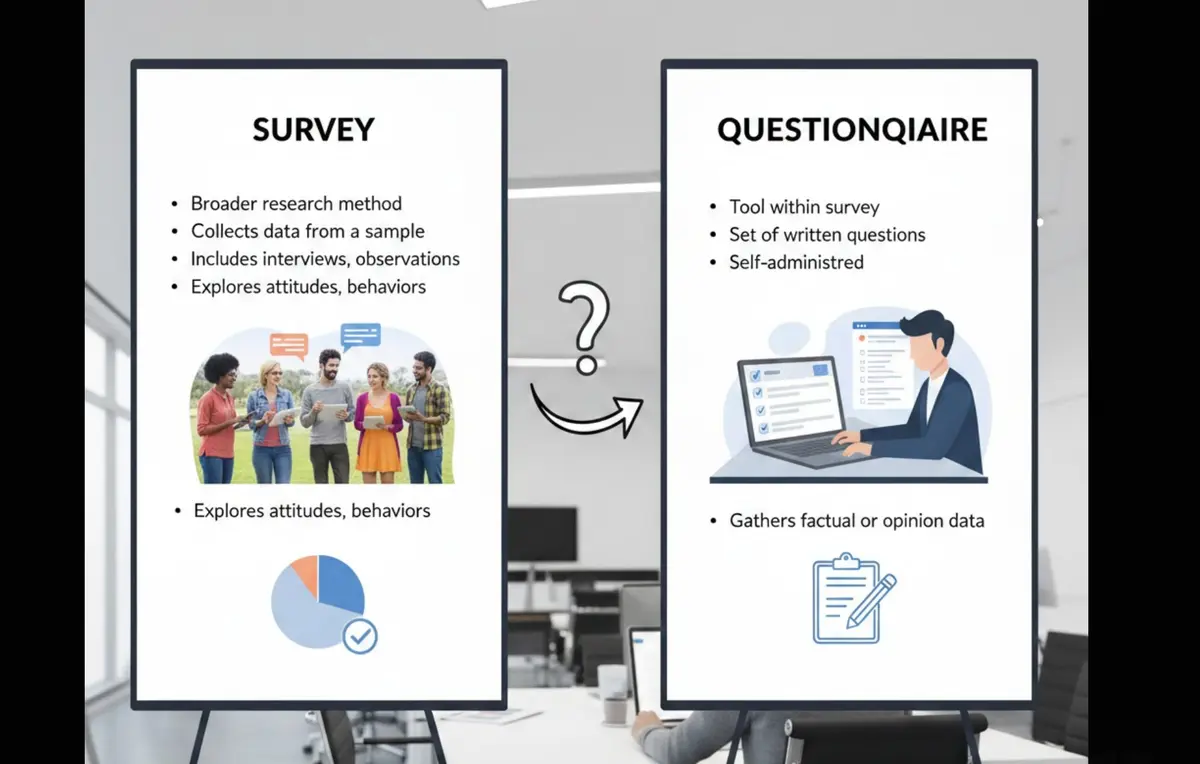
Survey vs questionnaire: understand the key differences, use cases, and decision framework to choose the right approach for research, customer feedback, or internal workflows.

Five proposed agency services to evaluate beyond a generic AI pitch: technical readiness audits, intake forms, attribution, specialization, and supported agent workflows.
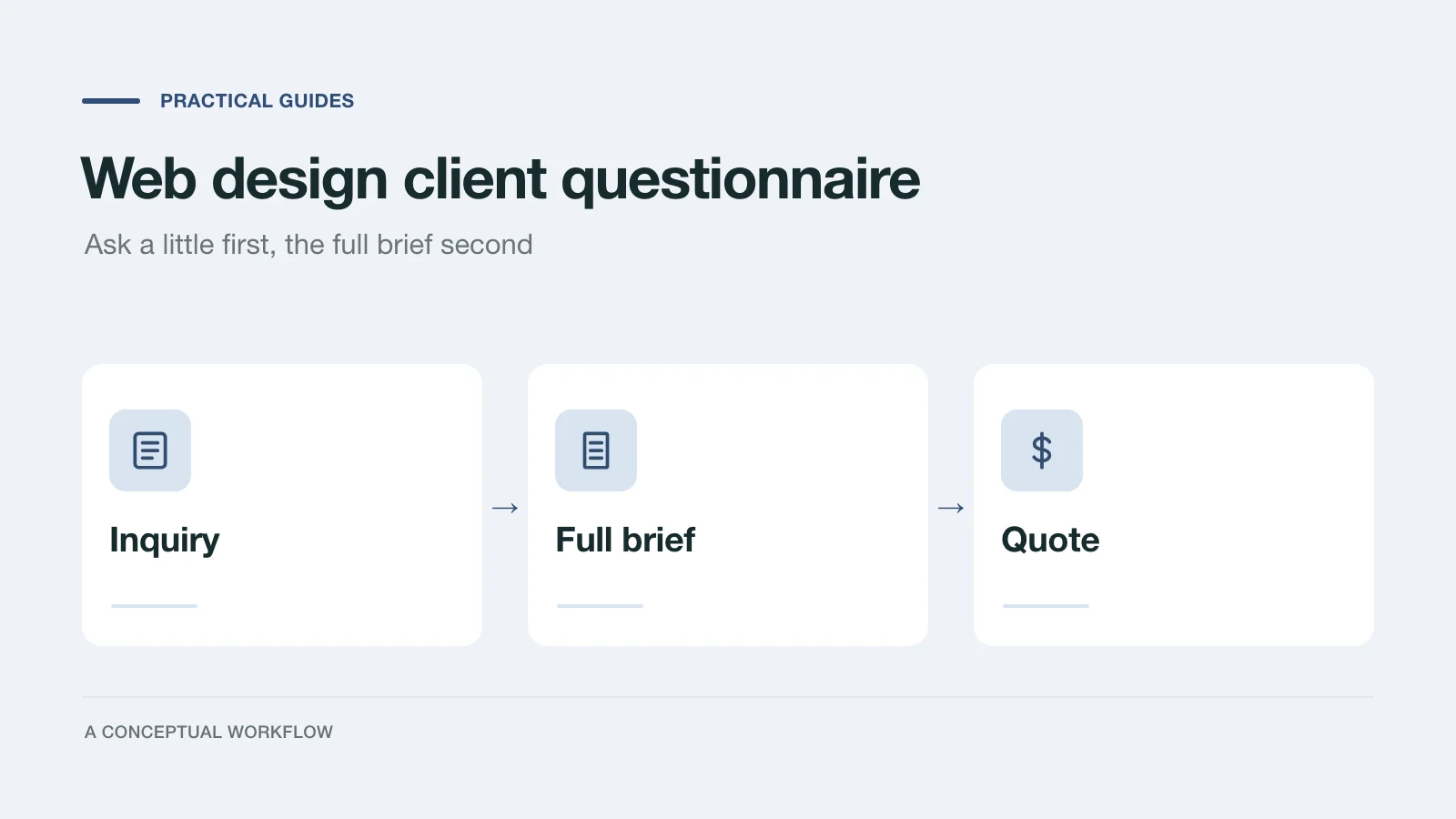
A web design client questionnaire in two stages: a short inquiry form to qualify the project, then the full brief that lets you quote it. Every question explained.
Try the world's first AI-native form and turn every response into action instantly.