

The Project Closure Report form walks you through formally closing out a completed project in seven structured steps. It opens by capturing the project name and the responsible Project Manager, then asks whether the original objectives were fully met, partially met, or not met — giving stakeholders an immediate read on delivery against goals. A freeform summary question follows, asking for key achievements and final deliverables, and is paired with a dedicated "What were the key lessons learned during this project that can benefit future endeavors?" question so institutional knowledge is recorded while it's still fresh. Team members can be listed optionally, and a final rating question captures an overall performance score. After submitting, respondents see a confirmation screen noting that the project is now formally closed.
Try the conversation below to see how this template works
Trusted by over 10,000 customers and growing
Conversations Started
Questions Answered
Forms Created
Relies on the "Provide a concise summary of the project's closure, including key achievements and final deliverables." question to create an official handover record tied to their name and rating.
Uses the "Were the original project objectives fully met?" question alongside the lessons-learned and rating questions to build a consistent, comparable archive across all closed projects.
Depends on the "Overall, how would you rate the success and performance of this project?" question to get a quick, standardised performance signal without reading through every detail.

AI builds and refines your form through natural conversation no templates, no complex logic, no coding. From a simple text prompt or URL, Dashform generates intelligent flows that adapt automatically.
Dashform turns traditional form-filling into a two-way dialogue. The AI understands intent, remembers context, and asks relevant follow-up questions just like a real human conversation.
Every response is transformed into structured, meaningful, and ready-to-use data. Integrate with your favorite tools.
Everything you need to create amazing forms
Everything you need to know about this template
Don't see exactly what you need? Use our AI Form Generator to create a custom form in seconds. Just describe what you want, and AI will build it for you.
Explore more templates to find the perfect fit
 Survey
Map your community's beverage habits and recycling routines with this quick, five-question household survey.
 Tracking Log
Log shared household expenses by date, category, amount, and payer in one tidy form.
 Information Request
Collect household composition, income-source and housing details, plus a check on understanding of the organization's information-use notice.
 Survey
Collect household size, composition, housing type, employment, neighborhood satisfaction, and income in one short survey.
 Agreement
Document an HVAC installation or service job with property details, system specs, scope of work, cost, and warranty terms.
 Food Order
Request ice cream flavors with per-flavor quantities and serving sizes, optional toppings, and a delivery address or pickup note.
Learn how to get the most out of your forms and templates

8 law firm intake form templates: case evaluation, conflict check, retainer agreement, and more, as free AI-powered forms.
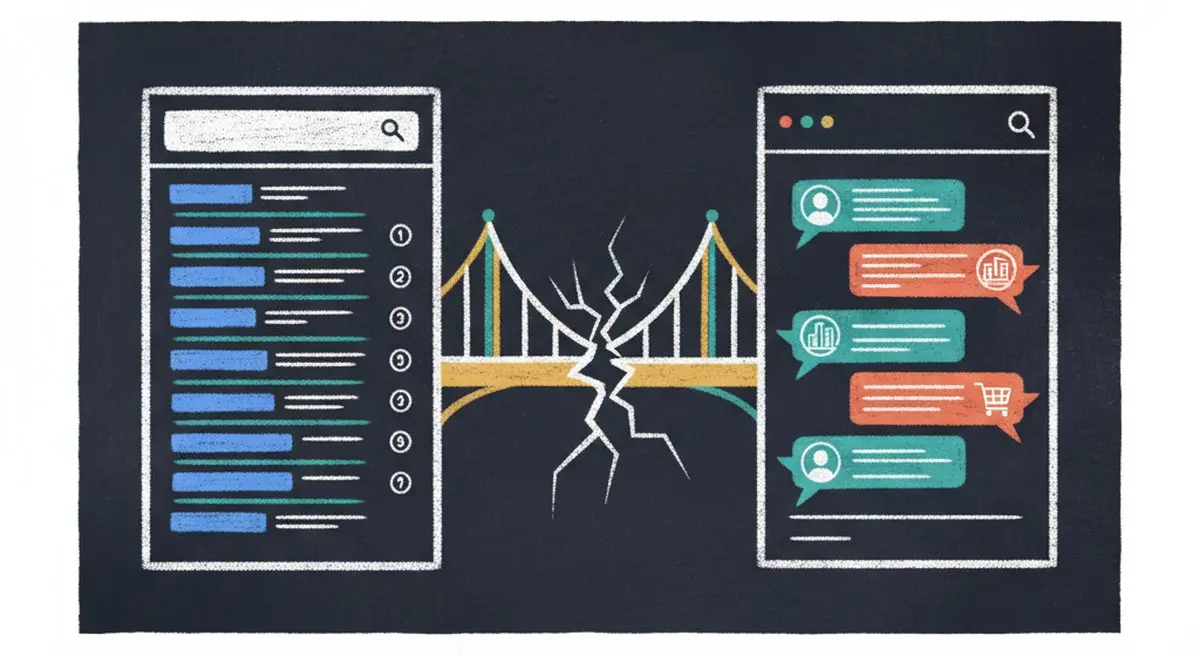
SEO alone isn't enough anymore. The difference between SEO, AEO (Answer Engine Optimization), and AXO, and how to appear in ChatGPT, Claude, and AI agent recommendations.

Gated PDFs collect an email and little else; quiz funnels qualify leads as they answer. The agency playbook for replacing static lead magnets with interactive qualification funnels, with 4 B2B templates.
Try the world's first AI-native form and turn every response into action instantly.