

The School Tour Appointment Form opens with a warm welcome and then collects contact details — the "Full Name", "Email Address", and "Phone Number" questions — so the admissions team has everything needed to confirm the visit. It then asks about the respondent's relationship to the prospective student and the grade level of interest, giving staff the context to tailor the tour before it happens. Scheduling comes next: a preferred date, a preferred time slot, and the number of attendees, so the school can match availability and plan capacity. The final two questions — one multiple-choice, one open-ended — invite respondents to flag programs they want to explore and raise any special requests, both optional so they don't slow down anyone who just wants to book. After submitting, the end screen confirms the request was received and lets respondents know the admissions team will be in touch within one to two business days.
Try the conversation below to see how this template works
Trusted by over 10,000 customers and growing
Conversations Started
Questions Answered
Forms Created
Relies on the scheduling trio — "Preferred Tour Date", "Preferred Time of Day", and "Number of People Attending the Tour" — to manage campus capacity and staff availability in advance.
Uses the "Grade Level of Interest" and "Areas or Programs You Would Like to Learn More About" questions to communicate their child's needs before setting foot on campus.
Benefits from the "Your Relationship to the Prospective Student" question, which lets them identify themselves clearly so the admissions team can prepare a tour suited to a professional referral context.

AI builds and refines your form through natural conversation no templates, no complex logic, no coding. From a simple text prompt or URL, Dashform generates intelligent flows that adapt automatically.
Dashform turns traditional form-filling into a two-way dialogue. The AI understands intent, remembers context, and asks relevant follow-up questions just like a real human conversation.
Every response is transformed into structured, meaningful, and ready-to-use data. Integrate with your favorite tools.
Everything you need to create amazing forms
Everything you need to know about this template
Don't see exactly what you need? Use our AI Form Generator to create a custom form in seconds. Just describe what you want, and AI will build it for you.
Explore more templates to find the perfect fit
 Agreement
Document an HVAC installation or service job with property details, system specs, scope of work, cost, and warranty terms.
 Food Order
Request ice cream flavors with per-flavor quantities and serving sizes, optional toppings, and a delivery address or pickup note.
 Assessment
A five-question clinical intake form assessing urinary leakage frequency, volume, triggers, and impact on daily life.
 General Request
Collect, categorize, and assess new ideas with structured questions on the problem, solution, benefits, and difficulty.
 Survey
Gather employee preferences on in-person meeting frequency, format, and timing to shape a fair and practical meetings policy.
 Incident
Record workplace incidents, injuries, and safety concerns with all the detail needed for investigation and follow-up.
Learn how to get the most out of your forms and templates

View Google Form responses, link a Google Sheet, enable email notifications, and export a CSV. Compare these workflows with Dashform Reply review.
A guide to sharing and closing Google Forms, checking the controls available in your account, and comparing Dashform sharing workflows.
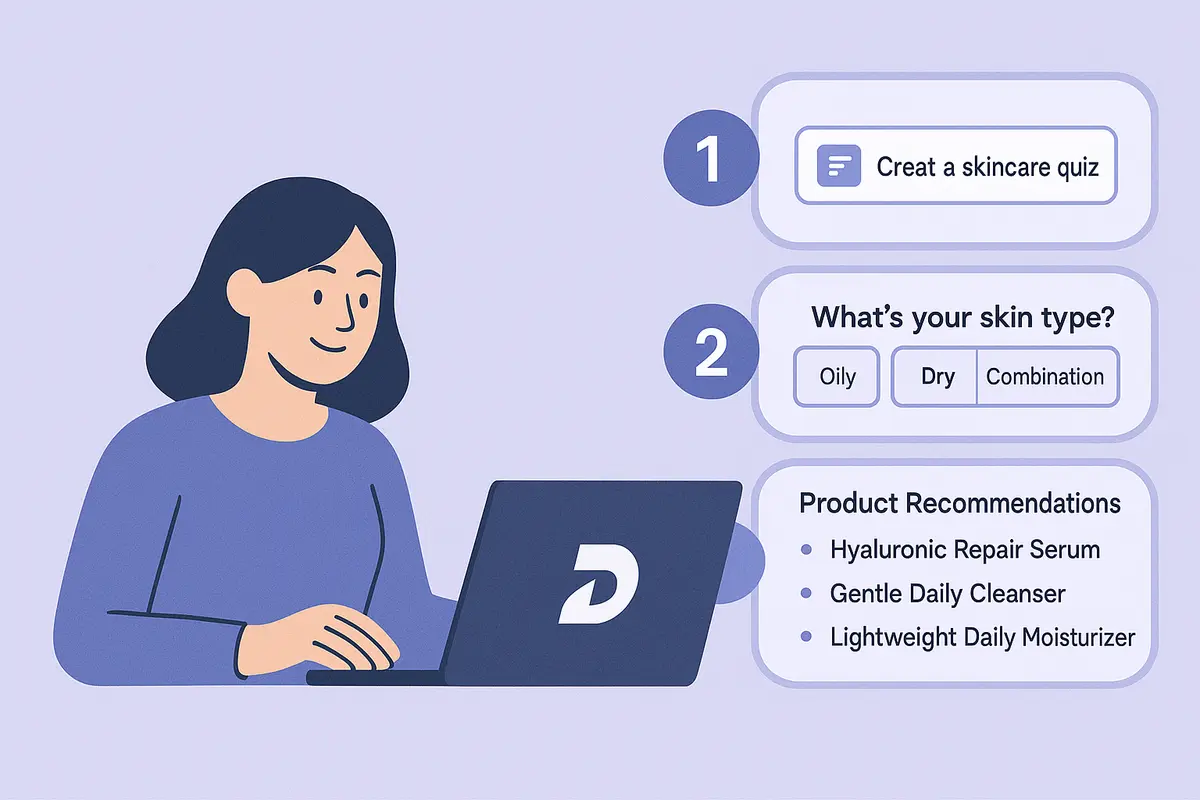
Build a high-converting AI product recommendation quiz in Dashform, with conditional logic, branding, and CRM integrations. A step-by-step guide, no code.
Try the world's first AI-native form and turn every response into action instantly.