This incident report form opens by collecting the reporter's name, job title, and phone number so investigators always have a clear point of contact. It then moves to the specifics of the event — date, location, incident type, people involved, and witnesses — building a factual record in the order an investigator would want to read it. The "Provide a detailed description of what happened, including sequence of events." question and the "Were there any injuries?" question together capture both narrative and severity, while "What immediate actions were taken following the incident?" and "What factors may have contributed to this incident?" support root-cause analysis and follow-up. After submitting, respondents see a confirmation that their report has been received and will be reviewed and investigated promptly.
Try the conversation below to see how this template works
Trusted by over 10,000 customers and growing
Conversations Started
Questions Answered
Forms Created
Rely on the "What factors may have contributed to this incident?" question and the injury severity options to prioritise investigations and spot recurring hazards across the organisation.
Use the "Where exactly did the incident take place?" and "What type of incident occurred?" questions to pinpoint problem areas and log equipment or property issues for maintenance follow-up.
Depend on the reporter contact details and the "Who was involved in the incident? Include names and roles." question to support accurate record-keeping and any formal employee-related processes.

AI builds and refines your form through natural conversation no templates, no complex logic, no coding. From a simple text prompt or URL, Dashform generates intelligent flows that adapt automatically.
Dashform turns traditional form-filling into a two-way dialogue. The AI understands intent, remembers context, and asks relevant follow-up questions just like a real human conversation.
Every response is transformed into structured, meaningful, and ready-to-use data. Integrate with your favorite tools.
Everything you need to create amazing forms
Everything you need to know about this template
Don't see exactly what you need? Use our AI Form Generator to create a custom form in seconds. Just describe what you want, and AI will build it for you.
Explore more templates to find the perfect fit
 Evaluation Survey
Guide clients through a structured, professional close to a project while collecting satisfaction ratings and actionable feedback.
 Client Intake
Gather client hobbies, interests, and communication preferences to tailor your services to each individual.
 Checklist
Document clinical inventory items by condition, quantity, location, and department, with a staff sign-off on accuracy.
 Attendance
Submit a correction to a recorded clock-in, clock-out, break start, or break end time for payroll and attendance accuracy.
 Order
Collect garment type, size, color, quantity, shipping address, and payment method in one clean order form.
 Customer Feedback
Collect honest post-visit ratings, cleanliness feedback, staff scores, and improvement ideas from club members and guests.
Learn how to get the most out of your forms and templates

Restaurant reputation tips: respond to reviews professionally, manage negative ones, and use AI feedback forms to protect and grow your restaurant's name.
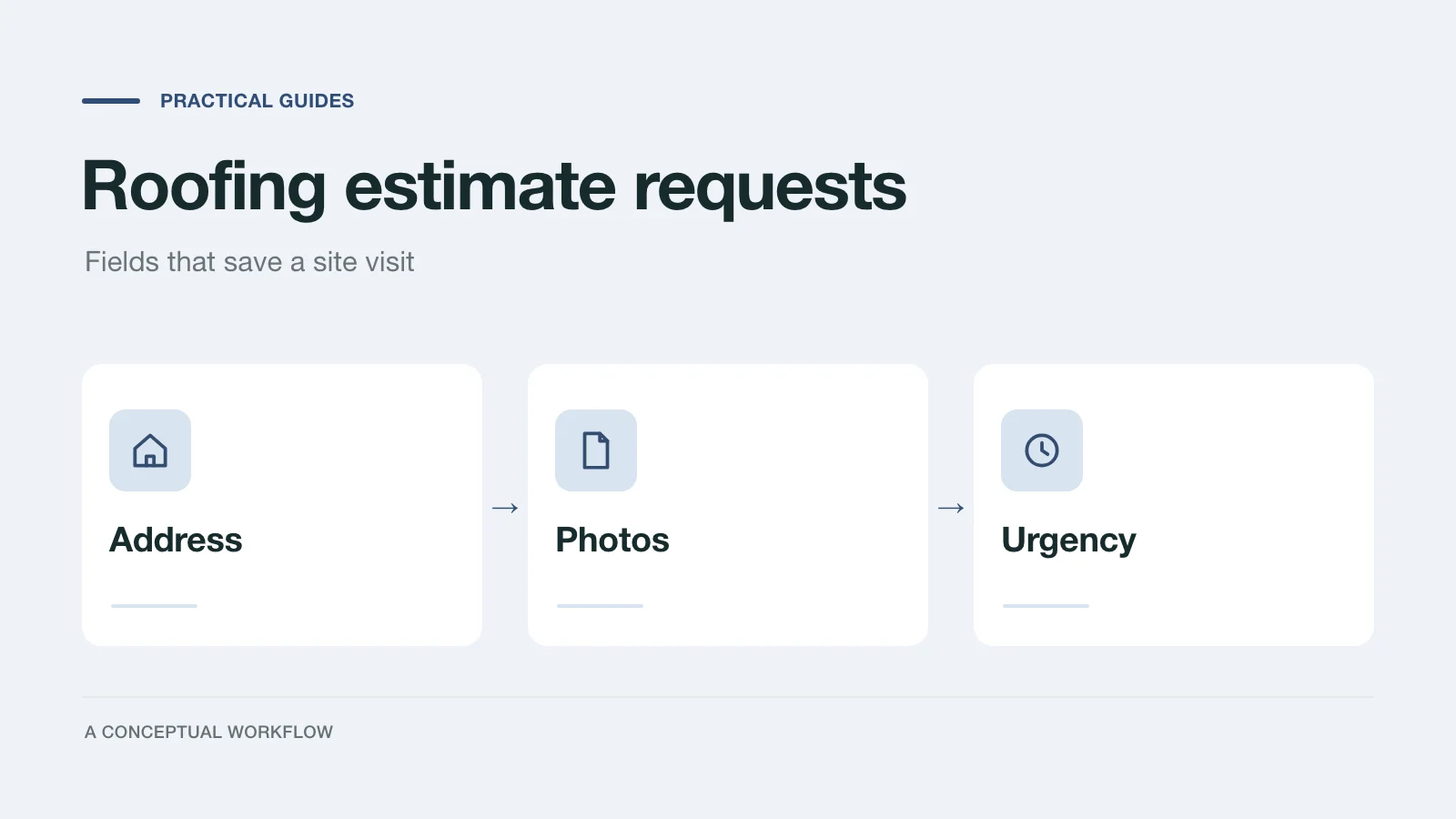
Copy a roofing estimate request form field list, a triage rule for emergency leaks versus planned replacements, and a prompt to build the form in Dashform.

A proposed SaaS intake quiz can collect use case, budget, and timeline before a trial. Test its effect on signups, activation, and paying customers.
Try the world's first AI-native form and turn every response into action instantly.

