

The Idea Details Form opens by asking contributors to name and frame their idea, starting with the "What is the title of your idea?" question to create a clear reference point, then moving into "What specific problem does this idea aim to solve?" and "Please describe your proposed solution in detail." to build a complete picture of both the challenge and the approach. The "What are the expected benefits or outcomes if this idea is implemented?" question captures the case for acting on the idea, while the "How would you rate the estimated difficulty of implementing this idea?" question gives reviewers an instant read on feasibility without needing a follow-up conversation. "Which category best fits your idea?" lets the team sort and route submissions across five areas, from 'Product Improvement' to 'Cost Savings'. A final optional question invites an email address for follow-up, and after submitting, respondents see a confirmation screen letting them know their idea has been received and will be reviewed.
Try the conversation below to see how this template works
Trusted by over 10,000 customers and growing
Conversations Started
Questions Answered
Forms Created
They rely on the "Which category best fits your idea?" and "How would you rate the estimated difficulty of implementing this idea?" questions to triage incoming submissions and match ideas to the right roadmap or sprint backlog.
The structured sequence from problem to solution to expected benefits gives program managers a consistent format to evaluate and compare ideas submitted by employees across departments.
They use the "What specific problem does this idea aim to solve?" and "What are the expected benefits or outcomes if this idea is implemented?" questions to translate recurring customer pain points into concrete, actionable proposals.

AI builds and refines your form through natural conversation no templates, no complex logic, no coding. From a simple text prompt or URL, Dashform generates intelligent flows that adapt automatically.
Dashform turns traditional form-filling into a two-way dialogue. The AI understands intent, remembers context, and asks relevant follow-up questions just like a real human conversation.
Every response is transformed into structured, meaningful, and ready-to-use data. Integrate with your favorite tools.
Everything you need to create amazing forms
Everything you need to know about this template
Don't see exactly what you need? Use our AI Form Generator to create a custom form in seconds. Just describe what you want, and AI will build it for you.
Explore more templates to find the perfect fit
 Booking
Book a meal kit pickup or delivery appointment by choosing your date, time slot, and fulfilment preference in one short form.
 General Application
Collect legally binding electronic signatures to nominate a candidate for an elected position.
 Satisfaction Survey
Gather customer ratings on candle quality, packaging, brand messaging, and in-store ambiance in one short survey.
 Appointment Booking
Book a car detailing appointment by sharing your contact info, vehicle details, preferred package, and scheduling preferences.
 Appointment Booking
Request a car rental by sharing your dates, location, car type, add-ons, and contact details in one quick form.
 Appointment Booking
Request car service by sharing vehicle details, choosing services, and stating a preferred appointment date and time.
Learn how to get the most out of your forms and templates
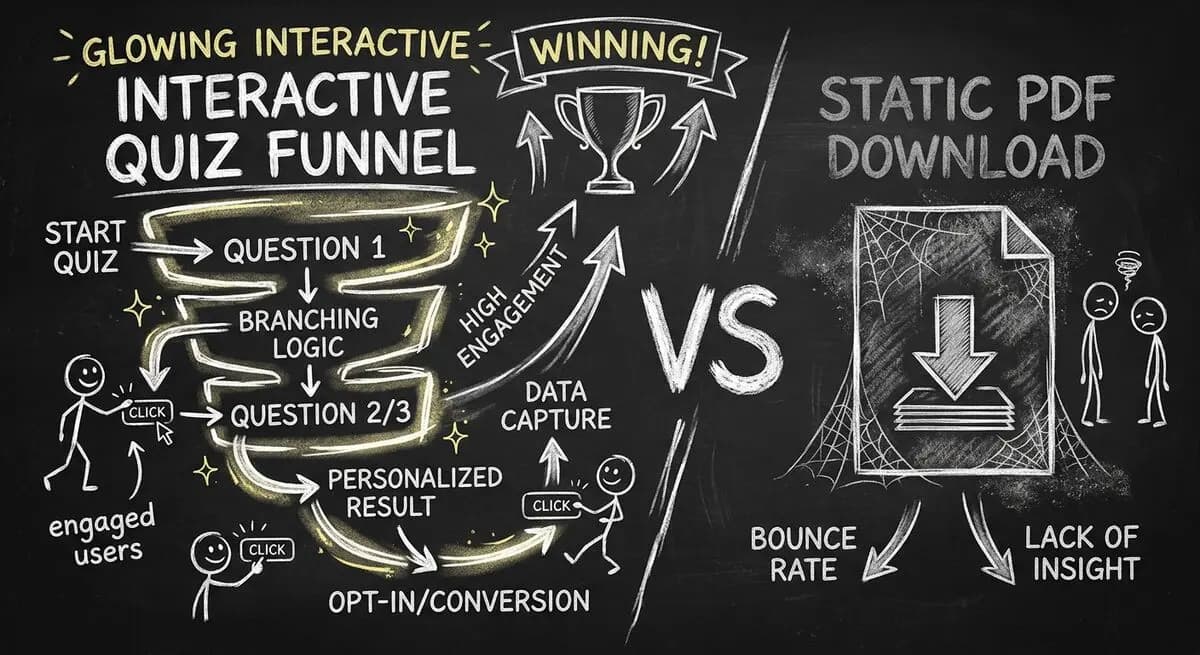
Gated PDFs collect an email and little else; quiz funnels qualify leads as they answer. The agency playbook for replacing static lead magnets with interactive qualification funnels, with 4 B2B templates.
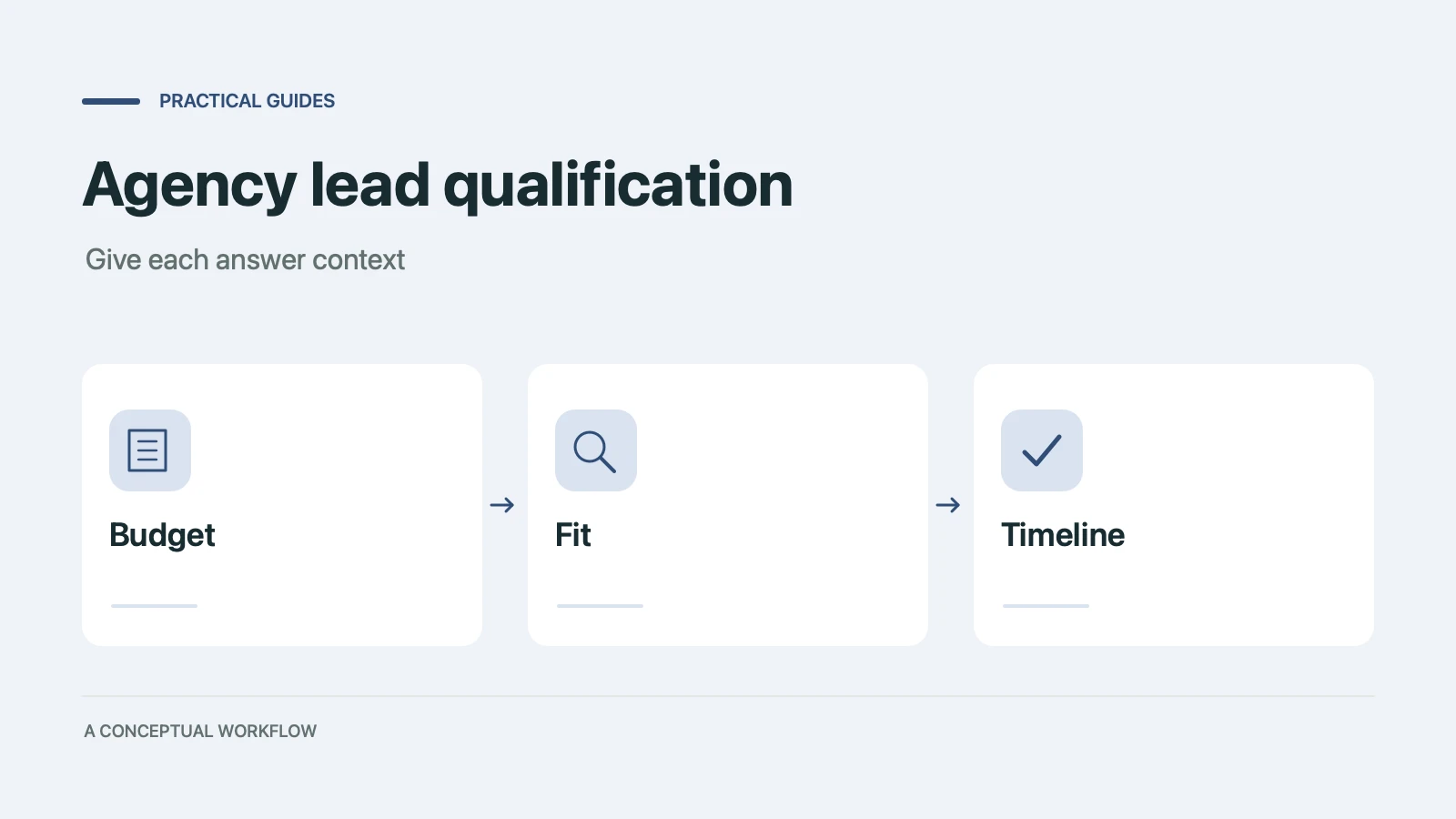
Copy a ten-point agency lead qualification scorecard, check worked examples, and turn the questions into a Dashform inquiry form with clear review rules.

Compare conversational interfaces with tool-using agents, and learn how a published Dashform funnel can support human and agent-assisted inquiries.
Try the world's first AI-native form and turn every response into action instantly.