

The Mandatory Vaccination Survey opens with a short welcome explaining that responses support community health and safety, then collects identity details before moving to vaccination information. The first two questions — "Please enter your full name." and "Please enter your date of birth (MM/DD/YYYY)." — establish who the record belongs to, ensuring responses can be matched to the right individual. The third question, "What is your current vaccination status for [Specific Vaccine, e.g., Measles]?", is the core of the survey, offering four clear options so administrators get an accurate picture of coverage. The two optional follow-up questions — "If vaccinated, please provide the date of your last dose (MM/DD/YYYY)." and "If exempt, please briefly state the reason for exemption." — only apply to relevant respondents, keeping the form short for everyone else. After submitting, respondents see a confirmation screen thanking them and noting that their answers will be used to maintain accurate health records.
Try the conversation below to see how this template works
Trusted by over 10,000 customers and growing
Conversations Started
Questions Answered
Forms Created
The name and date-of-birth questions let HR teams tie each response directly to an employee record, while the status and dose-date questions provide the data needed for compliance reporting.
The four-option status question — including 'Exempt' — maps neatly onto the documentation requirements most educational institutions must track for student and staff vaccination records.
The optional exemption-reason question gives administrators a structured way to log medical or religious exemptions alongside vaccination dates, keeping all relevant information in one place.

AI builds and refines your form through natural conversation no templates, no complex logic, no coding. From a simple text prompt or URL, Dashform generates intelligent flows that adapt automatically.
Dashform turns traditional form-filling into a two-way dialogue. The AI understands intent, remembers context, and asks relevant follow-up questions just like a real human conversation.
Every response is transformed into structured, meaningful, and ready-to-use data. Integrate with your favorite tools.
Everything you need to create amazing forms
Everything you need to know about this template
Don't see exactly what you need? Use our AI Form Generator to create a custom form in seconds. Just describe what you want, and AI will build it for you.
Explore more templates to find the perfect fit
 Assessment
Name a health condition, then explore perceived risk, severity, benefits, barriers, personal context, and confidence in taking action.
 Professions
Gather health goals, habits, medical context, and motivation before a first coaching session.
 Appointment Booking
Book a hearing test appointment by sharing your contact details, availability, and the reason for your visit.
 Service Booking
Reserve a helicopter tour by sharing your contact details, preferred date and time, party size, and any special requests.
 Information Request
Collect graduate names, student IDs, photos, and yearbook memories for official graduation records and publications.
 Self Assessment
A seven-question self-evaluation for high schoolers covering academic performance, study habits, challenges, and goals for the year ahead.
Learn how to get the most out of your forms and templates

15 real estate forms and templates agents use to capture leads, run showings, collect feedback, and keep transactions organized.
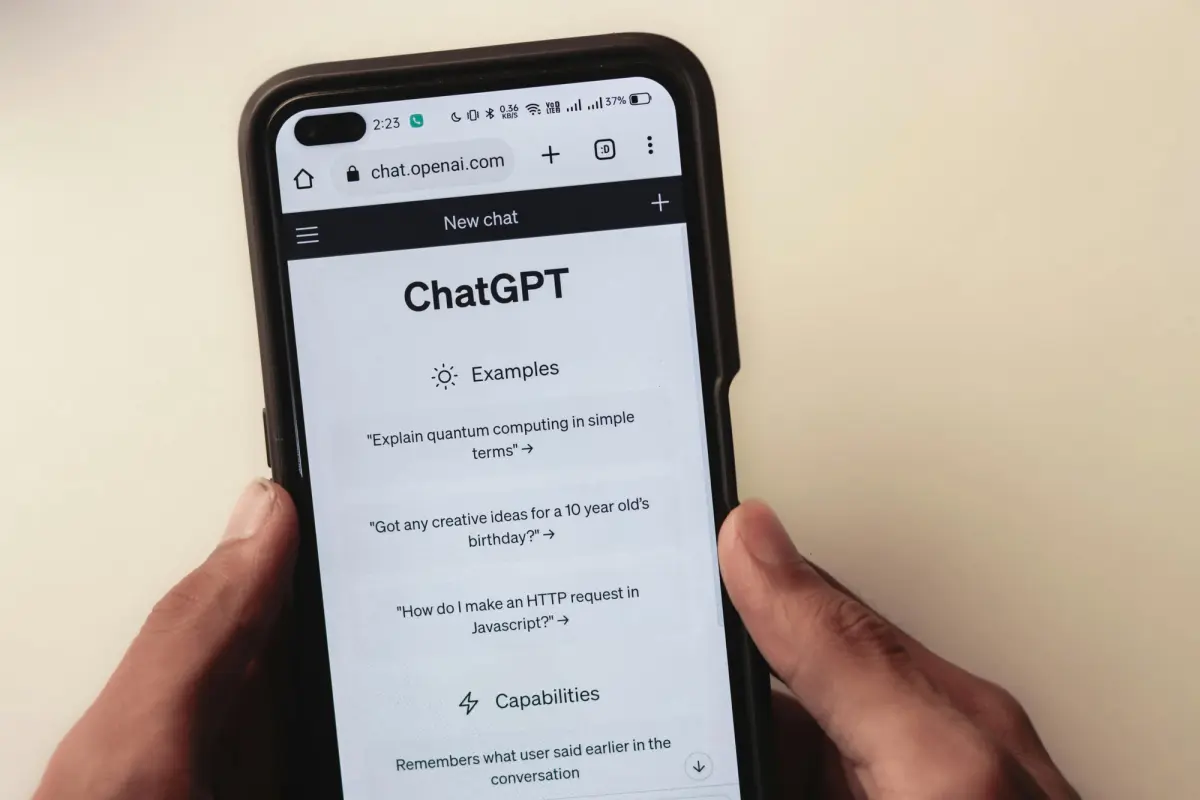
Discover 50 powerful Dashform AI prompts for creating forms and surveys. Learn how to generate better survey questions, improve engagement, and streamline data collection with AI-driven form design.

Explore eight contractor form templates for project inquiries, estimates, inspections, work orders, and follow-up, with practical setup and review advice.
Try the world's first AI-native form and turn every response into action instantly.