The Management Report form opens with a welcome screen that frames the purpose — documenting departmental performance for leadership review — before moving through seven structured questions. It starts by identifying the department and reporting period, anchoring every answer that follows to a specific team and timeframe. The form then collects KPI results, major achievements, and challenges in sequence, building a complete picture of how the period actually went before asking about resource utilization and, finally, strategic recommendations. Ending with forward-looking input ensures leadership receives not just a performance summary but actionable direction. After submitting, respondents see a confirmation screen noting that their insights will be reviewed by leadership and used to inform strategic decisions.
Try the conversation below to see how this template works
Trusted by over 10,000 customers and growing
Conversations Started
Questions Answered
Forms Created
Rely on the KPI, achievements, and challenges questions to deliver a complete, structured account of their team's period performance in one place.
Use the resource utilization question to document how budget, personnel, and equipment were deployed, supporting efficiency reviews across multiple departments.
Depend on the "What strategic recommendations do you have for moving forward?" question to gather ground-level strategic input directly from department leads.

AI builds and refines your form through natural conversation no templates, no complex logic, no coding. From a simple text prompt or URL, Dashform generates intelligent flows that adapt automatically.
Dashform turns traditional form-filling into a two-way dialogue. The AI understands intent, remembers context, and asks relevant follow-up questions just like a real human conversation.
Every response is transformed into structured, meaningful, and ready-to-use data. Integrate with your favorite tools.
Everything you need to create amazing forms
Everything you need to know about this template
Don't see exactly what you need? Use our AI Form Generator to create a custom form in seconds. Just describe what you want, and AI will build it for you.
Explore more templates to find the perfect fit
 Hr
Collect everything HR and IT need to get a new hire fully set up before their first day.
 Survey
Gather honest employee feedback on job satisfaction, culture, recognition, communication, and growth in one short survey.
 Survey
Gather honest employee feedback on overtime frequency, compensation, well-being, and workplace support.
 Satisfaction Survey
A six-question survey that measures how valued employees feel and which recognition methods matter most to them.
 General Survey
A nine-question survey covering engagement, manager support, culture, communication, career growth, and work-life balance.
 Employee Information
Outline roster, shift assignments, hours, and scheduling notes before a manager separately reviews and distributes a schedule.
Learn how to get the most out of your forms and templates
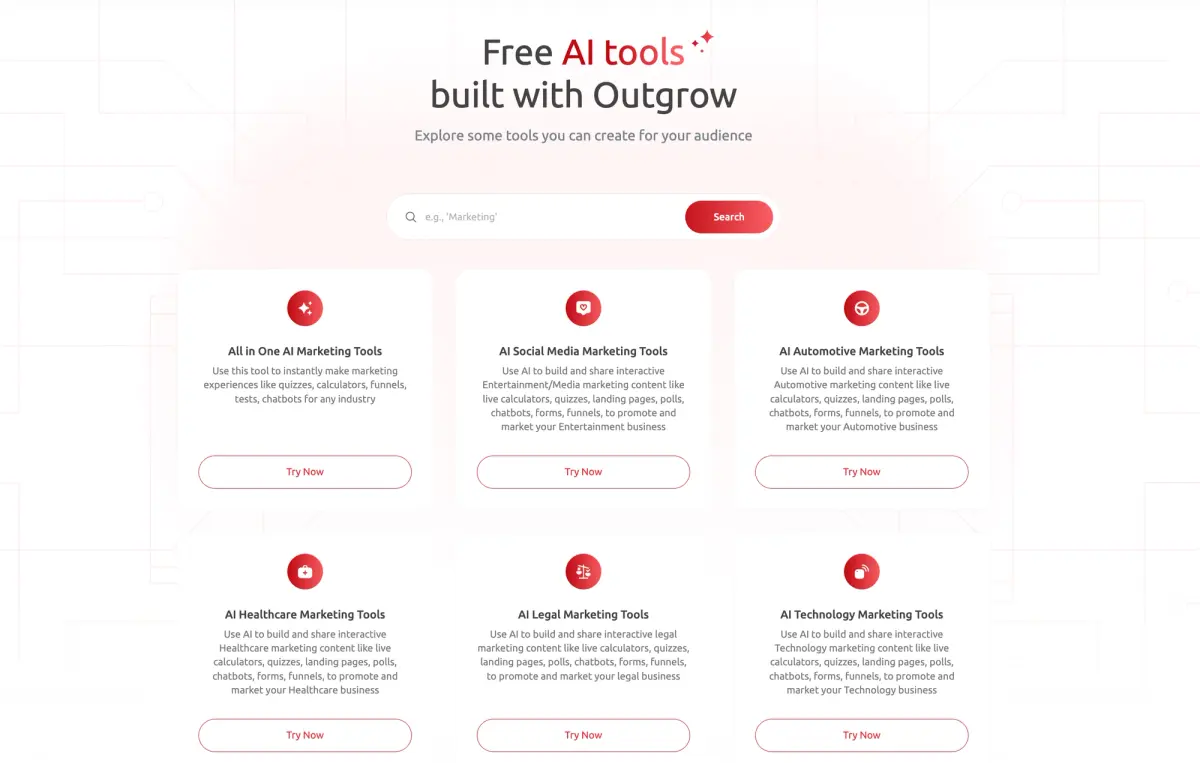
Dashform vs Outgrow on drafting workflow, qualification needs, branding, and current plan allowances. Test what your campaign needs before switching.
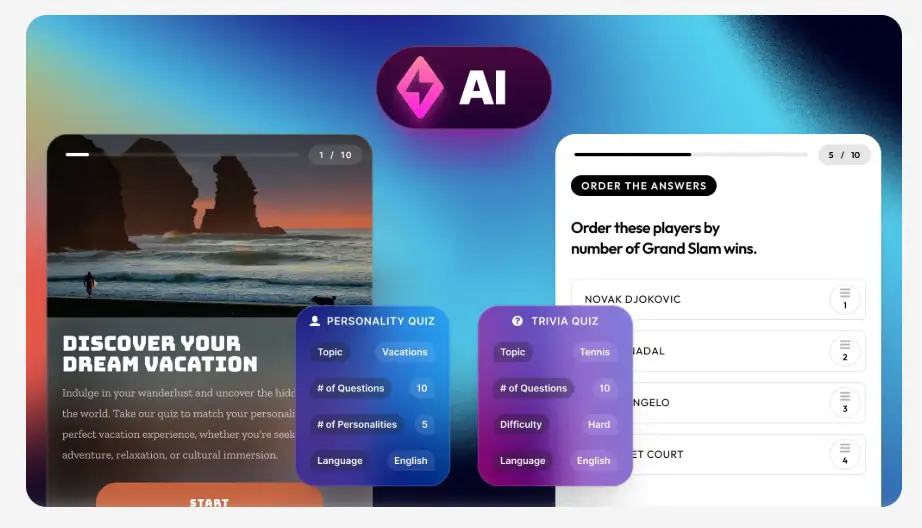
Evaluate Dashform and Riddle for quiz drafting, question logic, result content, branding, and publishing with a practical workflow checklist.
Want a Specific.app alternative? Dashform AI Survey offers adaptive logic, AI-generated follow-ups, and flexible workflows for teams seeking more insight.
Try the world's first AI-native form and turn every response into action instantly.

