The Religious Accommodation Request form opens with a welcome screen that sets a formal, respectful tone before walking employees through seven questions. It starts by collecting the employee's full name and preferred contact method so HR knows who submitted the request and how to follow up. An optional religious affiliation question comes next, followed by required questions asking the employee to describe their religious belief or practice, the specific accommodation they need, and how current workplace policies conflict with that practice — giving reviewers the full context needed to assess the request fairly. A final optional question invites the employee to suggest alternative solutions, which can speed up resolution. After submitting, employees see a confirmation screen thanking them and letting them know their request will be reviewed and someone will be in touch.
Try the conversation below to see how this template works
Trusted by over 10,000 customers and growing
Conversations Started
Questions Answered
Forms Created
HR teams rely on the "Explain how your religious practice conflicts with current workplace policies or duties without the requested accommodation." question to gather the structured evidence needed to evaluate and document each request properly.
The "Are there any alternative accommodations or solutions you would like to suggest for consideration?" question gives employees a direct voice in shaping a solution that works for both sides.
The "Briefly describe the religious belief or practice that necessitates an accommodation." question creates a clear written record of the employee's stated need, supporting audit trails and legal defensibility.

AI builds and refines your form through natural conversation no templates, no complex logic, no coding. From a simple text prompt or URL, Dashform generates intelligent flows that adapt automatically.
Dashform turns traditional form-filling into a two-way dialogue. The AI understands intent, remembers context, and asks relevant follow-up questions just like a real human conversation.
Every response is transformed into structured, meaningful, and ready-to-use data. Integrate with your favorite tools.
Everything you need to create amazing forms
Everything you need to know about this template
Don't see exactly what you need? Use our AI Form Generator to create a custom form in seconds. Just describe what you want, and AI will build it for you.
Explore more templates to find the perfect fit
 Survey
Gauge employee readiness for remote work by checking connectivity, equipment, workspace, and support needs during the pandemic.
 Report
Capture, investigate, and track corrective actions for non-conformances across any process, product, or service.
 Professions
Collect new client contact details, presenting concerns, symptom history, and emergency contact before a first counseling session.
 Course Registration
Explore course preferences, learner contact details, payment preference, and questions before separate enrollment confirmation.
 Evaluation Survey
Collect structured student feedback on course content, instruction quality, and learning environment to guide improvements.
 Event Registration
Collect student contact details, mailing address, and course choice in one straightforward registration form.
Learn how to get the most out of your forms and templates

How realtors can use AI agent funnels to get pre-qualified buyer leads, with budget, timeline, and preferences already collected, and the setup it takes.
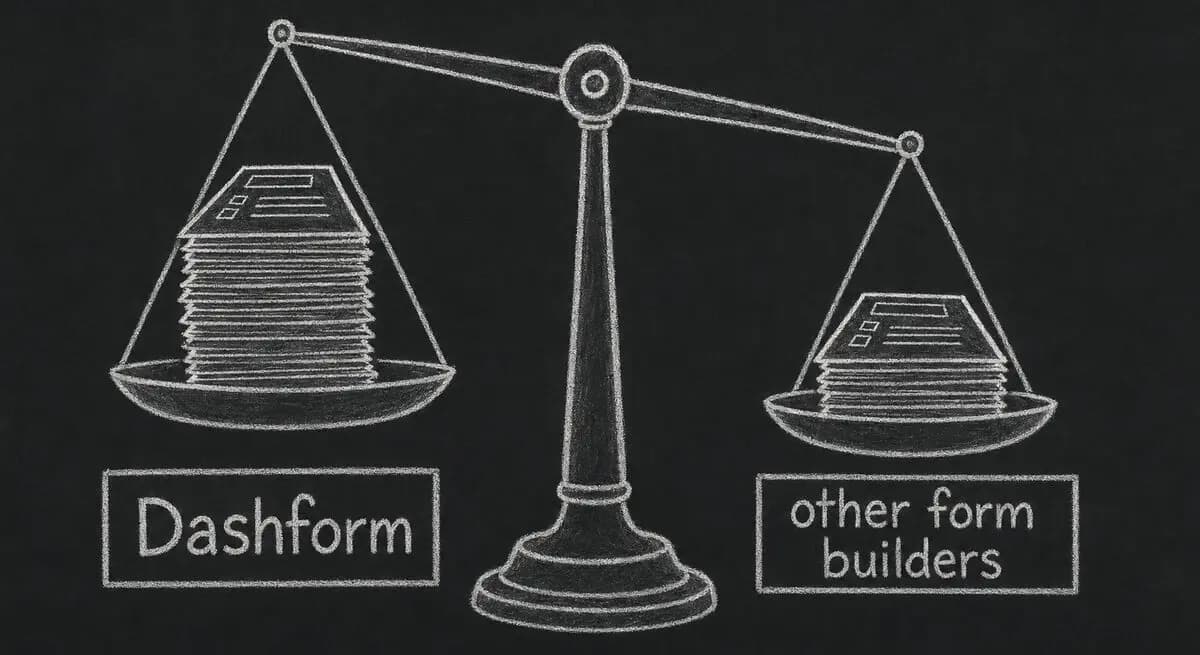
A proposed checklist for comparing form authoring, respondent experience, qualification, integrations, pricing, exports, and agent access.
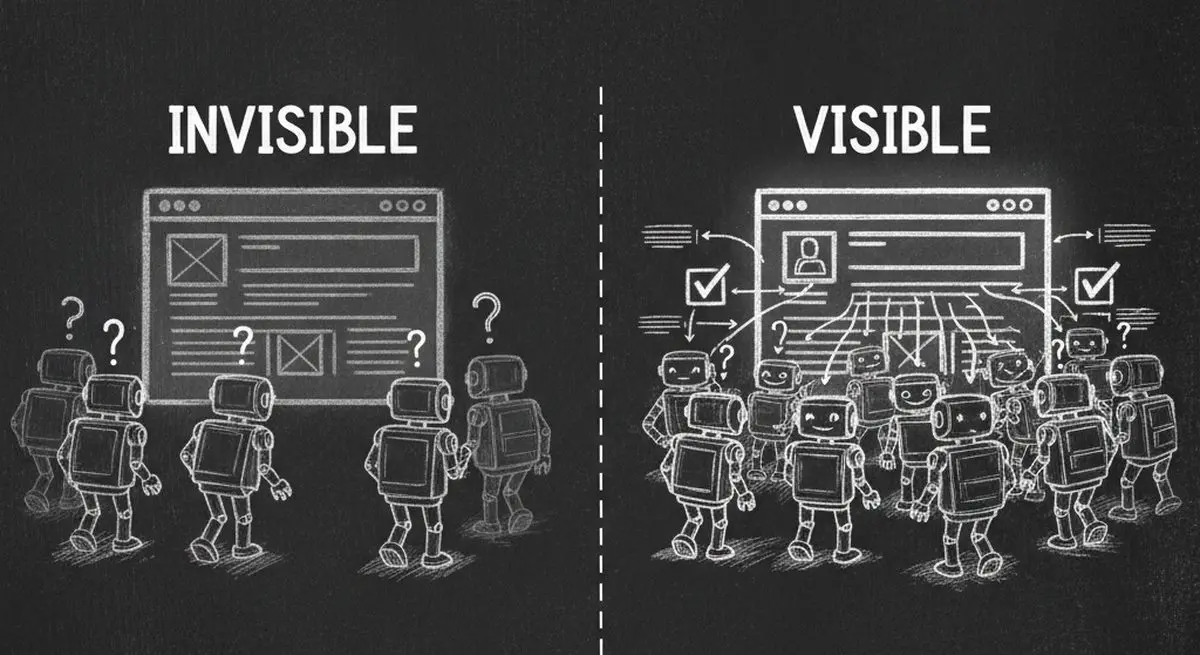
Inspect five potential barriers to agent access, understand the limits of an AX Score, and test changes to your website.
Try the world's first AI-native form and turn every response into action instantly.

