The Remit Form opens with a brief welcome that sets expectations for an accurate, efficient payment process, then collects eight pieces of information in a logical sender-to-recipient order. It starts by identifying who is sending the payment with the "What is your full name or the name of your organization (Sender)?" question, then gathers a contact email before moving on to the recipient's name and bank account or payment identifier. The remittance-amount question and the "What is the primary purpose of this remittance (e.g., Invoice Payment, Educational Fees, Donation)?" question give the payment context and a clear paper trail. An optional invoice or reference code question and a free-text notes field let senders flag special instructions without blocking anyone who doesn't need them. After submitting, respondents see a confirmation screen telling them their payment information has been successfully recorded.
Try the conversation below to see how this template works
Trusted by over 10,000 customers and growing
Conversations Started
Questions Answered
Forms Created
They rely on the recipient bank account question and the invoice reference question to match outgoing payments to the correct vendor records without back-and-forth emails.
The "What is the primary purpose of this remittance (e.g., Invoice Payment, Educational Fees, Donation)?" question lets them categorize incoming donor transfers for reporting and compliance.
They use the purpose and reference code questions to link tuition or fee payments to specific students or enrollment records quickly and accurately.

AI builds and refines your form through natural conversation no templates, no complex logic, no coding. From a simple text prompt or URL, Dashform generates intelligent flows that adapt automatically.
Dashform turns traditional form-filling into a two-way dialogue. The AI understands intent, remembers context, and asks relevant follow-up questions just like a real human conversation.
Every response is transformed into structured, meaningful, and ready-to-use data. Integrate with your favorite tools.
Everything you need to create amazing forms
Everything you need to know about this template
Don't see exactly what you need? Use our AI Form Generator to create a custom form in seconds. Just describe what you want, and AI will build it for you.
Explore more templates to find the perfect fit
 Feedback
Gather structured attendee feedback on property condition and showing experience right after a viewing.
 Evaluation
Collect structured client ratings and open-ended feedback on your real estate agent's performance and service.
 Hr
Refer a talented individual or potential client by sharing their details and your personal recommendation in one quick form.
 Checklist
A five-question checklist covering cooling, coil cleaning, door seals, noise, and interior cleanliness for routine refrigerator upkeep.
 General Request
Submit a refund request by providing your order details, the items involved, and your preferred refund method.
 Survey
Gather honest perspectives on love, partner qualities, and relationship challenges with this thoughtful six-question survey.
Learn how to get the most out of your forms and templates
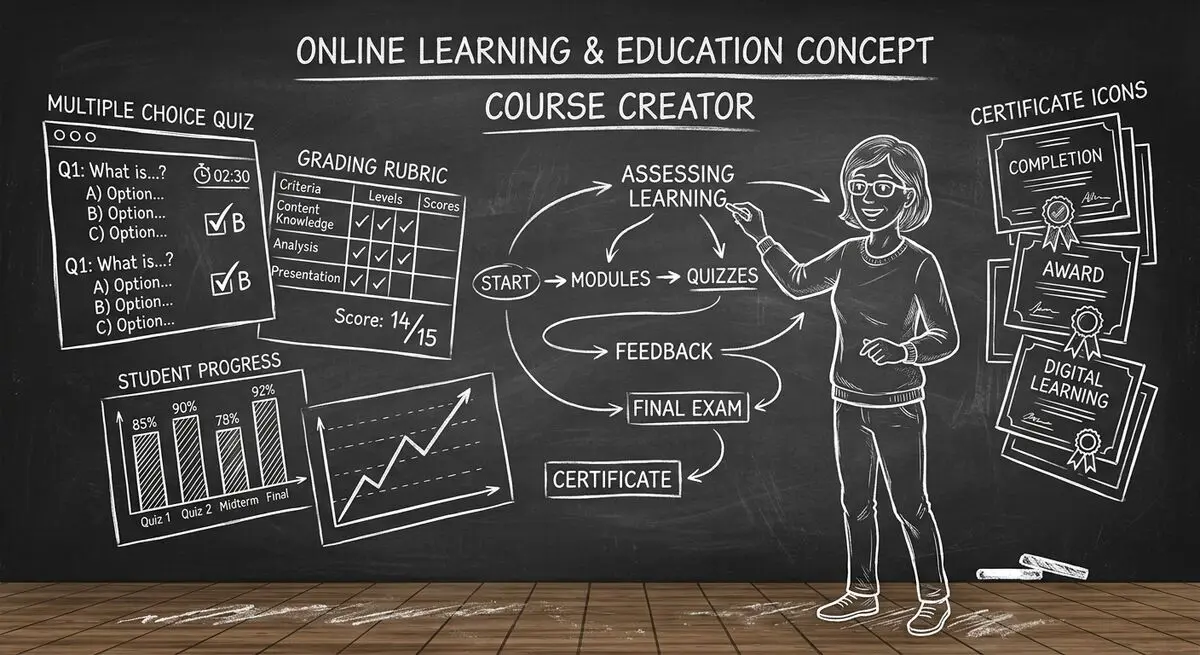
6 AI drafting tools for course creators, with suggestions for reviewing quiz questions, gathering feedback, and collecting enrollment information.
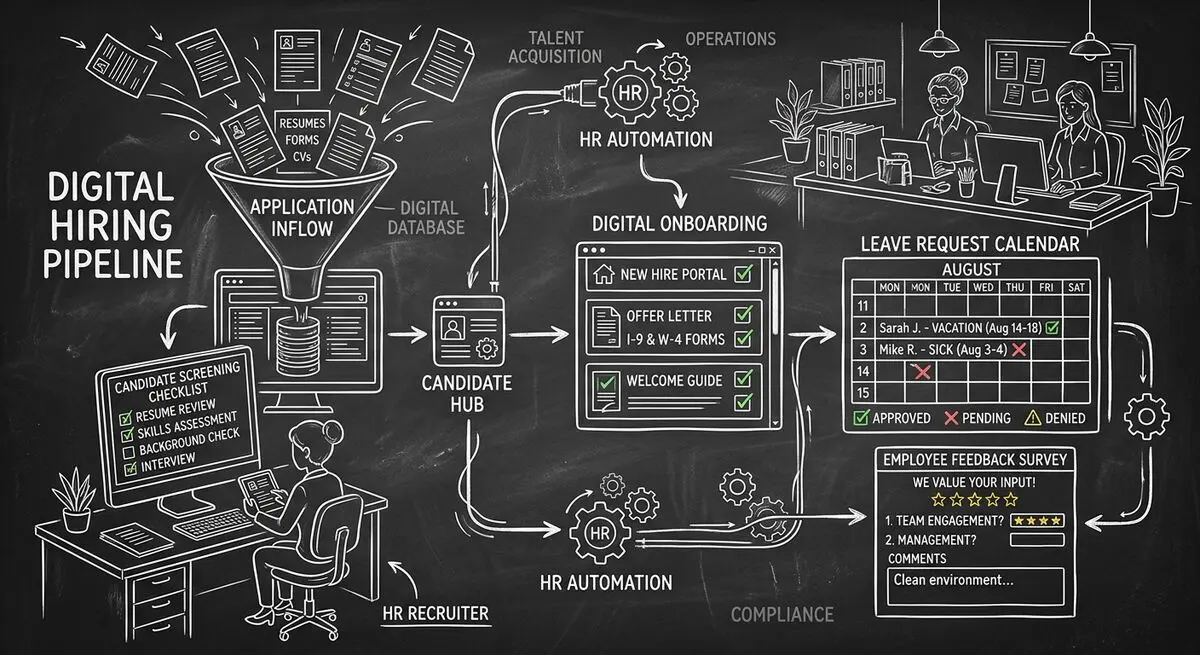
Six Dashform generator starting points for applications, onboarding forms, leave requests, surveys, and feedback, with human review and integration setup.
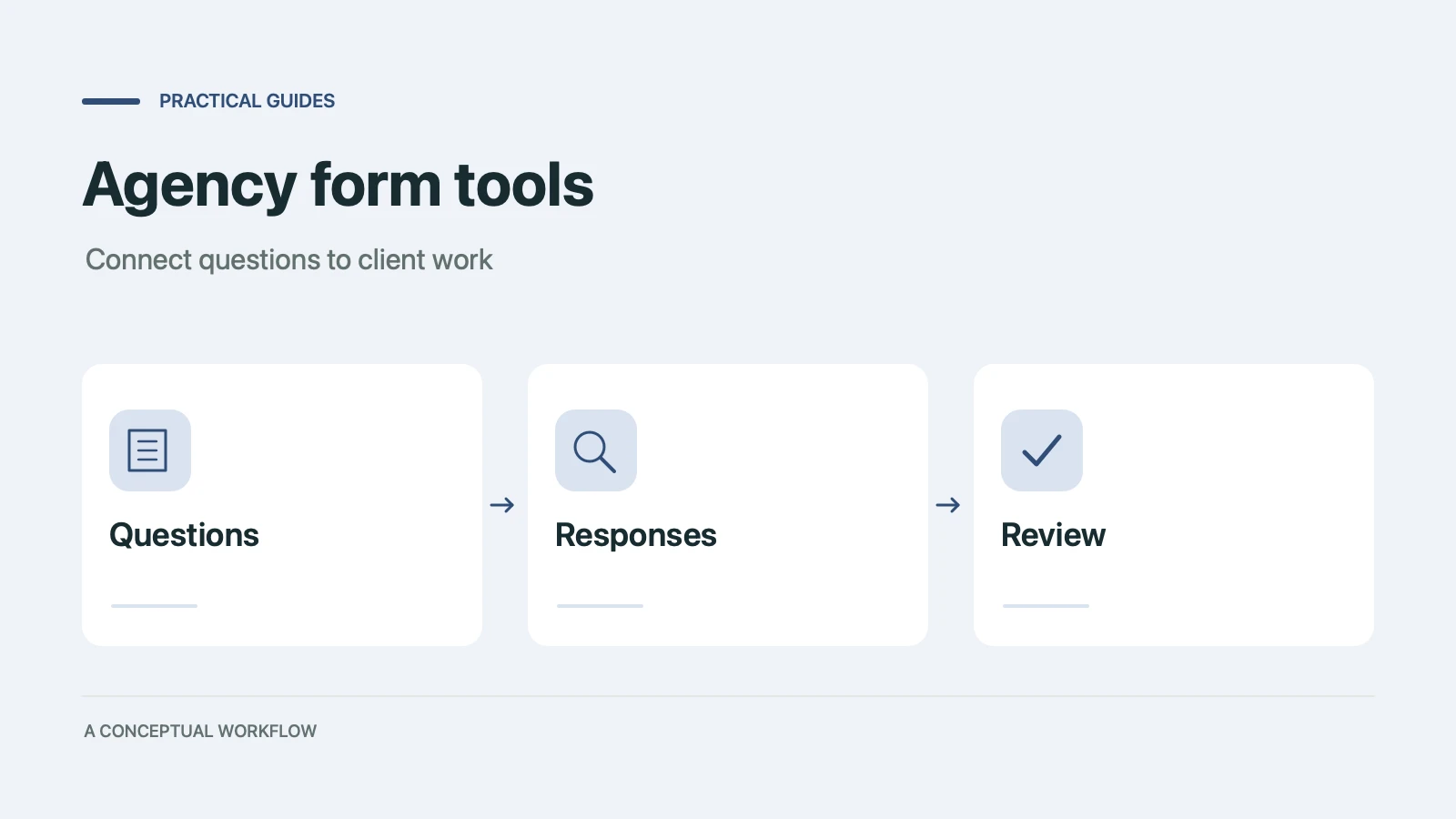
Use six Dashform generator entry points to draft client quizzes, surveys, intake forms, and feedback forms, then review and test the workflow.
Try the world's first AI-native form and turn every response into action instantly.

