

This form walks through eight fields to record the details for a rent payment receipt. It opens by collecting the tenant's name with the "What is the tenant's full name?" question, then the landlord's name, and the full rental property address, establishing exactly who and what the receipt covers. The "What is the rent payment amount?" and "What is the date of this rent payment?" questions pin down the financial record, while the "How was the payment made?" question captures the payment method — cash, check, bank transfer, credit card, online payment, or other — which can matter in any later dispute. The form then asks which rental period the payment covers and closes with an optional notes field for details like partial payments or late fees. After submitting, respondents see a confirmation that the rent receipt details have been recorded and a document must be prepared separately.
Try the conversation below to see how this template works
Trusted by over 10,000 customers and growing
Conversations Started
Questions Answered
Forms Created
Relies on the "What is the rent payment amount?", "What is the date of this rent payment?", and "How was the payment made?" questions to produce a paper trail for each tenant without needing separate accounting software.
Uses the "What is the landlord or property manager's full name?" and "What is the complete address of the rental property?" questions to keep receipts clearly attributed across multiple properties and managers.
Depends on the rental period field and the optional notes question to document exactly what was paid, when, and under what conditions — useful for resolving disputes or applying for housing assistance.

AI builds and refines your form through natural conversation no templates, no complex logic, no coding. From a simple text prompt or URL, Dashform generates intelligent flows that adapt automatically.
Dashform turns traditional form-filling into a two-way dialogue. The AI understands intent, remembers context, and asks relevant follow-up questions just like a real human conversation.
Every response is transformed into structured, meaningful, and ready-to-use data. Integrate with your favorite tools.
Everything you need to create amazing forms
Everything you need to know about this template
Don't see exactly what you need? Use our AI Form Generator to create a custom form in seconds. Just describe what you want, and AI will build it for you.
Explore more templates to find the perfect fit
 Request
Let students formally submit concerns and suggestions to their Class Council with this structured petition form.
 Quote Request
Collect property details, cleaning needs, and scheduling preferences for a provider to review before preparing a proposal.
 Evaluation Survey
Guide clients through a structured, professional close to a project while collecting satisfaction ratings and actionable feedback.
 Client Intake
Gather client hobbies, interests, and communication preferences to tailor your services to each individual.
 Checklist
Document clinical inventory items by condition, quantity, location, and department, with a staff sign-off on accuracy.
 Attendance
Submit a correction to a recorded clock-in, clock-out, break start, or break end time for payroll and attendance accuracy.
Learn how to get the most out of your forms and templates
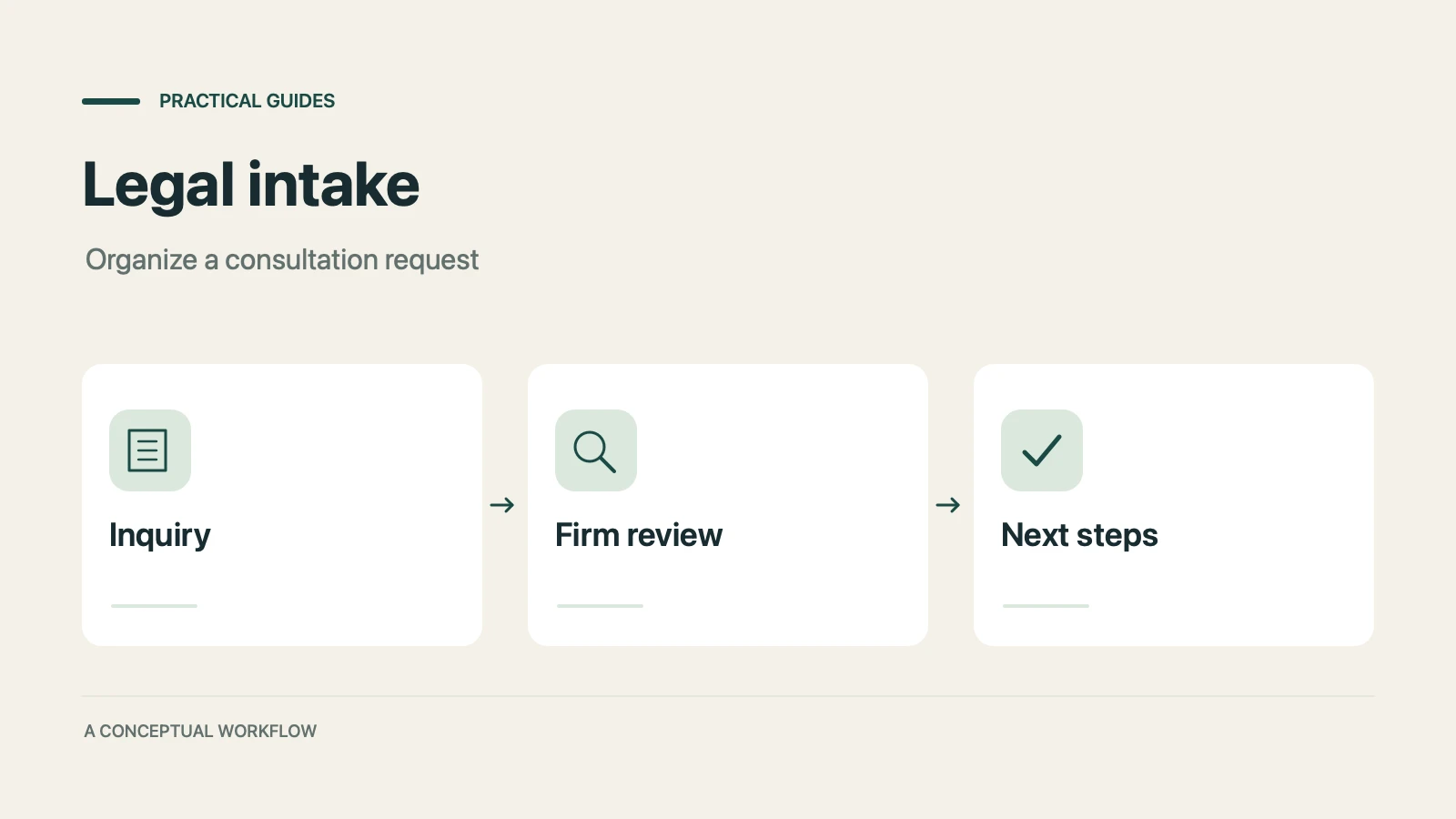
A proposed personal injury intake workflow for collecting inquiries, preparing attorney reviews, and gathering feedback, with clear boundaries for legal decisions, sensitive records, signatures, and external tools.
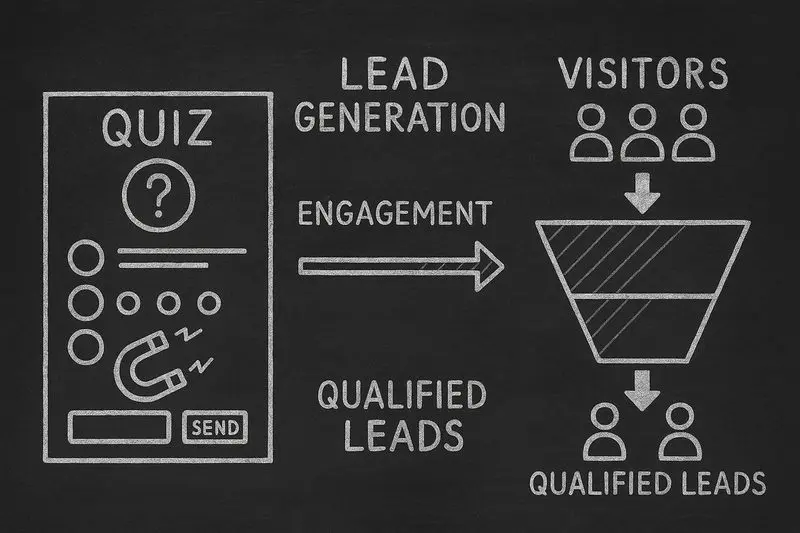
How lead generation quizzes work, the 5 quiz types that fit different goals, a design framework, and an email-capture playbook, with conversion data from Interact's quiz report.

A practical guide to testing whether an authorized AI agent can find service information and submit an inquiry, with separate configuration for confirmed bookings.
Try the world's first AI-native form and turn every response into action instantly.