

This eight-question form walks a staff member through a single clinical inventory item, starting with the "Please enter today's date for this inventory check." question to timestamp the record, then capturing the department, a full item description, current quantity, and condition — from 'New' through to 'Expired' — before asking where the item is physically stored. The "Name of staff member completing this inventory check:" question ties the record to an individual, and the form closes with a confirmation question that asks the respondent to affirm the accuracy of everything submitted. After submitting, respondents see a thank-you screen acknowledging their contribution to accurate records and efficient operations.
Try the conversation below to see how this template works
Trusted by over 10,000 customers and growing
Conversations Started
Questions Answered
Forms Created
Relies on the condition and quantity questions to build a consistent, comparable record across every item they need to track and reorder.
Uses the department question and the staff name question to assign ownership of each check and audit responses by unit.
Depends on the date question and the confirmation question to verify when each check was done and that a named staff member stood behind the data.

AI builds and refines your form through natural conversation no templates, no complex logic, no coding. From a simple text prompt or URL, Dashform generates intelligent flows that adapt automatically.
Dashform turns traditional form-filling into a two-way dialogue. The AI understands intent, remembers context, and asks relevant follow-up questions just like a real human conversation.
Every response is transformed into structured, meaningful, and ready-to-use data. Integrate with your favorite tools.
Everything you need to create amazing forms
Everything you need to know about this template
Don't see exactly what you need? Use our AI Form Generator to create a custom form in seconds. Just describe what you want, and AI will build it for you.
Explore more templates to find the perfect fit
 Information Request
Eight questions that map an investor's experience, goals, risk tolerance, and interest level in your company.
 Job Application
Collect invigilator applications with contact details, experience, qualifications, availability, and a declaration of accuracy.
 Payment
Collect all the billing details a finance team needs to process an invoice — from contact info to payment terms.
 Invoice
Create, update, or log payment preferences for any client invoice in one short five-question form.
 Invoice
Collect an invoice link together with its number, date, amount due, and customer contact details.
 Invoice
Collect vendor details, client billing info, itemized charges, and payment terms to generate a professional invoice.
Learn how to get the most out of your forms and templates
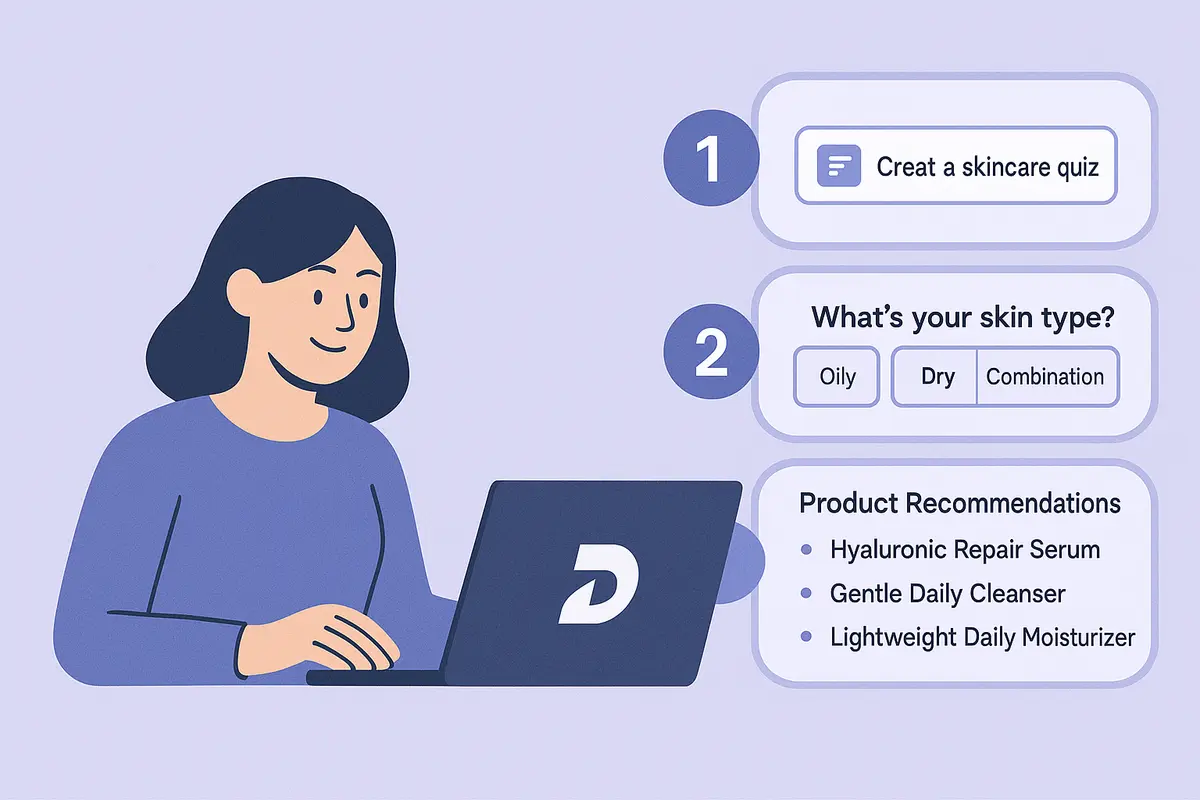
Learn how to create a high-converting AI product recommendation quiz using Dashform. This step-by-step guide shows how to generate personalized quizzes with conditional logic, branding, and CRM integrations — no coding required.

How realtors can use AI agent funnels to receive pre-qualified buyer leads, with budget, timeline, and preferences already collected, and the setup to get there.
A proposed checklist for comparing form authoring, respondent experience, qualification, integrations, pricing, exports, and agent access.
Try the world's first AI-native form and turn every response into action instantly.