

This eight-question form lets students bring concerns, suggestions, and proposals directly to their Class Council. It opens by collecting the petitioner's name, optional student ID or grade level, and school email address for follow-up, then asks for the petition's main topic and a detailed description of the concern or suggestion. From there, students can offer proposed solutions, rate how urgent the matter is — from low urgency to immediate attention required — and optionally estimate how many peers support the petition. After submitting, the respondent sees a confirmation that the Class Council will review their input and consider it in upcoming discussions.
Try the conversation below to see how this template works
Trusted by over 10,000 customers and growing
Conversations Started
Questions Answered
Forms Created
Relies on the "What is the main topic or subject of your petition?" question to quickly categorise and triage incoming concerns before council meetings.
Uses the "How urgent do you consider this matter to be?" question to spot time-sensitive issues that may need attention before the next scheduled discussion.
Depends on the "Please describe your concern or suggestion in detail, providing all relevant information." question to make sure their full perspective is heard and recorded accurately.

AI builds and refines your form through natural conversation no templates, no complex logic, no coding. From a simple text prompt or URL, Dashform generates intelligent flows that adapt automatically.
Dashform turns traditional form-filling into a two-way dialogue. The AI understands intent, remembers context, and asks relevant follow-up questions just like a real human conversation.
Every response is transformed into structured, meaningful, and ready-to-use data. Integrate with your favorite tools.
Everything you need to create amazing forms
Everything you need to know about this template
Don't see exactly what you need? Use our AI Form Generator to create a custom form in seconds. Just describe what you want, and AI will build it for you.
Explore more templates to find the perfect fit
 Customer Feedback
Gather post-interaction ratings, resolution feedback, and open-ended suggestions from customers in five focused questions.
 Feedback
A ten-question survey covering satisfaction, quality, highlights, problems, and likelihood to recommend.
 Client Intake
Collect customer contact details, preferred communication channel, and referral source in one tidy form.
 Survey
Measure customer satisfaction, loyalty, and acquisition in seven focused questions.
 Survey
A seven-question post-support survey covering resolution, agent helpfulness, response time, and ease of contact.
 Satisfaction Survey
A nine-question survey covering satisfaction, response time, staff knowledge, issue resolution, and likelihood to recommend.
Learn how to get the most out of your forms and templates

Compare Dashform and Typeform for question drafting, qualification, results, and configured CRM or scheduling handoffs.

Eight Botox marketing ideas to evaluate: dedicated landing pages, consultation requests, seasonal promotions, local SEO, and configured follow-ups.
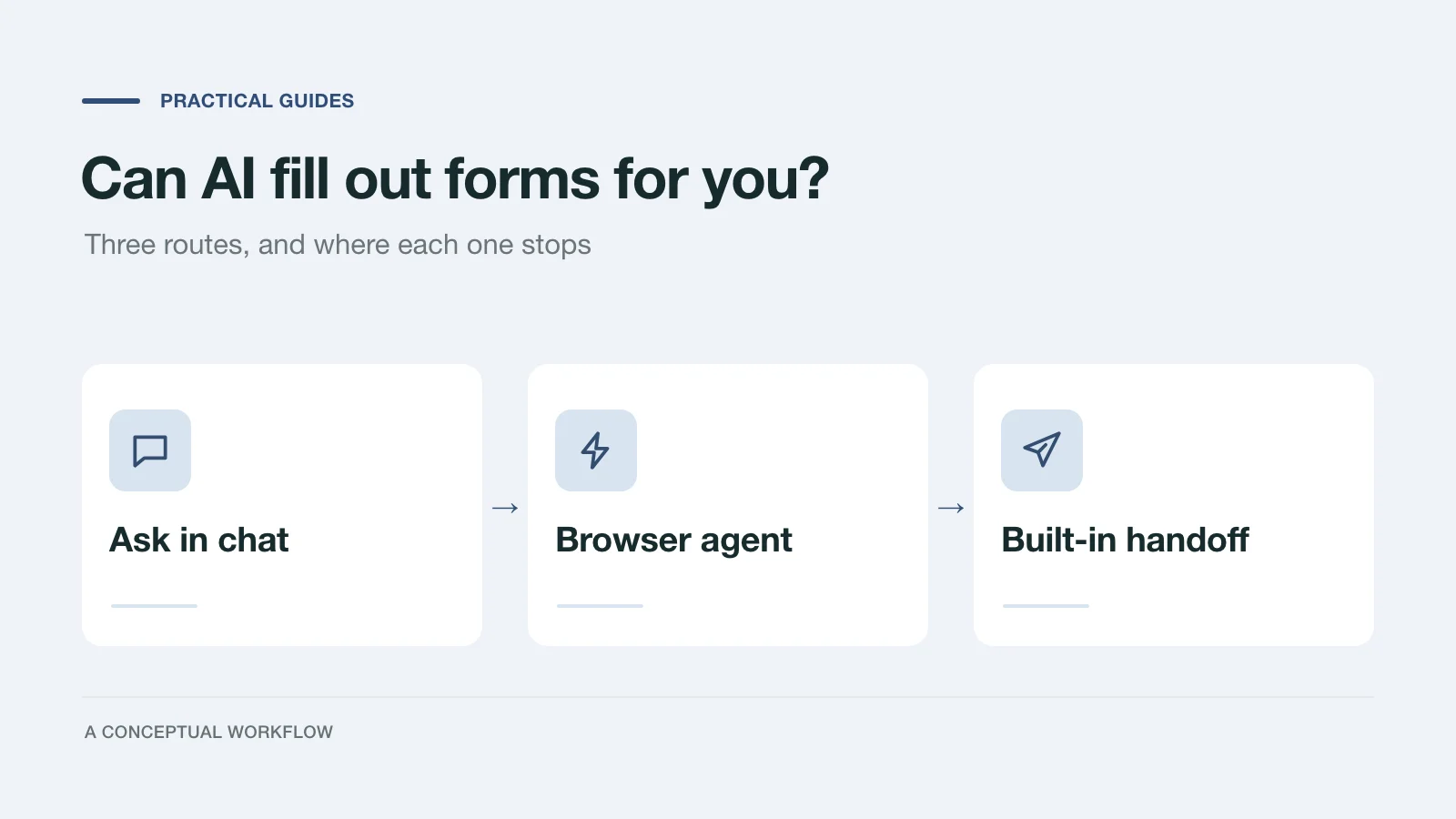
Yes, in three different ways: answers you paste in, a browser agent that clicks for you, or a form built for assistants. What each one handles and where it stops.
Try the world's first AI-native form and turn every response into action instantly.