

The R and R Form is an employee recognition nomination form that opens by asking for the nominee's name and department, grounding each submission in a specific person and team. The third question asks the nominator to choose a recognition category — such as 'Innovation & Creativity' or 'Customer Service Excellence' — so that submissions are easy to sort and compare. Two open-ended questions then ask for the specific actions behind the nomination and their broader impact on the team or organization, giving decision-makers the detail they need to evaluate each nomination fairly. A 1–5 impact rating adds a quick numeric signal alongside those written answers, and the form closes by collecting the nominator's own name for accountability. After submitting, respondents see a thank-you screen confirming that their input helps the organization celebrate its team's achievements.
Try the conversation below to see how this template works
Trusted by over 10,000 customers and growing
Conversations Started
Questions Answered
Forms Created
HR teams rely on the category question and the impact rating to triage and compare nominations consistently before review meetings.
Managers use the specific-actions question to build documented, detailed cases for recognizing direct reports at performance or awards cycles.
Peers use the optional broader-impact question to articulate how a colleague's work rippled beyond their immediate role, strengthening the nomination.

AI builds and refines your form through natural conversation no templates, no complex logic, no coding. From a simple text prompt or URL, Dashform generates intelligent flows that adapt automatically.
Dashform turns traditional form-filling into a two-way dialogue. The AI understands intent, remembers context, and asks relevant follow-up questions just like a real human conversation.
Every response is transformed into structured, meaningful, and ready-to-use data. Integrate with your favorite tools.
Everything you need to create amazing forms
Everything you need to know about this template
Don't see exactly what you need? Use our AI Form Generator to create a custom form in seconds. Just describe what you want, and AI will build it for you.
Explore more templates to find the perfect fit
 General Application
Collect patient and emergency contact details, allergy and medication notes, relevant conditions, and a treatment-consent response for admission review.
 Patient Feedback
A six-question clinic feedback form covering care quality, staff, and facilities — with space for open-ended suggestions.
 Rsvp
RsvpA PHQ-9 symptom questionnaire with four frequency choices for each symptom over the past two weeks, for discussion with a healthcare professional.
 Patient
Collect patient contact details, insurance info, medical history, and HIPAA consent before the first appointment.
 Patient Feedback
Collect patient feedback on wait times, staff, and care quality to pinpoint where your practice can improve.
 Client Intake
Collect a patient's full medication record, including prescriptions, OTC drugs, allergies, and review date.
Learn how to get the most out of your forms and templates
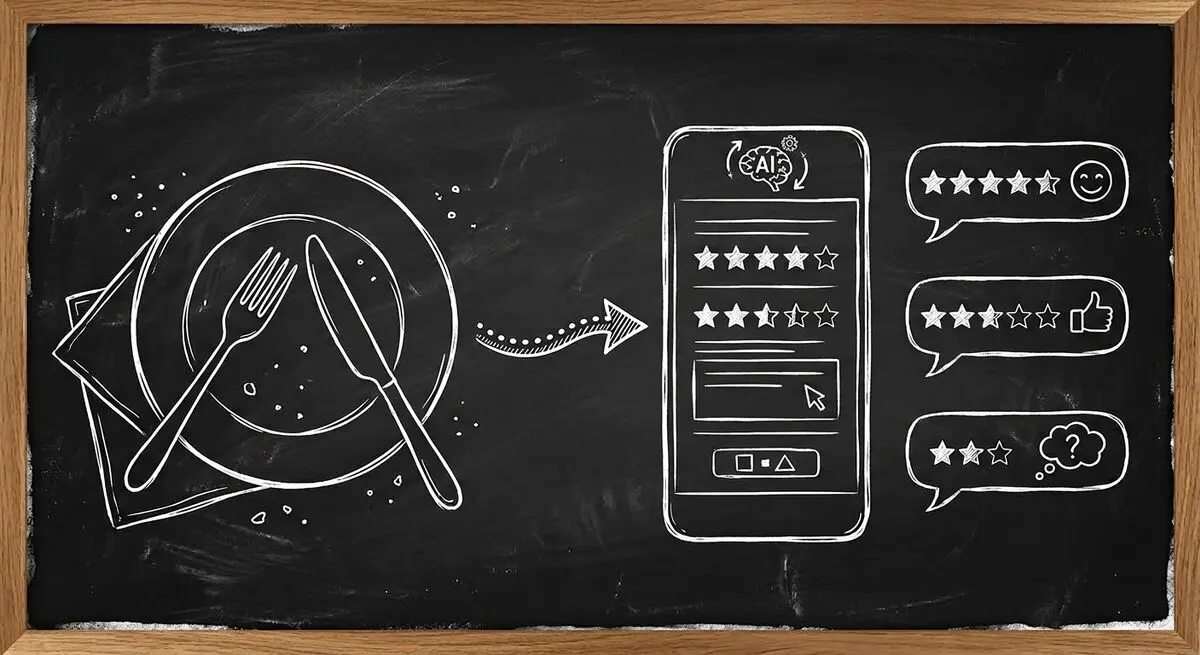
How restaurants use AI-powered feedback forms to capture customer sentiment in real time, resolve problems before they become public reviews, and bring guests back. A complete setup guide with QR code strategy.

Learn proven restaurant reputation management tips for handling online reviews. Discover how to respond to feedback professionally, manage negative reviews, and use AI-powered feedback forms to protect and grow your restaurant’s reputation.
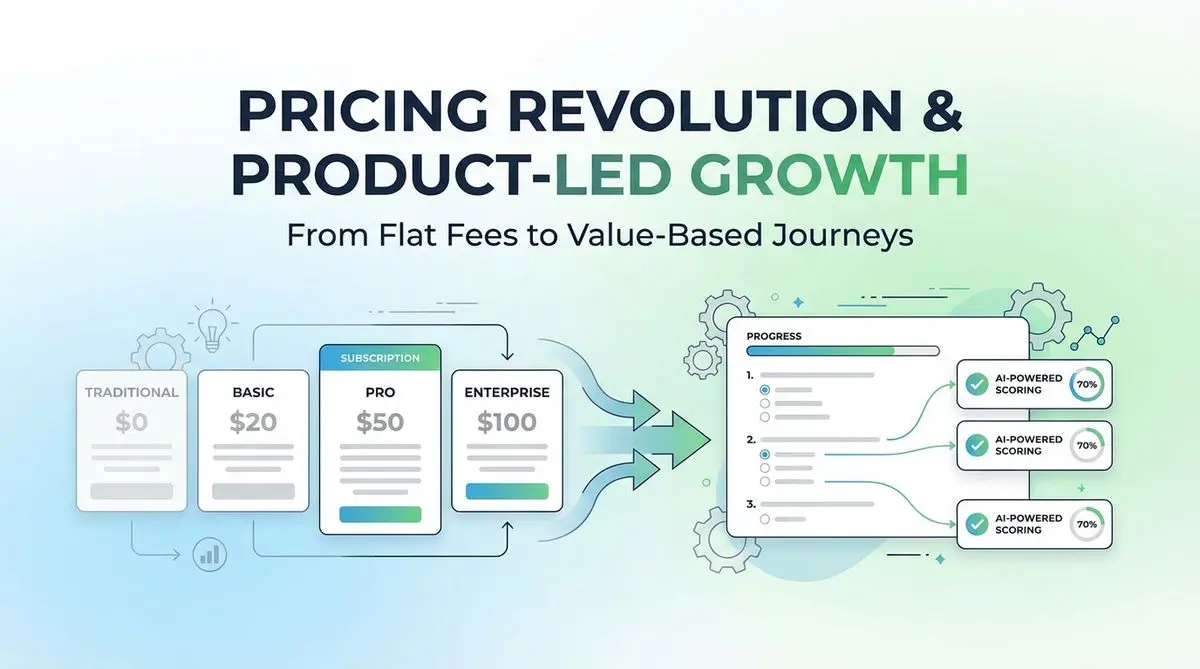
A proposed SaaS intake quiz can collect use case, budget, and timeline before a trial. Test its effect on signups, activation, and paying customers.
Try the world's first AI-native form and turn every response into action instantly.