

The Patient Health Questionnaire PHQ-9 opens with fields for the "Please provide the patient's full name or identification number." question and the "What is today's date for this assessment?" question, anchoring each response to a specific patient and appointment. The nine symptom-frequency questions that follow cover the core PHQ-9 criteria — low mood, sleep disturbance, fatigue, appetite changes, feelings of worthlessness, concentration difficulties, psychomotor changes, and thoughts of self-harm — each offering four single-choice answers from 0 (not at all) to 3 (nearly every day), reflecting frequency over the past two weeks, so the healthcare provider can calculate a total severity score. The questions are sequenced to match the standard clinical PHQ-9 order, keeping the symptom sequence consistent across assessments. The Ending invites respondents to discuss their answers with a qualified healthcare professional and explains that no diagnosis, total score, or care-team alert is provided.
Try the conversation below to see how this template works
Trusted by over 10,000 customers and growing
Conversations Started
Questions Answered
Forms Created
Practitioners can review the nine symptom-frequency answers and calculate a score separately to support a clinical conversation.
Clinics can use the date and patient identifier alongside the nine frequency answers to compare symptom reports across appointments.
Providers can collect a symptom self-report before a consultation. Clinical assessment and any scoring remain separate from the form.

AI builds and refines your form through natural conversation no templates, no complex logic, no coding. From a simple text prompt or URL, Dashform generates intelligent flows that adapt automatically.
Dashform turns traditional form-filling into a two-way dialogue. The AI understands intent, remembers context, and asks relevant follow-up questions just like a real human conversation.
Every response is transformed into structured, meaningful, and ready-to-use data. Integrate with your favorite tools.
Everything you need to create amazing forms
Everything you need to know about this template
Don't see exactly what you need? Use our AI Form Generator to create a custom form in seconds. Just describe what you want, and AI will build it for you.
Explore more templates to find the perfect fit
 General Survey
A ten-question health intake form covering eating habits, blood sugar, inflammation, hydration, and lifestyle factors.
 Checklist
Step through every offboarding task, confirm completion, and capture a contact for any follow-up — all in one tidy checklist.
 Agreement
Formalize a real estate purchase offer with buyer details, price, closing date, contingencies, and additional terms.
 General Request
Submit an office supplies request with delivery details, item list, urgency level, and optional context for your team.
 Onboarding
Collect the business details, goals, platforms, and audience info a social media agency needs to kick off a new client engagement.
 Donation
A seven-question form that collects donor details, gift amount, frequency, and display preferences for secure online giving.
Learn how to get the most out of your forms and templates
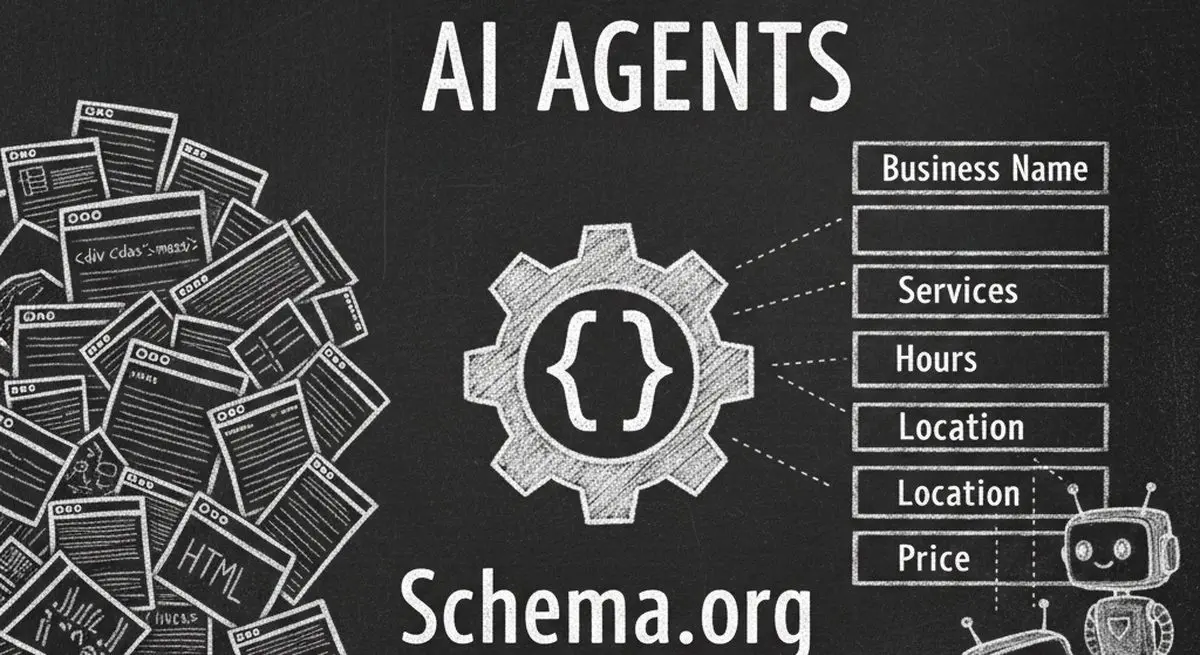
Review seven Schema.org types for describing business information accurately. Structured data can aid parsing, but does not guarantee discovery, citations, or bookings.

Many coaches start with ScoreApp for client scoring, but outgrow scoring-only workflows as their business scales. This article explores common ScoreApp alternatives and what modern coaches should look for beyond simple assessments.
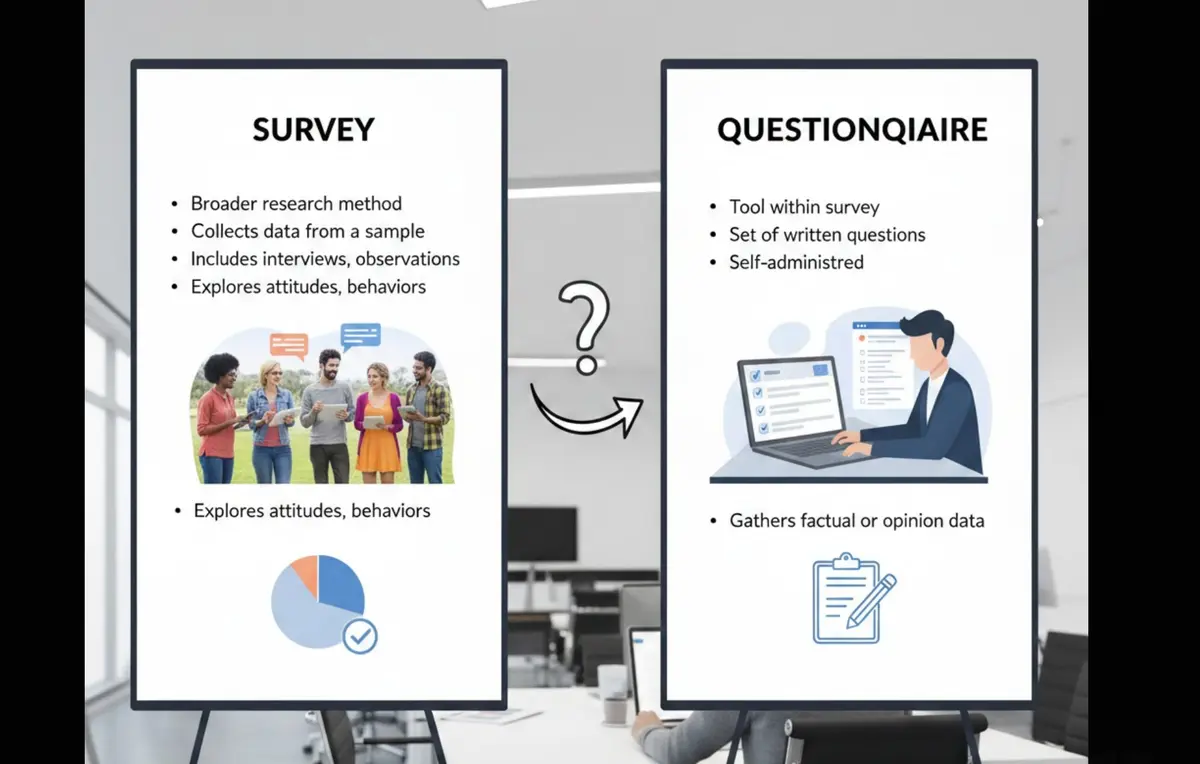
Survey vs questionnaire: understand the key differences, use cases, and decision framework to choose the right approach for research, customer feedback, or internal workflows.
Try the world's first AI-native form and turn every response into action instantly.