The Patient Admission Checklist collects patient identity and contact details, then an emergency contact’s name and phone number. Allergy, medication, and pre-existing-condition screening each offer yes, no, or unsure and are followed by optional details, so a positive answer can be explained. The final treatment-consent choice records yes or no. Nine of thirteen questions are required; email and the three clinical detail fields are optional. The ending acknowledges the checklist and asks the patient to discuss uncertain information with the admission team.
Try the conversation below to see how this template works
Trusted by over 10,000 customers and growing
Conversations Started
Questions Answered
Forms Created
Read each health-screening choice together with optional allergy reactions, medication doses, and condition details.
Use unsure answers and missing detail as prompts for follow-up rather than treating a completed checklist as a complete clinical history.

AI builds and refines your form through natural conversation no templates, no complex logic, no coding. From a simple text prompt or URL, Dashform generates intelligent flows that adapt automatically.
Dashform turns traditional form-filling into a two-way dialogue. The AI understands intent, remembers context, and asks relevant follow-up questions just like a real human conversation.
Every response is transformed into structured, meaningful, and ready-to-use data. Integrate with your favorite tools.
Everything you need to create amazing forms
Everything you need to know about this template
Don't see exactly what you need? Use our AI Form Generator to create a custom form in seconds. Just describe what you want, and AI will build it for you.
Explore more templates to find the perfect fit
 Purchase Order
A structured request form that gives approvers everything they need to review and process a purchase order straight away.
 Evaluation
Report a product or part defect with severity, scope, and corrective action recommendations for fast QA triage.
 Quote Request
Collect project details, timeline, and budget from prospective clients so you can prepare and send an accurate quote.
 Other
Enter raffle ticket preferences and a requested quantity for an organizer to review separately.
 Hr
Nominate a colleague for recognition by describing their achievement, its impact, and the category that fits best.
 Survey
A seven-question student survey on reading frequency, enjoyment, genre preferences, and classroom barriers.
Learn how to get the most out of your forms and templates
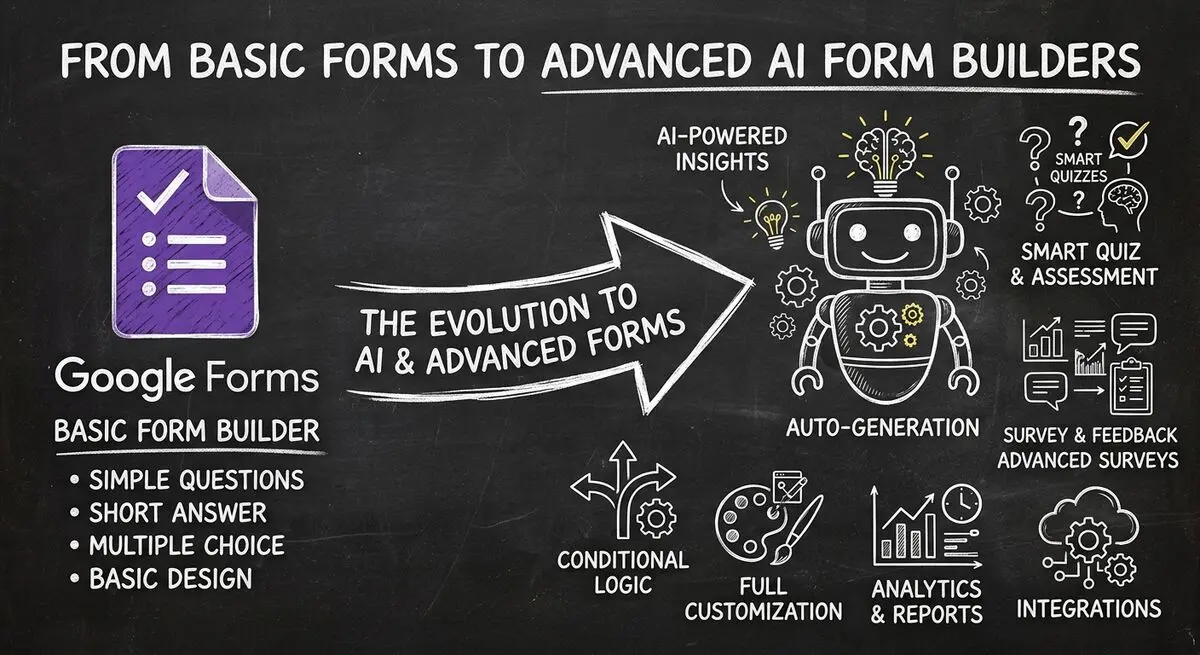
A guide to sharing and closing Google Forms, checking the controls available in your account, and comparing Dashform sharing workflows.
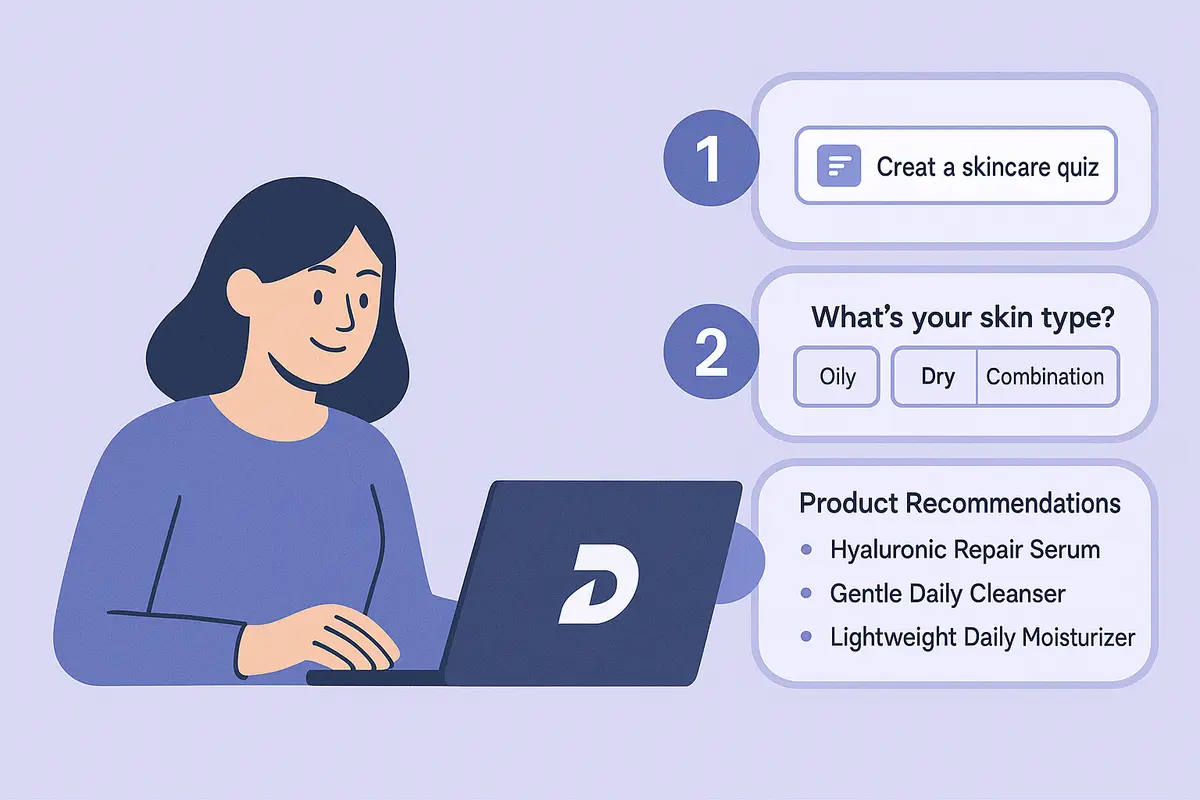
Build a high-converting AI product recommendation quiz in Dashform, with conditional logic, branding, and CRM integrations. A step-by-step guide, no code.

How realtors can use AI agent funnels to get pre-qualified buyer leads, with budget, timeline, and preferences already collected, and the setup it takes.
Try the world's first AI-native form and turn every response into action instantly.

