

The Hospice Feedback Form opens with a brief welcome that explains why responses matter, then walks respondents through five required rating questions covering overall satisfaction, staff communication, staff compassion and professionalism, symptom management, and family or caregiver support — each one targeting a distinct dimension of hospice care so the provider can pinpoint exactly where to improve. Two optional open-ended questions follow, inviting respondents to name specific service gaps and share any remaining comments or suggestions, giving people who want to elaborate a clear space to do so. After submitting, respondents see a thank-you screen acknowledging their input and affirming its role in maintaining compassionate, high-quality care.
Try the conversation below to see how this template works
Trusted by over 10,000 customers and growing
Conversations Started
Questions Answered
Forms Created
The five separate rating questions give administrators a clear breakdown of where care is strong and which specific areas — communication, symptom management, or family support — need attention.
The structured ratings across five care dimensions produce consistent, comparable data, while the "Are there any specific areas where you believe the hospice could improve its services?" question surfaces actionable detail.
The dedicated "How well did the hospice provide support and resources for family members/caregivers?" question gives family members a direct channel to report on their own experience, not just the patient's.

AI builds and refines your form through natural conversation no templates, no complex logic, no coding. From a simple text prompt or URL, Dashform generates intelligent flows that adapt automatically.
Dashform turns traditional form-filling into a two-way dialogue. The AI understands intent, remembers context, and asks relevant follow-up questions just like a real human conversation.
Every response is transformed into structured, meaningful, and ready-to-use data. Integrate with your favorite tools.
Everything you need to create amazing forms
Everything you need to know about this template
Don't see exactly what you need? Use our AI Form Generator to create a custom form in seconds. Just describe what you want, and AI will build it for you.
Explore more templates to find the perfect fit
 Agreement
Collect staff agreement to healthcare privacy policy, PHI confidentiality, and breach-reporting procedures, with a typed-name sign-off.
 Agreement
Collect renter details, boat type, rental dates, and T&C sign-off in one tidy agreement form.
 Self Assessment
A five-question self-assessment that maps your symptoms, trigger foods, and reaction severity to help you understand histamine intolerance.
 Quiz
QuizA five-question history quiz covering exploration, world wars, ancient civilizations, and the Roman Empire.
 Leave Request
A straightforward employee leave request form covering dates, leave type, department, and optional contact details.
 Request
Reserve a holiday event booth by sharing your organization details, preferred dates, booth size, and setup needs.
Learn how to get the most out of your forms and templates
Use Dashform's MCP connection in a compatible AI client to draft and edit forms, review the saved result, and publish when ready.
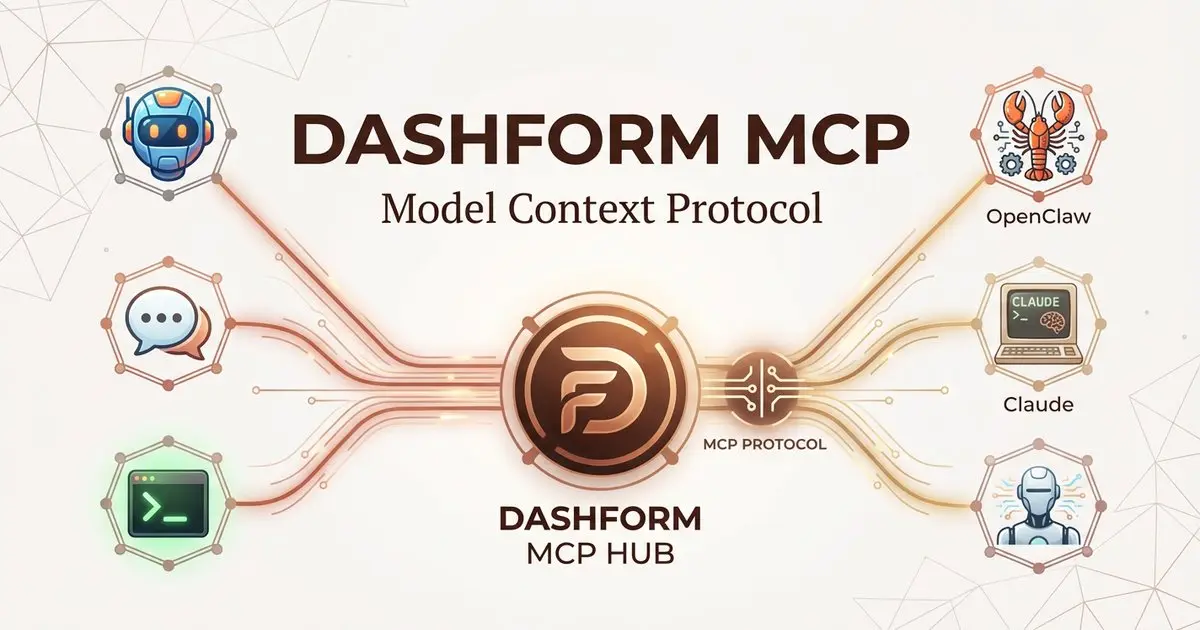
Dashform now supports the Model Context Protocol (MCP). Connect OpenClaw, Claude Code, LangChain, or any MCP-compatible AI agent to create AI-powered forms, surveys, and quiz funnels programmatically through getaiform.com/api/mcp.
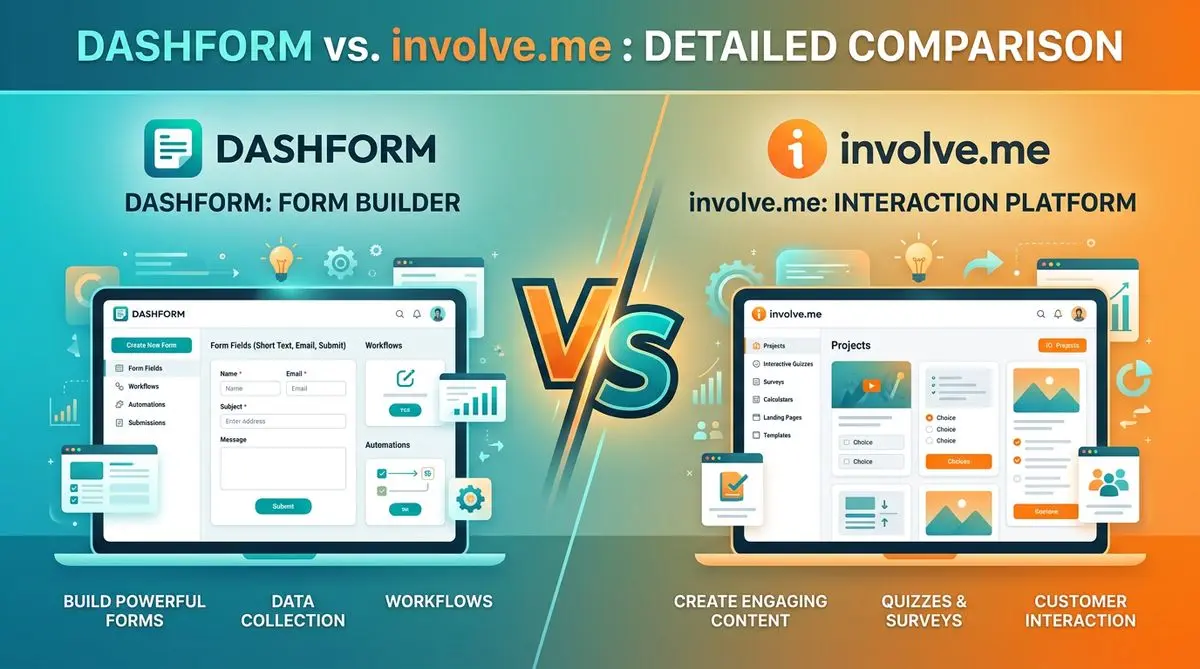
Dashform and involve.me side by side: pricing, AI generation, lead scoring, templates, and integrations, and which fits marketers, coaches, and agencies.
Try the world's first AI-native form and turn every response into action instantly.