

This eight-question registration form opens by collecting the primary parent or guardian's full name and email address, which the co-op needs to direct all follow-up communication correctly. An optional phone number field comes next, giving families the choice to share a second contact method. The form then asks for the child's full name and current age or grade level, so organizers can match each child to the right programs. A multiple-choice question about preferred subjects and activities — from 'Math' and 'Science' to 'Field Trips' and 'Social Activities' — helps the co-op understand where interest lies, while a single-choice question about how the family heard about the co-op informs outreach efforts. A final open-ended comments field lets families raise anything not covered above. After submitting, respondents see a warm confirmation screen letting them know their details have been received and that the co-op will be in touch shortly.
Try the conversation below to see how this template works
Trusted by over 10,000 customers and growing
Conversations Started
Questions Answered
Forms Created
The child's name, age or grade level, and subject-interest questions give organizers exactly what they need to place each child in fitting programs before ever making contact.
The optional comments question at the end lets incoming families flag specific needs or questions upfront, reducing back-and-forth before the first meeting.
The referral-source question pinpoints which channels — from 'Online Search' to 'Homeschool Group' — are driving new family sign-ups, making future outreach easier to plan.

AI builds and refines your form through natural conversation no templates, no complex logic, no coding. From a simple text prompt or URL, Dashform generates intelligent flows that adapt automatically.
Dashform turns traditional form-filling into a two-way dialogue. The AI understands intent, remembers context, and asks relevant follow-up questions just like a real human conversation.
Every response is transformed into structured, meaningful, and ready-to-use data. Integrate with your favorite tools.
Everything you need to create amazing forms
Everything you need to know about this template
Don't see exactly what you need? Use our AI Form Generator to create a custom form in seconds. Just describe what you want, and AI will build it for you.
Explore more templates to find the perfect fit
 General Application
Collect Discord mod applications with questions on experience, availability, rule enforcement judgment, and tool familiarity.
 Issue Report
Report a Discord user for spam, harassment, inappropriate content, impersonation, or other rule violations.
 Consent
Collect diver consent, certification level, medical info, and emergency contact details before any diving activity.
 Survey
Collect age, gender, ethnicity, inclusion satisfaction, and open-ended suggestions to guide your diversity initiatives.
 Agreement
Outline an event, performance hours, equipment arrangements, fees, and cancellation terms for a separately prepared DJ agreement.
 Invoice
Record client details, event services, equipment, charges, and payment terms before preparing a DJ invoice.
Learn how to get the most out of your forms and templates
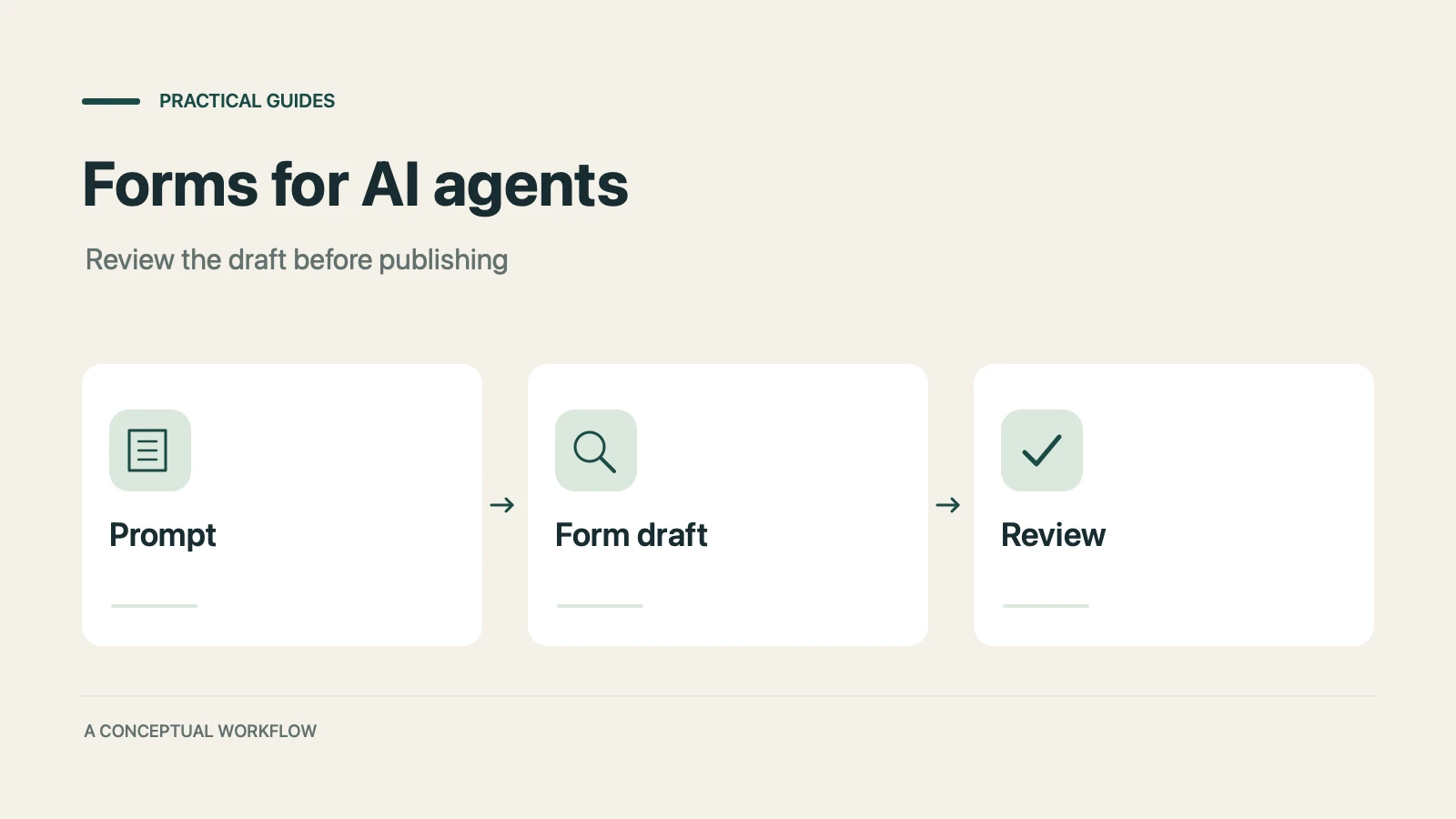
A practical guide to evaluating terminal-based Dashform workflows, checking current commands, reviewing drafts, and publishing with explicit authorization.
Use Dashform's MCP connection in a compatible AI client to draft and edit forms, review the saved result, and publish when ready.
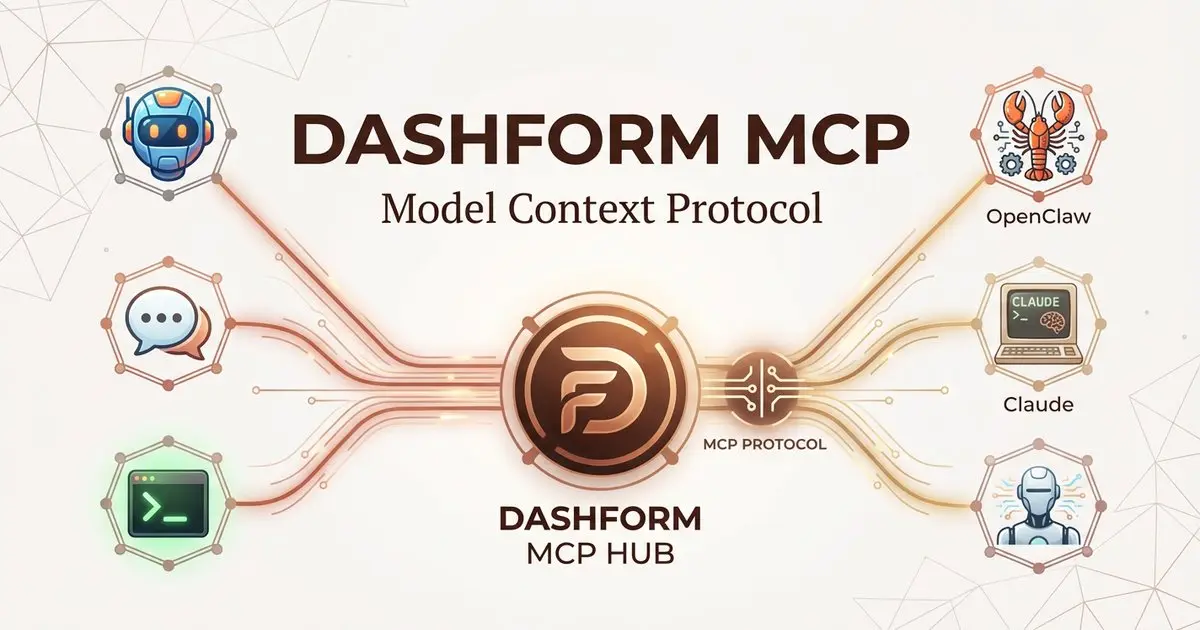
Dashform now supports the Model Context Protocol (MCP). Connect OpenClaw, Claude Code, LangChain, or any MCP-compatible AI agent to create AI-powered forms, surveys, and quiz funnels programmatically through getaiform.com/api/mcp.
Try the world's first AI-native form and turn every response into action instantly.