

The Home Care Timesheet Form opens with a prompt to record care time accurately for documentation and billing purposes. It then collects patient and staff identification through the "Please enter the patient's full name." and "Please enter your full name (clinical staff)." questions, followed by the "What was the date of service? (e.g., YYYY-MM-DD)" question to anchor the visit to a specific day. Three time-related questions then capture the start time, finish time, and total duration of care, giving the form owner everything needed to verify and bill for the visit. The optional "Briefly describe the services provided during this visit." question rounds out the record with a qualitative summary. After submitting, respondents see a thank-you screen acknowledging their diligent record-keeping.
Try the conversation below to see how this template works
Trusted by over 10,000 customers and growing
Conversations Started
Questions Answered
Forms Created
Rely on the start time, finish time, and total duration questions to verify staff hours and support accurate client billing.
Use the guided format of the "What was the date of service? (e.g., YYYY-MM-DD)" question and time entry prompts to log each visit quickly and consistently.
Depend on the "Please enter the patient's full name." and "Please enter your full name (clinical staff)." questions to keep patient and staff records clearly linked for compliance purposes.

AI builds and refines your form through natural conversation no templates, no complex logic, no coding. From a simple text prompt or URL, Dashform generates intelligent flows that adapt automatically.
Dashform turns traditional form-filling into a two-way dialogue. The AI understands intent, remembers context, and asks relevant follow-up questions just like a real human conversation.
Every response is transformed into structured, meaningful, and ready-to-use data. Integrate with your favorite tools.
Everything you need to create amazing forms
Everything you need to know about this template
Don't see exactly what you need? Use our AI Form Generator to create a custom form in seconds. Just describe what you want, and AI will build it for you.
Explore more templates to find the perfect fit
 Consent
Collect ketamine therapy consent choices and questions after a patient reviews information from their healthcare provider.
 File Upload
Collect a website funding overview, requested amount, accessible supporting-document links, and an application-readiness declaration.
 Assessment
Review laboratory education, instrument experience, quality-control practice, and critical-value reporting in seven questions.
 General Request
Collect late assignment details, reasons, and a proposed new deadline from students or staff in one tidy form.
 Client Intake
Collects incident details, damages, and prior legal history so an attorney can assess a prospective client's case.
 Signup
Capture name, email, and intent from new leads so your team can follow up with the right message.
Learn how to get the most out of your forms and templates

Long forms lose visitors; short quizzes give them a reason to answer. The psychology, the framework, and a 3-question template for capturing more leads from the same traffic.
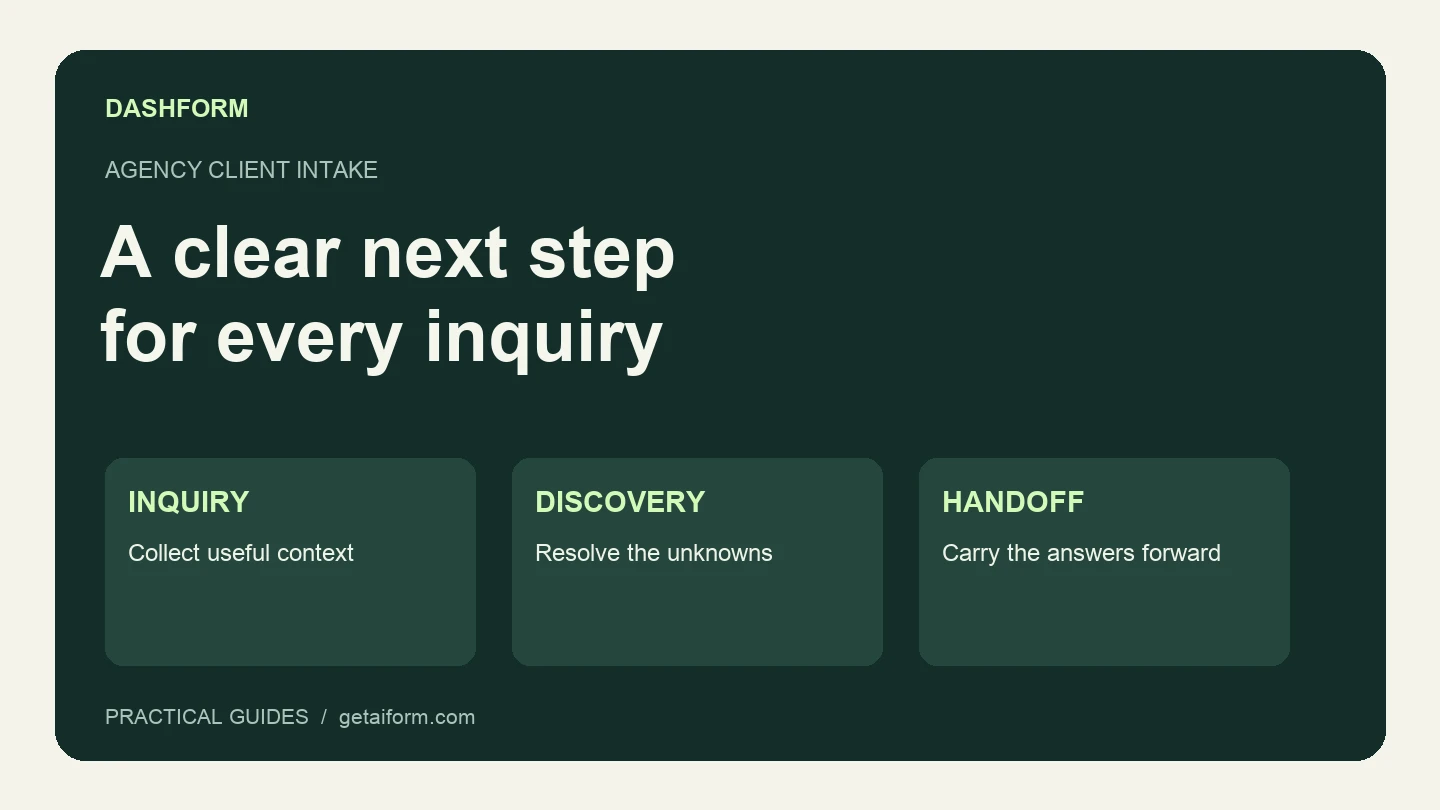
A practical agency intake workflow covering the first form, fit review, clarification, discovery, and handoff, with copyable questions and response examples.

Client qualification has evolved from ad-hoc discovery calls into structured systems. This article breaks down the modern qualification process coaches use to assess fit, protect time, and scale efficiently.
Try the world's first AI-native form and turn every response into action instantly.