

This seven-question form opens by asking for a name and department, so responses can be sorted by team. It then moves through three core dimensions of remote work: the "How satisfied are you with your current remote work arrangement?" question captures overall sentiment, the "How would you describe the reliability of your internet connection for work tasks?" question pinpoints a common technical barrier, and the "Which of the following best describes your home office setup?" question maps the physical environments employees are working in. A second rating question asks employees to self-assess their productivity on a five-point scale, from significantly decreased to significantly increased. The optional "What are the biggest challenges you face while working from home?" question closes the form and invites employees to surface anything the structured questions missed. After submitting, respondents see a brief thank-you screen confirming their input has been received.
Try the conversation below to see how this template works
Trusted by over 10,000 customers and growing
Conversations Started
Questions Answered
Forms Created
The department field and the "How satisfied are you with your current remote work arrangement?" question let HR segment sentiment data by team and flag where remote work support is most needed.
The "How would you describe the reliability of your internet connection for work tasks?" question gives IT a direct read on connectivity problems across the workforce, helping prioritize stipends or equipment support.
The "Which of the following best describes your home office setup?" question and the productivity rating together show policy owners whether physical environment correlates with output, informing decisions about home office allowances.

AI builds and refines your form through natural conversation no templates, no complex logic, no coding. From a simple text prompt or URL, Dashform generates intelligent flows that adapt automatically.
Dashform turns traditional form-filling into a two-way dialogue. The AI understands intent, remembers context, and asks relevant follow-up questions just like a real human conversation.
Every response is transformed into structured, meaningful, and ready-to-use data. Integrate with your favorite tools.
Everything you need to create amazing forms
Everything you need to know about this template
Don't see exactly what you need? Use our AI Form Generator to create a custom form in seconds. Just describe what you want, and AI will build it for you.
Explore more templates to find the perfect fit
 Agreement
Formally document the removal or waiver of real estate purchase agreement contingencies with a clear, step-by-step form.
 Product Order
Formally request a modification to an existing contract, covering scope, schedule, price, and justification.
 File Upload
Collect a contract document link, agreement details, effective date, and sender authorization for review.
 Legal
LegalCollect both parties' details, dates, and key terms to generate a ready-to-use contract document.
 Quote Request
Collect contact details, project type, description, timeline, and budget so contractors can prepare an accurate quote.
 Food Order
A simple seven-question form for placing a cookie order, from variety selection to delivery date.
Learn how to get the most out of your forms and templates
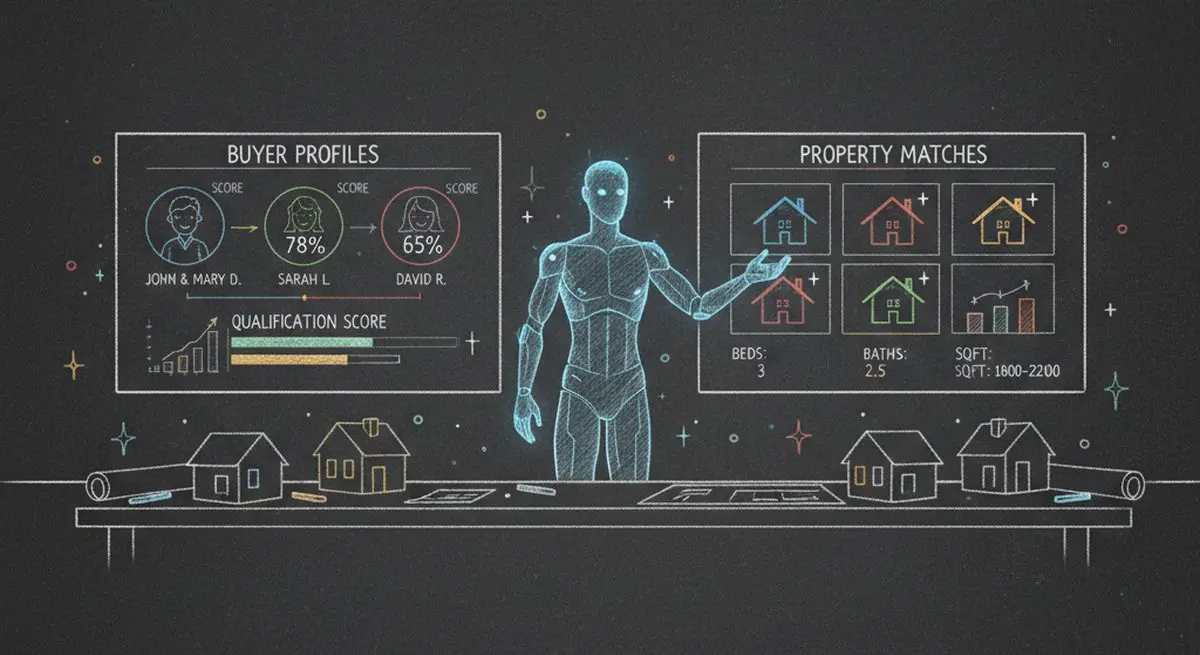
How realtors can use AI agent funnels to receive pre-qualified buyer leads, with budget, timeline, and preferences already collected, and the setup to get there.
A proposed checklist for comparing form authoring, respondent experience, qualification, integrations, pricing, exports, and agent access.
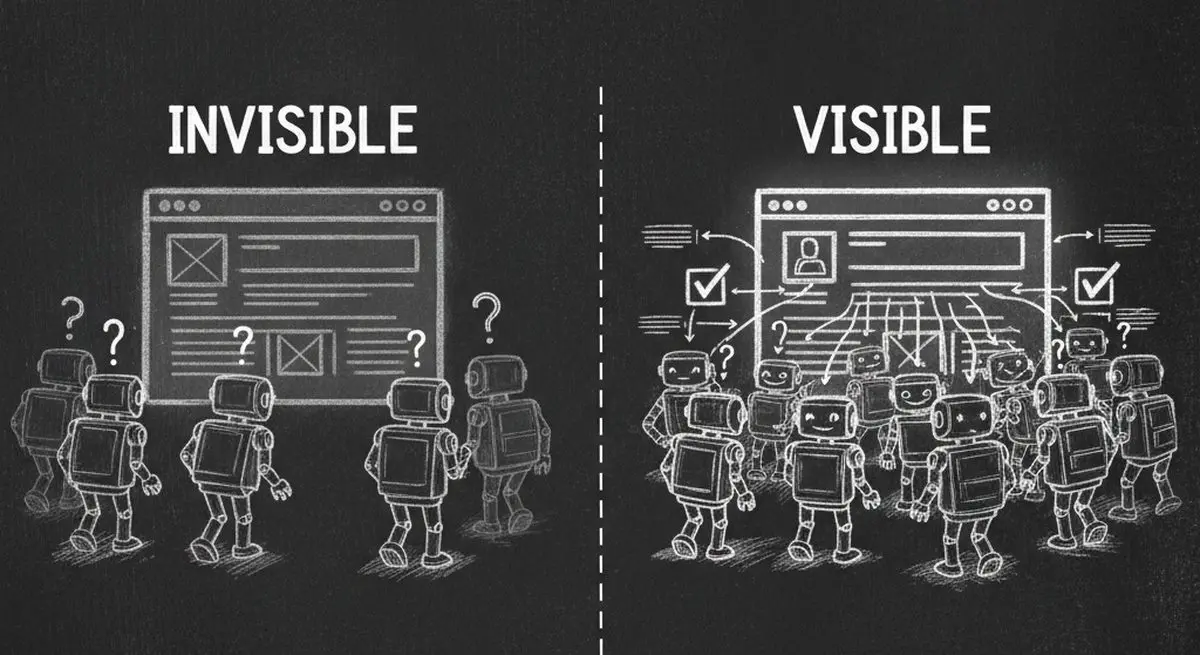
Inspect five potential barriers to agent access, understand the limits of an AX Score, and test changes to your website.
Try the world's first AI-native form and turn every response into action instantly.