

The Photography Booking Form opens by asking for contact details — "Full Name", "Email Address", and optionally "Phone Number" — so the photographer has everything needed to follow up. It then asks the "Type of Photography Session" and "Preferred Shoot Date" questions back to back, establishing the nature and timing of the job before moving on to logistics. The "Preferred Shoot Location" and "Approximate number of people in the shoot" questions help the photographer prepare equipment and plan the shoot, while "Which package are you interested in?" gives a sense of scope and budget. The optional "How did you hear about us?" question tracks where enquiries come from, and "Additional details or special requests" gives respondents space to flag anything the earlier questions didn't cover. After submitting, the form thanks the respondent and lets them know the photographer will be in touch within 24–48 hours to confirm availability and next steps.
Try the conversation below to see how this template works
Trusted by over 10,000 customers and growing
Conversations Started
Questions Answered
Forms Created
Relies on the "Type of Photography Session" and "Which package are you interested in?" questions to qualify each enquiry and arrive at the first call already knowing the scope of the job.
Uses the "Preferred Shoot Location" and "Approximate number of people in the shoot" questions to assign the right space and staff before confirming any booking.
Depends on the "Preferred Shoot Date" and "Additional details or special requests" questions to slot event coverage into a busy calendar and flag any on-site requirements upfront.

AI builds and refines your form through natural conversation no templates, no complex logic, no coding. From a simple text prompt or URL, Dashform generates intelligent flows that adapt automatically.
Dashform turns traditional form-filling into a two-way dialogue. The AI understands intent, remembers context, and asks relevant follow-up questions just like a real human conversation.
Every response is transformed into structured, meaningful, and ready-to-use data. Integrate with your favorite tools.
Everything you need to create amazing forms
Everything you need to know about this template
Don't see exactly what you need? Use our AI Form Generator to create a custom form in seconds. Just describe what you want, and AI will build it for you.
Explore more templates to find the perfect fit
 Assessment
Collect patient symptoms, onset timing, fever, breathing concerns, and exposure history before a medical appointment.
 Order
OrderCollect t-shirt style, sizes, colors, design details, and delivery date in one tidy order form.
 Registration
Register prospective candidates by capturing their contact details, education, experience level, and role interests for your talent pool.
 Event Registration
Register for a talent show audition slot by sharing your contact details, act, and scheduling preferences.
 Tracking Log
Log tank condition, corrosion, leaks, and maintenance needs for fuel and chemical industry inspections.
 Checklist
Log a task with its owner, assignee, priority, category, due date, and current status — all in one tidy form.
Learn how to get the most out of your forms and templates

Med spa website examples with clear service pages, strong calls to action, mobile-friendly layouts, and lead capture that works.
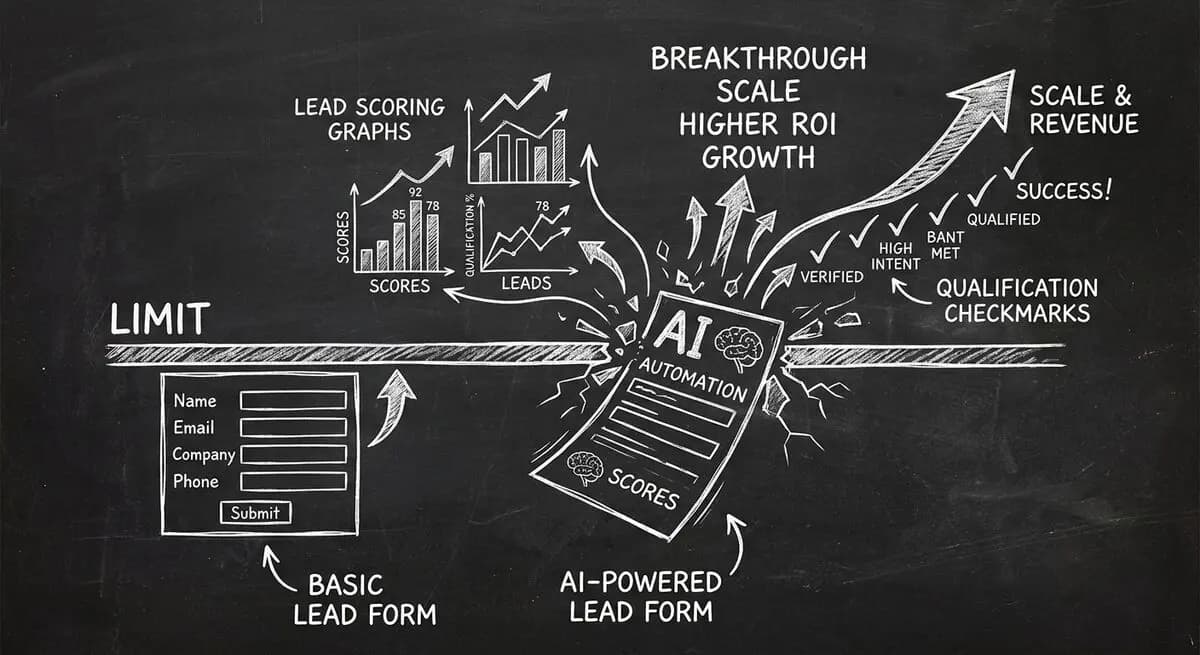
Compare Dashform and Tally for AI drafting, form logic, lead review, and integrations, with a practical checklist for evaluating a switch.
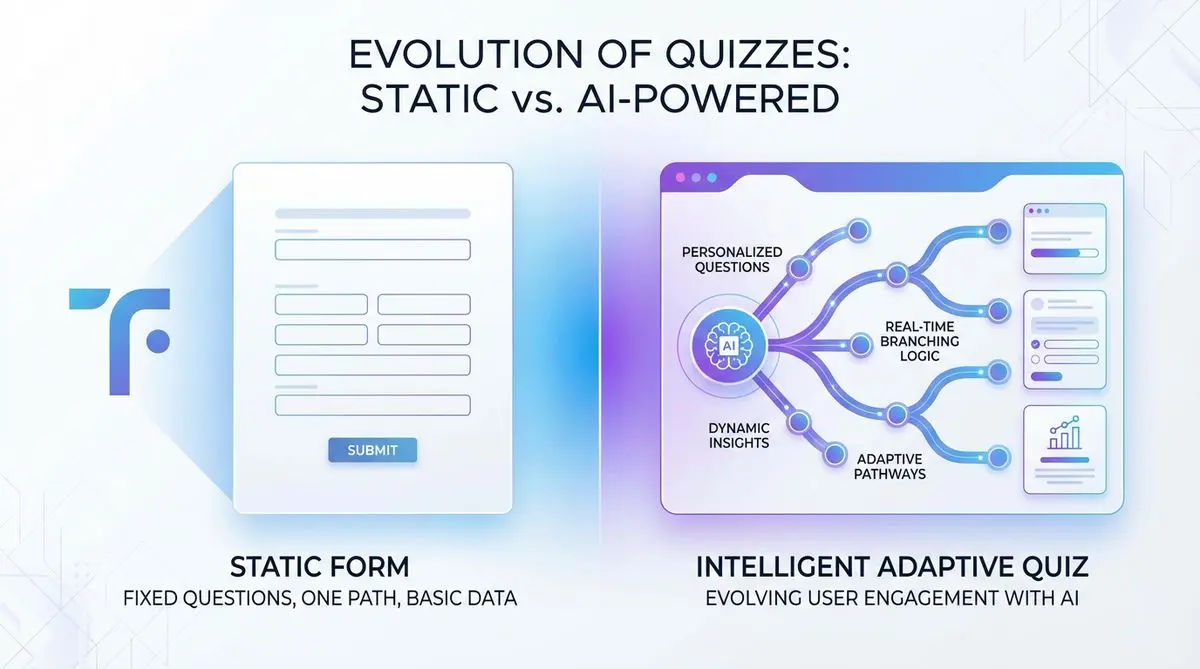
Compare Dashform and Typeform for question drafting, qualification, results, and configured CRM or scheduling handoffs.
Try the world's first AI-native form and turn every response into action instantly.