

This eight-question form opens by asking for the respondent's full name and date of birth to tie every response to the correct patient record, then moves to the clinical detail: the primary symptom, when it started, whether a fever is present, and whether breathing difficulties are occurring. The "Have you been in close contact with anyone who has tested positive for an infectious illness or is experiencing similar symptoms?" question gives the medical team an early picture of possible exposure. A final open-ended question lets respondents flag anything not covered before the earlier required fields. After submitting, respondents see a confirmation that their answers have been sent to the medical team for review.
Try the conversation below to see how this template works
Trusted by over 10,000 customers and growing
Conversations Started
Questions Answered
Forms Created
Relies on the primary symptom, onset, and fever questions to triage walk-in patients before they are seen by a clinician.
Uses the breathing difficulty and exposure questions to flag higher-acuity cases that may need faster attention on arrival.
Depends on the exposure and fever questions to identify employees who may pose an infection risk in a shared workplace.

AI builds and refines your form through natural conversation no templates, no complex logic, no coding. From a simple text prompt or URL, Dashform generates intelligent flows that adapt automatically.
Dashform turns traditional form-filling into a two-way dialogue. The AI understands intent, remembers context, and asks relevant follow-up questions just like a real human conversation.
Every response is transformed into structured, meaningful, and ready-to-use data. Integrate with your favorite tools.
Everything you need to create amazing forms
Everything you need to know about this template
Don't see exactly what you need? Use our AI Form Generator to create a custom form in seconds. Just describe what you want, and AI will build it for you.
Explore more templates to find the perfect fit
 Travel
Collect passenger details, travel dates, route, and cabin preference so your team can find and confirm the best flight options.
 Donation
Collect donor names, contact details, pledge amounts, and payment frequency with a simple digital commitment form.
 Professions
Request a plumbing technician by describing your issue, setting your urgency level, and picking a preferred appointment slot.
 Waiver
Collect legally clear consent from podcast guests before publishing their audio, video, or written contributions.
 Incident Report
Outline incident facts, contact details, witnesses, and reported damage before contacting the appropriate authority separately.
 Agreement
Collect a legally binding policy acceptance declaration with electronic signature from insurance clients.
Learn how to get the most out of your forms and templates
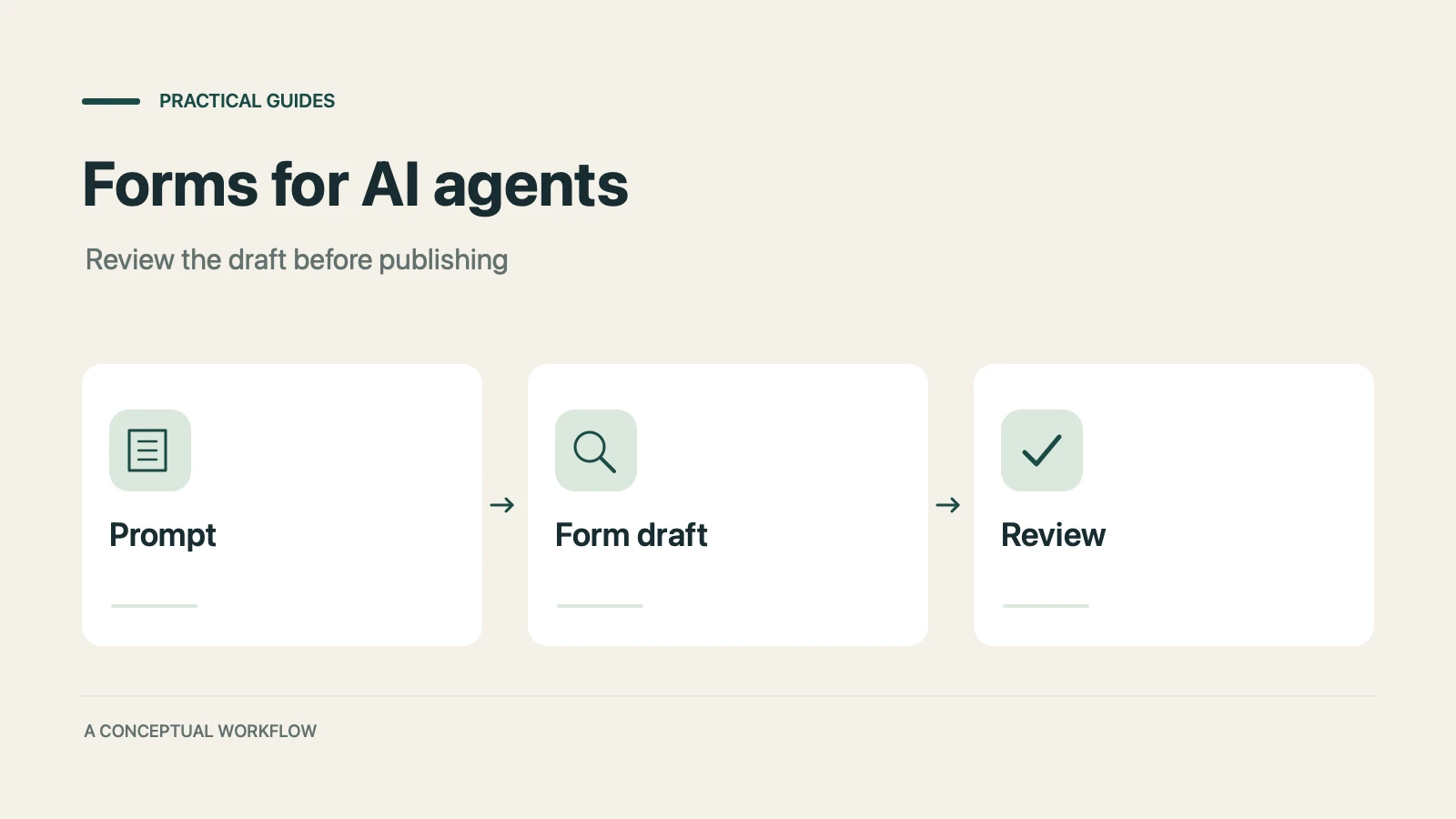
A practical guide to evaluating terminal-based Dashform workflows, checking current commands, reviewing drafts, and publishing with explicit authorization.

Use Dashform's MCP connection in a compatible AI client to draft and edit forms, review the saved result, and publish when ready.

Dashform now supports the Model Context Protocol (MCP). Connect OpenClaw, Claude Code, LangChain, or any MCP-compatible AI agent to create AI-powered forms, surveys, and quiz funnels programmatically through getaiform.com/api/mcp.
Try the world's first AI-native form and turn every response into action instantly.