

This party invitation form opens with two required questions — "What is your full name?" and "What is your email address?" — so the host knows exactly who is coming and has a way to follow up. The "Will you be able to attend the event?" question then captures a clear yes, no, or maybe, giving the host a reliable headcount to plan around. From there, the optional "How many guests will be joining you? (Including yourself)" and "Do you have any dietary restrictions or allergies we should be aware of?" questions gather the logistical details needed for catering and seating, while "Is there anything else you'd like us to know?" gives respondents a catch-all space for special requests. After submitting, guests see a warm thank-you message confirming their RSVP and expressing excitement for the celebration.
Try the conversation below to see how this template works
Trusted by over 10,000 customers and growing
Conversations Started
Questions Answered
Forms Created
Rely on the "Will you be able to attend the event?" and "How many guests will be joining you? (Including yourself)" questions to nail down a headcount before booking a venue or ordering a cake.
Review the optional dietary notes alongside each RSVP's attendance status and guest count. The free-text space lets invitees describe allergies or restrictions for catering planning.
Depend on the "What is your email address?" question to build a contact list for sending updates, reminders, and last-minute changes to all confirmed attendees.

AI builds and refines your form through natural conversation no templates, no complex logic, no coding. From a simple text prompt or URL, Dashform generates intelligent flows that adapt automatically.
Dashform turns traditional form-filling into a two-way dialogue. The AI understands intent, remembers context, and asks relevant follow-up questions just like a real human conversation.
Every response is transformed into structured, meaningful, and ready-to-use data. Integrate with your favorite tools.
Everything you need to create amazing forms
Everything you need to know about this template
Don't see exactly what you need? Use our AI Form Generator to create a custom form in seconds. Just describe what you want, and AI will build it for you.
Explore more templates to find the perfect fit
 General Request
Collect project details, budget breakdowns, and expected outcomes from funding applicants in one structured form.
 Fundraising
Collect product orders, payment preferences, and delivery details for your school or organization's fundraiser.
 Other
OtherOrganize a person’s name, life dates, service arrangements, tributes, and family contact for a separately written resolution.
 Assessment
A clinical intake questionnaire covering mood, stress, sleep, coping strategies, and recent life changes to support patient mental health care.
 Membership Registration
Register for the Game Dev Club by sharing your skills, interests, academic year, and what you hope to get out of membership.
 Course Registration
Register for computer tuition by selecting your course, preferred schedule, and sharing a little about your experience.
Learn how to get the most out of your forms and templates

View Google Form responses, link a Google Sheet, enable email notifications, and export a CSV. Compare these workflows with Dashform Reply review.
A guide to sharing and closing Google Forms, checking the controls available in your account, and comparing Dashform sharing workflows.
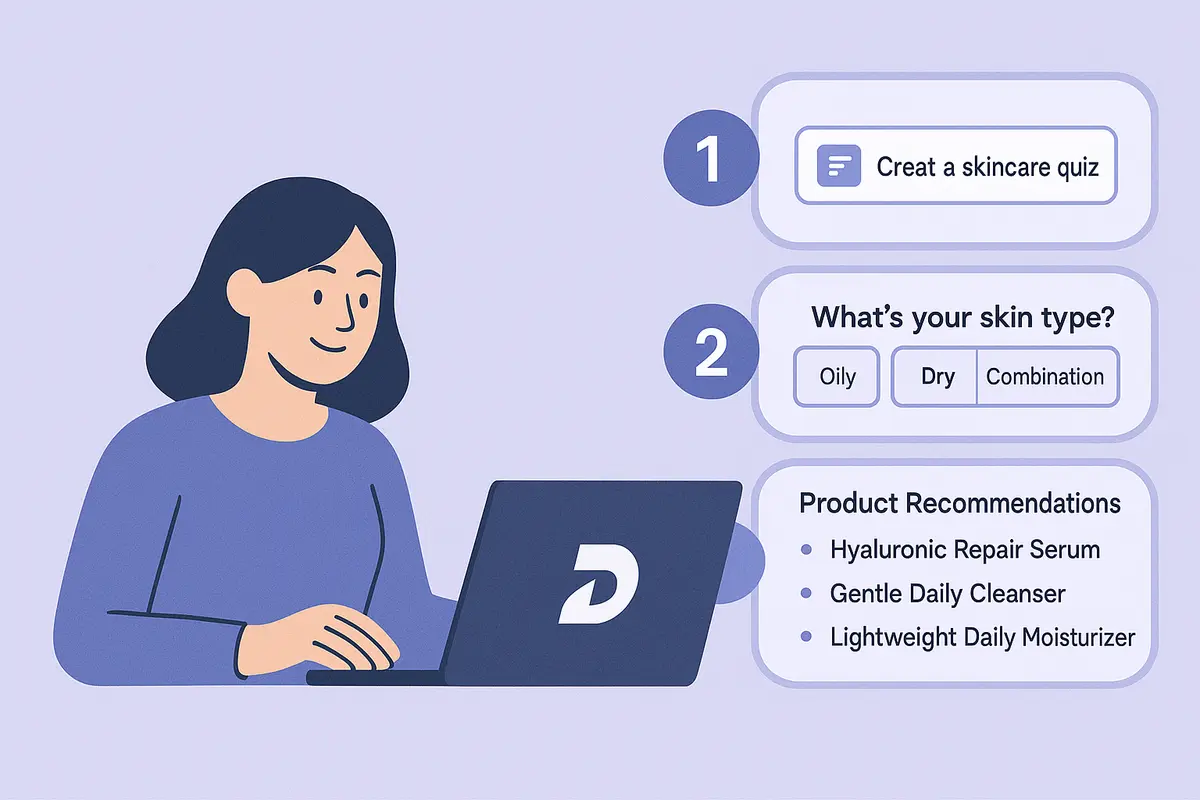
Learn how to create a high-converting AI product recommendation quiz using Dashform. This step-by-step guide shows how to generate personalized quizzes with conditional logic, branding, and CRM integrations — no coding required.
Try the world's first AI-native form and turn every response into action instantly.