

This registration form opens by collecting the essentials — full name, email address, and phone number — so the tuition provider can follow up with each applicant directly. It then asks which of six courses the respondent is interested in, from Basic Computer Skills through to Cybersecurity Basics, and which of five weekly time slots suits them best, letting staff match students to the right class schedules from the start. An optional open-ended question about prior experience helps tutors tailor their teaching approach before the first session, and a final optional question about how the respondent heard about the program tracks which referral channels are working. After submitting, respondents see a confirmation message letting them know the team will be in touch shortly with further details.
Try the conversation below to see how this template works
Trusted by over 10,000 customers and growing
Conversations Started
Questions Answered
Forms Created
Relies on the "Which computer courses are you interested in?" and "What is your preferred schedule for tuition?" questions to organise one-to-one sessions without back-and-forth emails.
Uses the course selection and prior-experience questions together to group learners by ability and interest when planning cohort-based classes.
Depends on the contact details questions and the end screen confirmation to keep admissions staff informed and ensure students are followed up promptly before term begins.

AI builds and refines your form through natural conversation no templates, no complex logic, no coding. From a simple text prompt or URL, Dashform generates intelligent flows that adapt automatically.
Dashform turns traditional form-filling into a two-way dialogue. The AI understands intent, remembers context, and asks relevant follow-up questions just like a real human conversation.
Every response is transformed into structured, meaningful, and ready-to-use data. Integrate with your favorite tools.
Everything you need to create amazing forms
Everything you need to know about this template
Don't see exactly what you need? Use our AI Form Generator to create a custom form in seconds. Just describe what you want, and AI will build it for you.
Explore more templates to find the perfect fit
 Event Registration
Collect a patient's full medical background — medications, allergies, past diagnoses, and family history — before an appointment.
 Client Intake
Collect patient identity and insurance details for smooth, accurate coverage verification before care.
 General Survey
A structured form for medical professionals to document patient visits, symptoms, diagnoses, treatment plans, and follow-up instructions.
 Waiver
Collect participant and provider details, health disclosures, and explicit choices about separately supplied risks, waiver terms, and emergency authorization.
 Product Order
Collect medication name, dosage, quantity, delivery details, and special instructions in one clean order form.
 Application
A ten-question application that collects contact info, membership tier, motivation, and a code-of-conduct agreement.
Learn how to get the most out of your forms and templates

Med spa website examples with clear service pages, strong calls to action, mobile-friendly layouts, and lead capture that works.

Compare Dashform and Tally for AI drafting, form logic, lead review, and integrations, with a practical checklist for evaluating a switch.
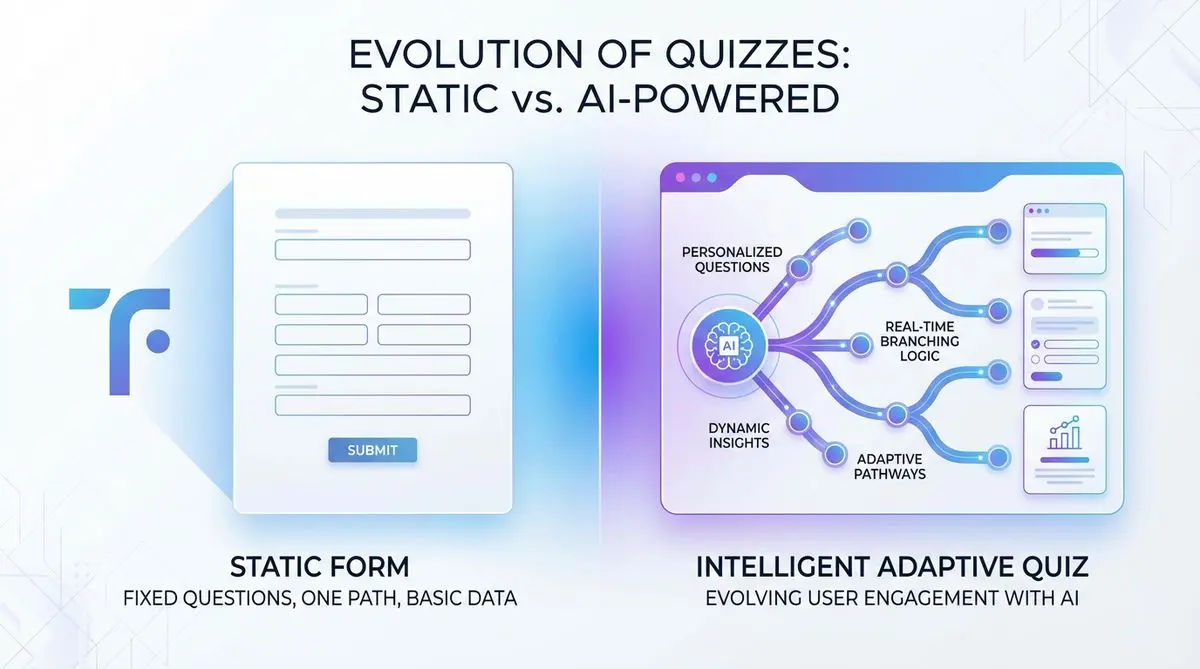
Compare Dashform and Typeform for question drafting, qualification, results, and configured CRM or scheduling handoffs.
Try the world's first AI-native form and turn every response into action instantly.