

This eight-question form registers new members for a Game Dev Club by collecting contact details, academic standing, and a self-assessment of skills and interests. It opens with name and email, then an optional student ID, before asking the "Which academic year are you currently in?" question to give the club a sense of its membership mix. Two multi-select questions — "Which of the following technical skills do you possess? (Select all that apply)" and "What areas of game development are you most interested in exploring with the club? (Select all that apply)" — let organizers map what members already know against what they want to learn, which helps with team formation and workshop planning. An optional open-ended question about past projects or coursework gives applicants a chance to share context, and the final required question about what they hope to gain helps the club tailor its programme. After submitting, respondents see a warm confirmation telling them their application is under review and welcoming them to the club.
Try the conversation below to see how this template works
Trusted by over 10,000 customers and growing
Conversations Started
Questions Answered
Forms Created
The academic year question and optional student ID field are built precisely for campus clubs that need to track their membership by year of study.
The skills and interests multi-select questions together reveal gaps between what members know and what they want to learn, making it straightforward to decide which sessions to run first.
The "What are you hoping to gain by joining the Game Dev Club?" question, read alongside the skills checklist, gives coordinators what they need to place members in well-balanced project teams.

AI builds and refines your form through natural conversation no templates, no complex logic, no coding. From a simple text prompt or URL, Dashform generates intelligent flows that adapt automatically.
Dashform turns traditional form-filling into a two-way dialogue. The AI understands intent, remembers context, and asks relevant follow-up questions just like a real human conversation.
Every response is transformed into structured, meaningful, and ready-to-use data. Integrate with your favorite tools.
Everything you need to create amazing forms
Everything you need to know about this template
Don't see exactly what you need? Use our AI Form Generator to create a custom form in seconds. Just describe what you want, and AI will build it for you.
Explore more templates to find the perfect fit
 Consent
Ask clients about prior service explanations, rights materials, and their consent decision, with space for remaining concerns.
 Patient Feedback
Collects contact details, health history, and visit reason from new patients before their first appointment.
 Contact
A clean, general-purpose inquiry form that captures contact details, topic, and preferred response channel.
 Professions
Request a personalised insurance quote by sharing your coverage type, contact details, and a brief description of your needs.
 Consent
Collect documented, step-by-step informed consent from interview participants before the session begins.
 Quiz
QuizA seven-question technical quiz that screens software developer candidates on experience, languages, CS fundamentals, and Git skills.
Learn how to get the most out of your forms and templates

Google Forms 2026 features compared with Dashform: conditional logic, question types, AI generation, integrations. When Google Forms is enough, when to upgrade.
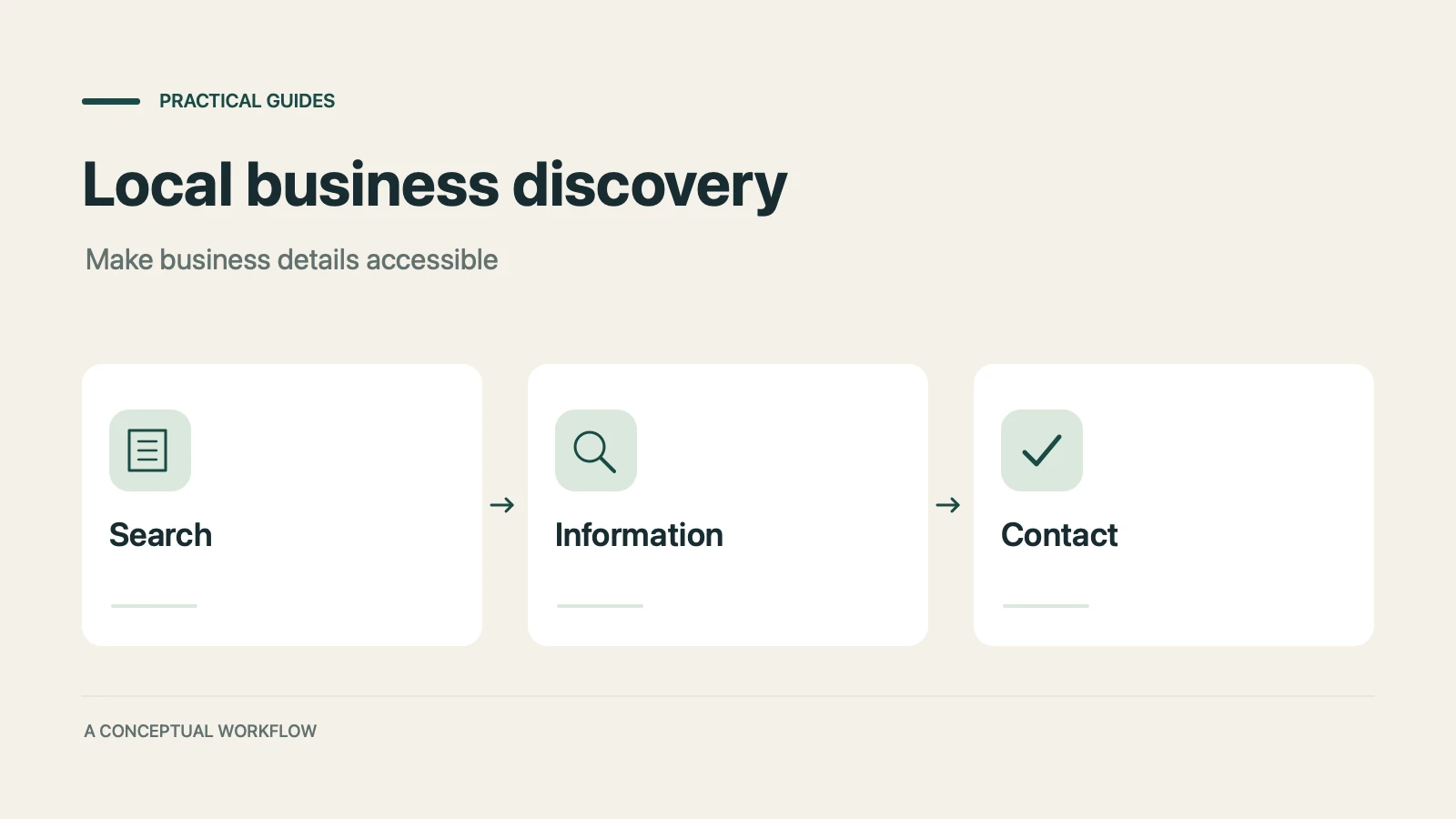
Many consumers now ask AI assistants for local recommendations as well as Google. Where that discovery happens, why traditional SEO alone cannot reach it, and how to make your business visible to AI agents.

GPT-5.4 can operate a computer the way a person does. How computer use AI agents can automate each stage of your sales funnel, from lead capture to client onboarding, without replacing your existing tools.
Try the world's first AI-native form and turn every response into action instantly.