

This fundraising order form opens with a welcome message thanking supporters before collecting contact details — full name, email, and phone — followed by an optional field asking which student or participant the buyer is supporting, so the organizer can credit the right person. Buyers then choose from six products (cookie dough, gift wrap, chocolate bars, popcorn tins, candles, and a t-shirt), specify quantities, and add sizing details if ordering apparel. The form closes with payment and delivery preferences, an optional address field that buyers can complete when they need delivery, and an optional extra donation before submitting. After submitting, buyers see a short thank-you message confirming their order makes a difference.
Try the conversation below to see how this template works
Trusted by over 10,000 customers and growing
Conversations Started
Questions Answered
Forms Created
Relies on the "Which student/participant are you supporting? (if applicable)" question to credit sales to individual students and track each participant's fundraising progress.
Uses the "What products would you like to order?" and "Please specify quantities for each item selected." questions together to manage bulk orders across a large group of supporters.
Depends on the "Would you like to add an additional donation?" question to capture extra contributions beyond product purchases, maximizing revenue from each supporter interaction.

AI builds and refines your form through natural conversation no templates, no complex logic, no coding. From a simple text prompt or URL, Dashform generates intelligent flows that adapt automatically.
Dashform turns traditional form-filling into a two-way dialogue. The AI understands intent, remembers context, and asks relevant follow-up questions just like a real human conversation.
Every response is transformed into structured, meaningful, and ready-to-use data. Integrate with your favorite tools.
Everything you need to create amazing forms
Everything you need to know about this template
Don't see exactly what you need? Use our AI Form Generator to create a custom form in seconds. Just describe what you want, and AI will build it for you.
Explore more templates to find the perfect fit
 Report
Document student behavior incidents with context, frequency, impact, and a recommended follow-up action for parents.
 Onboarding
A guided form for employees to select health, dental, vision, retirement, and FSA/HSA benefits during open enrollment.
 Request
A structured request form for individuals or organizations seeking financial assistance from a benevolence fund.
 Invoice
Describe a bill payment request with account reference, proposed amount, preferred method, and contact email.
 Application
Collect complete personal, residential, education, and employment details for official records and verification.
 Agreement
Collect birth photography booking details and the client's agreement, refusal, or questions about separately supplied contract terms.
Learn how to get the most out of your forms and templates
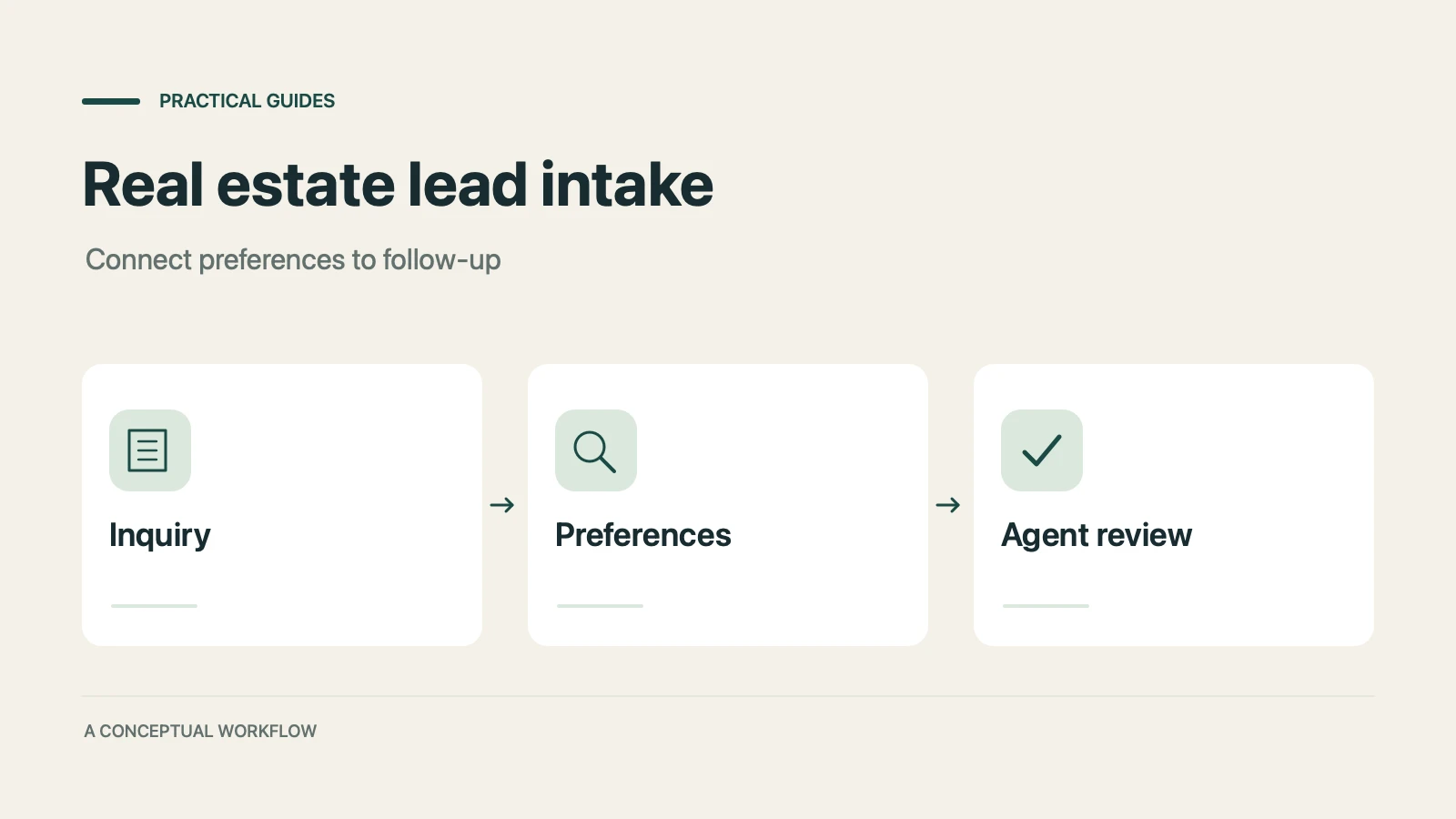
How real estate teams can use OpenClaw and Dashform to qualify inbound leads around the clock and fill calendars with serious buyers.
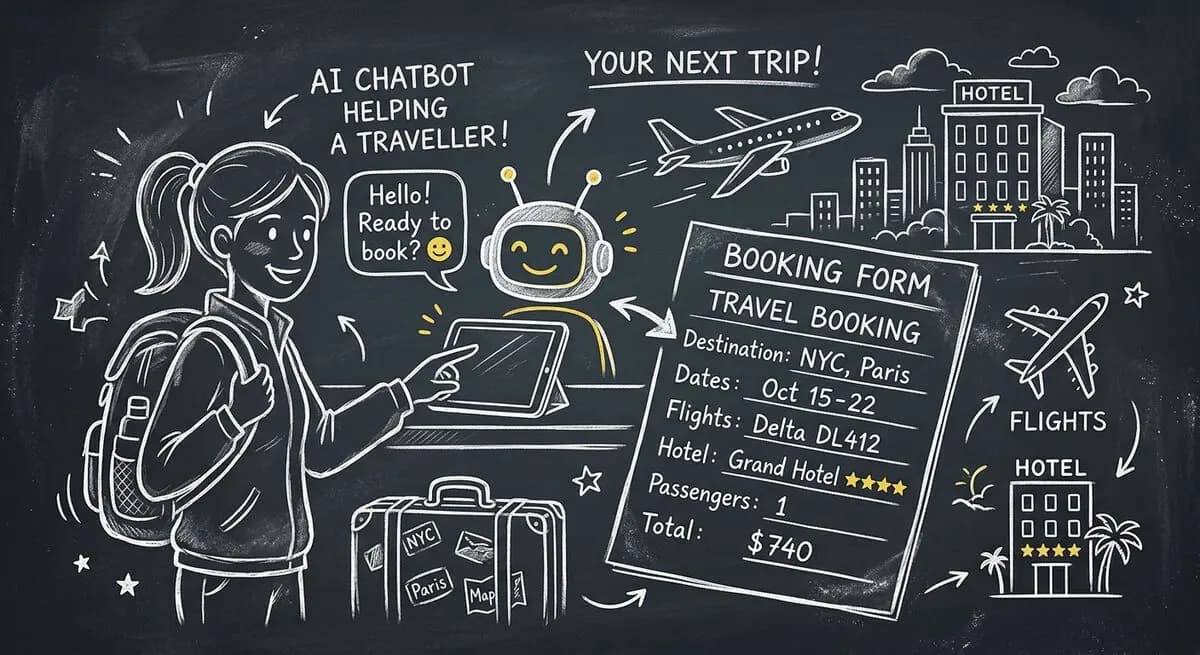
How hotels and tour operators can use OpenClaw AI agents with Dashform preference forms to personalize bookings, offer relevant upsells, and follow up after each trip.

GLP-1 medications like Ozempic are bringing new patients to med spas. How AI-powered lead qualification helps your clinic focus on high-value clients as the Ozempic face trend drives demand.
Try the world's first AI-native form and turn every response into action instantly.