This online registration form opens with a welcome screen that sets expectations before collecting the two essentials: the "What is your full name?" question and the "What is your email address?" question, giving the owner everything needed to identify and contact a registrant. The "What are you registering for today?" question then routes the submission into the right category — event, program, membership, volunteer opportunity, or account — so the owner can triage responses without follow-up. An optional "Do you have any additional comments or special requests?" question lets registrants flag anything unusual upfront, and the optional "How did you hear about this registration opportunity?" question captures referral source for tracking outreach. After submitting, registrants see a confirmation screen letting them know their registration was received successfully.
Try the conversation below to see how this template works
Trusted by over 10,000 customers and growing
Conversations Started
Questions Answered
Forms Created
They rely on the "What are you registering for today?" question to separate event sign-ups from other registration types, and on the comments question to catch special requests before the event date.
They use the "What is your email address?" question as the primary contact record for new members, and the referral-source question to see which channels drive membership growth.
They depend on the "Do you have any additional comments or special requests?" question to learn about availability or role preferences before following up with a volunteer applicant.

AI builds and refines your form through natural conversation no templates, no complex logic, no coding. From a simple text prompt or URL, Dashform generates intelligent flows that adapt automatically.
Dashform turns traditional form-filling into a two-way dialogue. The AI understands intent, remembers context, and asks relevant follow-up questions just like a real human conversation.
Every response is transformed into structured, meaningful, and ready-to-use data. Integrate with your favorite tools.
Everything you need to create amazing forms
Everything you need to know about this template
Don't see exactly what you need? Use our AI Form Generator to create a custom form in seconds. Just describe what you want, and AI will build it for you.
Explore more templates to find the perfect fit
 Booking
Collect contact details, service needs, and scheduling preferences to book a free, no-obligation client consultation.
 General Request
Collect project details, budget breakdowns, and expected outcomes from funding applicants in one structured form.
 Fundraising
Collect product orders, payment preferences, and delivery details for your school or organization's fundraiser.
 Other
Organize a person’s name, life dates, service arrangements, tributes, and family contact for a separately written resolution.
 Assessment
A clinical intake questionnaire covering mood, stress, sleep, coping strategies, and recent life changes to support patient mental health care.
 Membership Registration
Register for the Game Dev Club by sharing your skills, interests, academic year, and what you hope to get out of membership.
Learn how to get the most out of your forms and templates
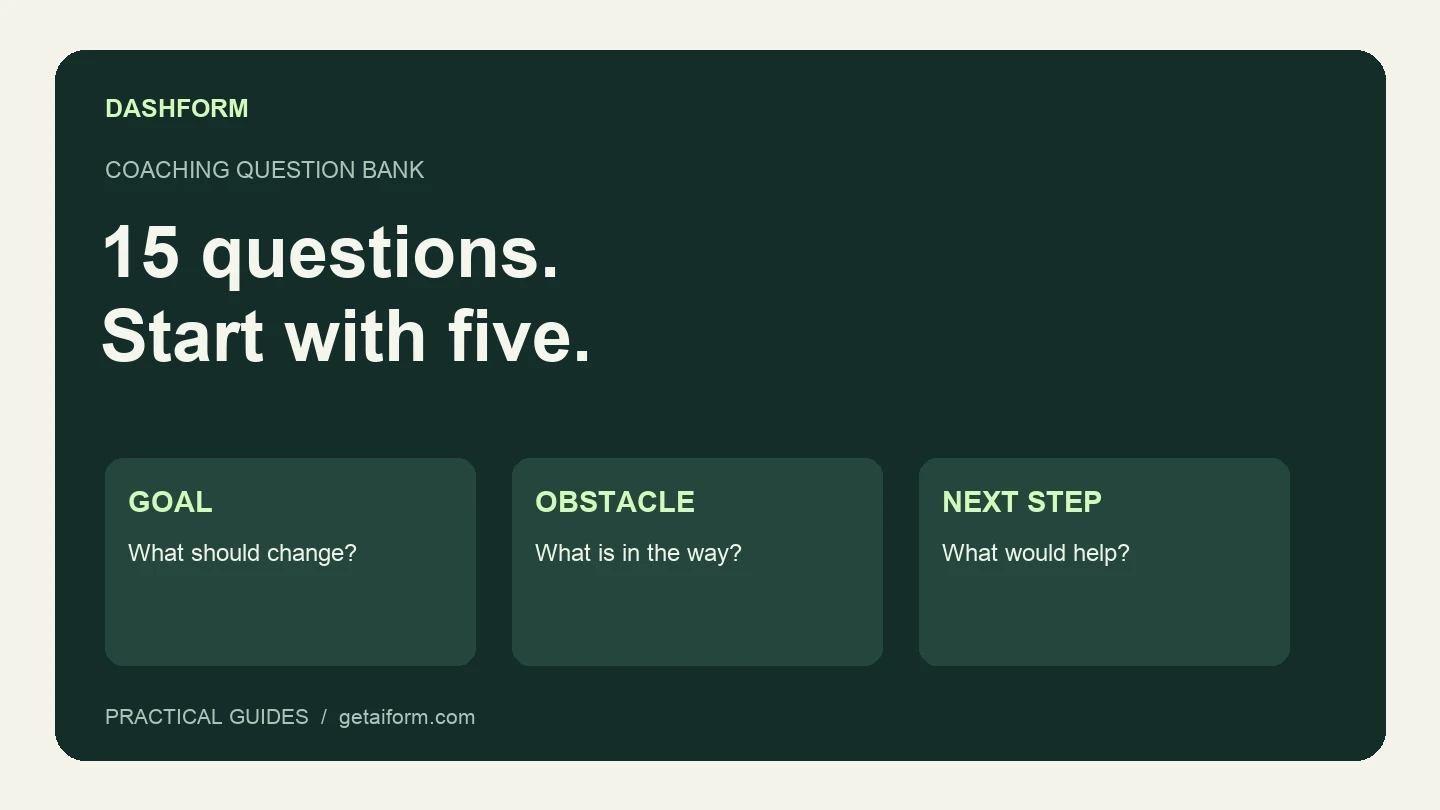
A practical coaching question bank with a five-question discovery form, example answers, follow-up guidance, and a copyable Dashform prompt.
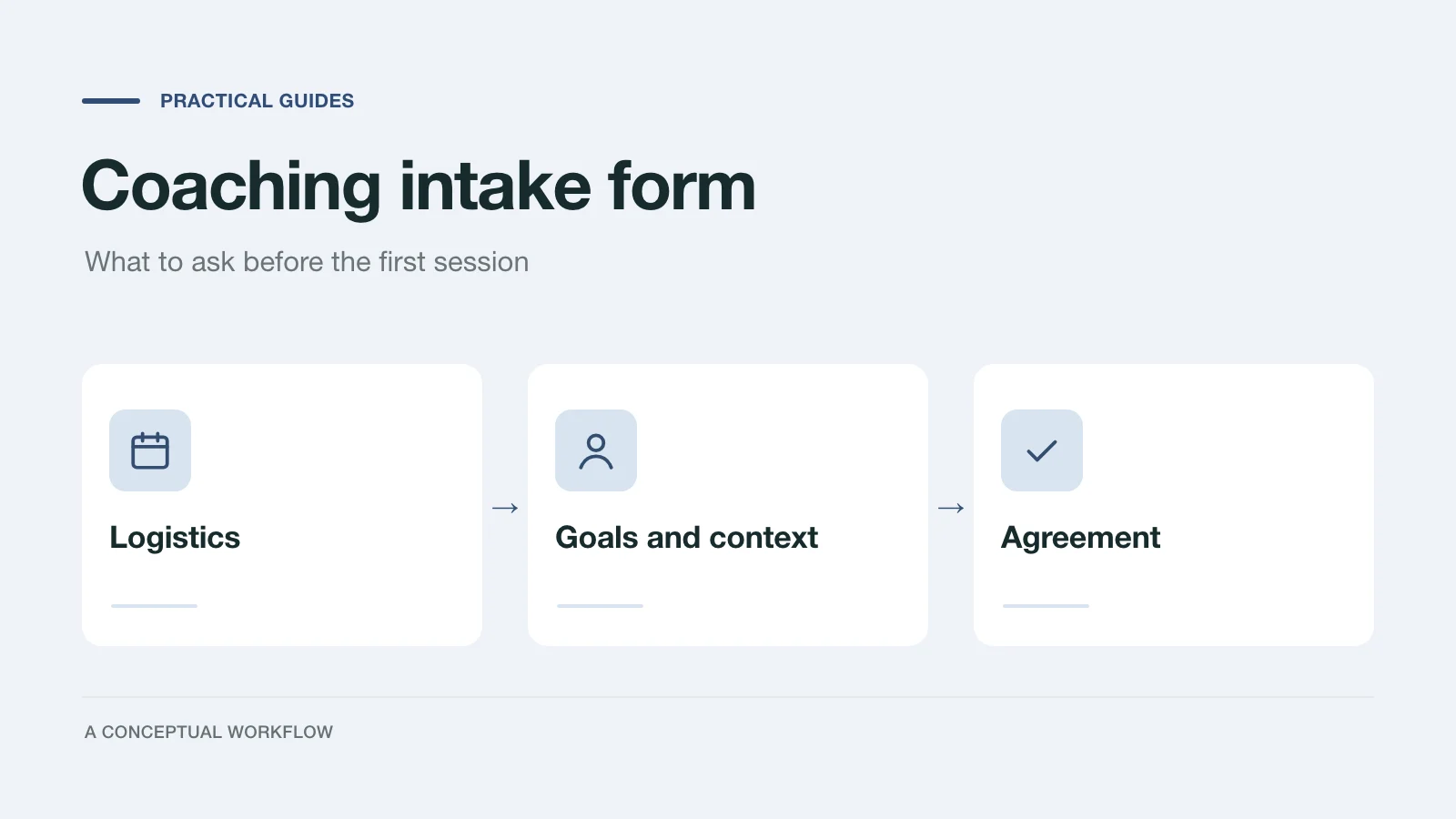
The questions to ask a new coaching client before the first session, grouped by purpose, with what to make optional, what to skip, and a template.
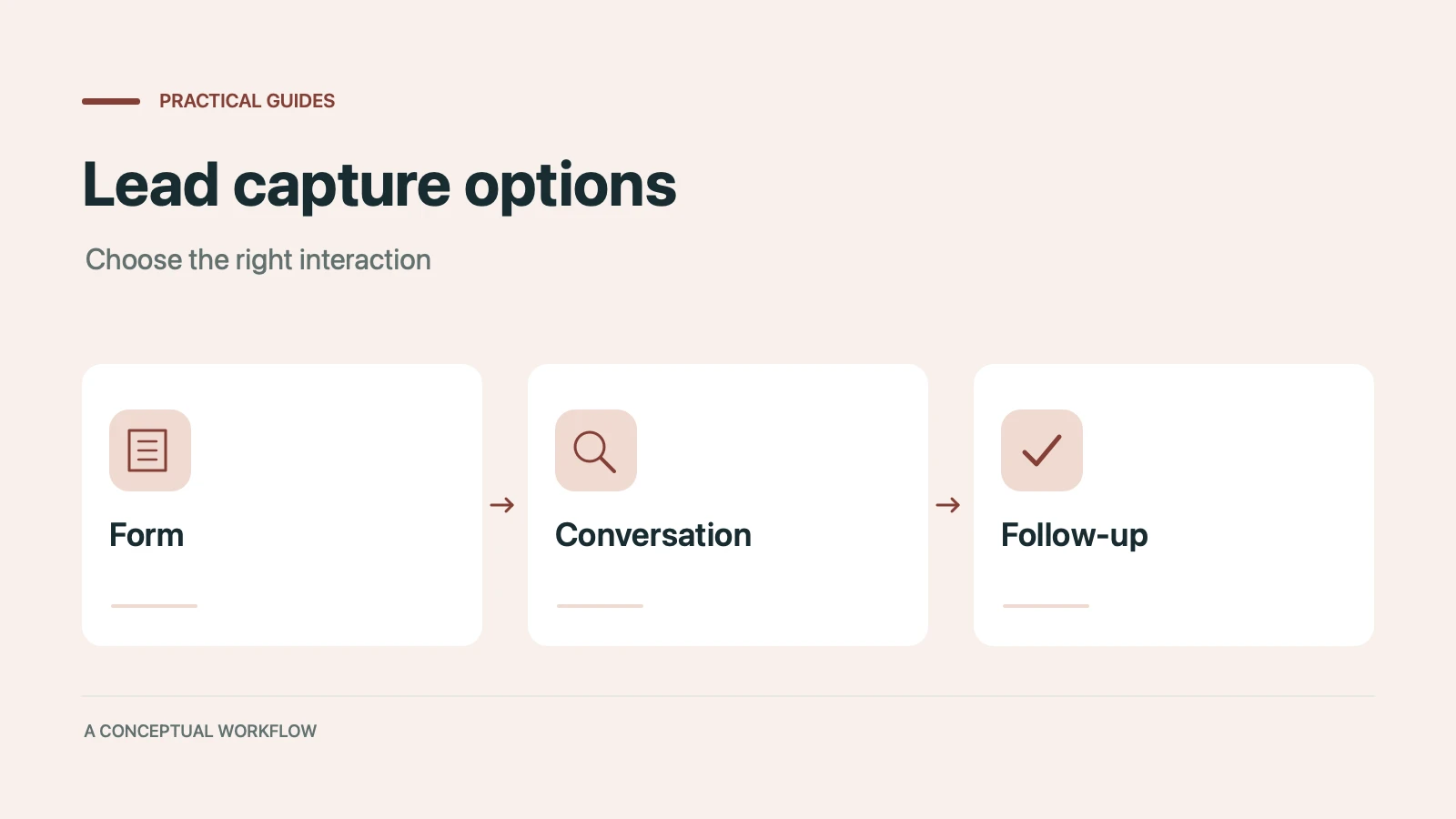
Can conversational AI replace lead capture forms? Compare static forms, AI chat, and conversational AI forms: where each works, breaks, and fits together.
Try the world's first AI-native form and turn every response into action instantly.

