The Gate Pass Form opens with a welcome screen explaining its purpose — logging entries to keep company premises secure — then collects visitor identity through the "Please enter your full name." and "What is your employee identification number?" questions. The "Which department are you affiliated with?" and "What is the primary purpose of your entry today?" questions give security staff the context they need to verify each visit. Entry timing is pinned down by the "Please specify the date of your entry (e.g., MM/DD/YYYY)." question, while the optional "What is your expected exit time today (e.g., HH:MM AM/PM)?" question lets staff anticipate departures without blocking submission when exit time is unknown. The form closes with a compliance checkpoint — "Do you confirm adherence to all company access policies and safety regulations?" — so every entrant actively acknowledges the rules before the end screen confirms their entry has been recorded.
Try the conversation below to see how this template works
Trusted by over 10,000 customers and growing
Conversations Started
Questions Answered
Forms Created
Rely on the "What is the primary purpose of your entry today?" and "Do you confirm adherence to all company access policies and safety regulations?" questions to verify intent and enforce compliance on every entry.
Use the "Which department are you affiliated with?" question to track access patterns by department and allocate resources or review policies accordingly.
Depend on the "Please specify the date of your entry (e.g., MM/DD/YYYY)." and "What is your expected exit time today (e.g., HH:MM AM/PM)?" questions to monitor who is on-site and when they are expected to leave during a given shift.

AI builds and refines your form through natural conversation no templates, no complex logic, no coding. From a simple text prompt or URL, Dashform generates intelligent flows that adapt automatically.
Dashform turns traditional form-filling into a two-way dialogue. The AI understands intent, remembers context, and asks relevant follow-up questions just like a real human conversation.
Every response is transformed into structured, meaningful, and ready-to-use data. Integrate with your favorite tools.
Everything you need to create amazing forms
Everything you need to know about this template
Don't see exactly what you need? Use our AI Form Generator to create a custom form in seconds. Just describe what you want, and AI will build it for you.
Explore more templates to find the perfect fit
 Tracking Log
Log tasks with priority, ownership, due dates, and status in one quick, structured form.
 Professions
Gather style, placement, size, and budget details from tattoo clients before their first studio appointment.
 Payment
Collect client details, tattoo descriptions, scheduling preferences, and deposit payment method in one tidy pre-appointment form.
 Application
Collect your organization's tax-exempt status details, EIN, contact info, and mailing address in one short form.
 Job Application
A structured application form that collects a teacher's qualifications, experience, and subject preferences for school hiring teams.
 Attendance
Verify teacher assignments, attendance records, and class details in one structured, audit-ready form.
Learn how to get the most out of your forms and templates

Plan an onboarding questionnaire with AI-assisted drafting, relevant follow-ups, explicit next steps, and a tested handoff to your team.
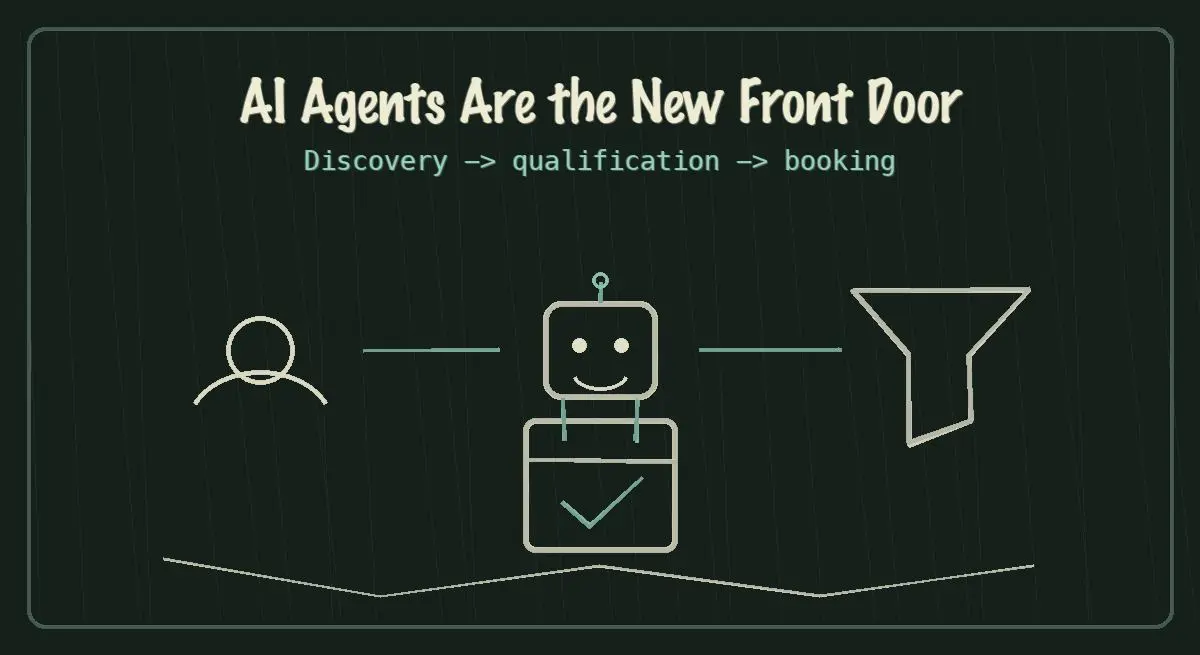
AI agents are becoming the new front door for local service discovery. Learn how to make your business discoverable, qualified, and bookable in 2026.
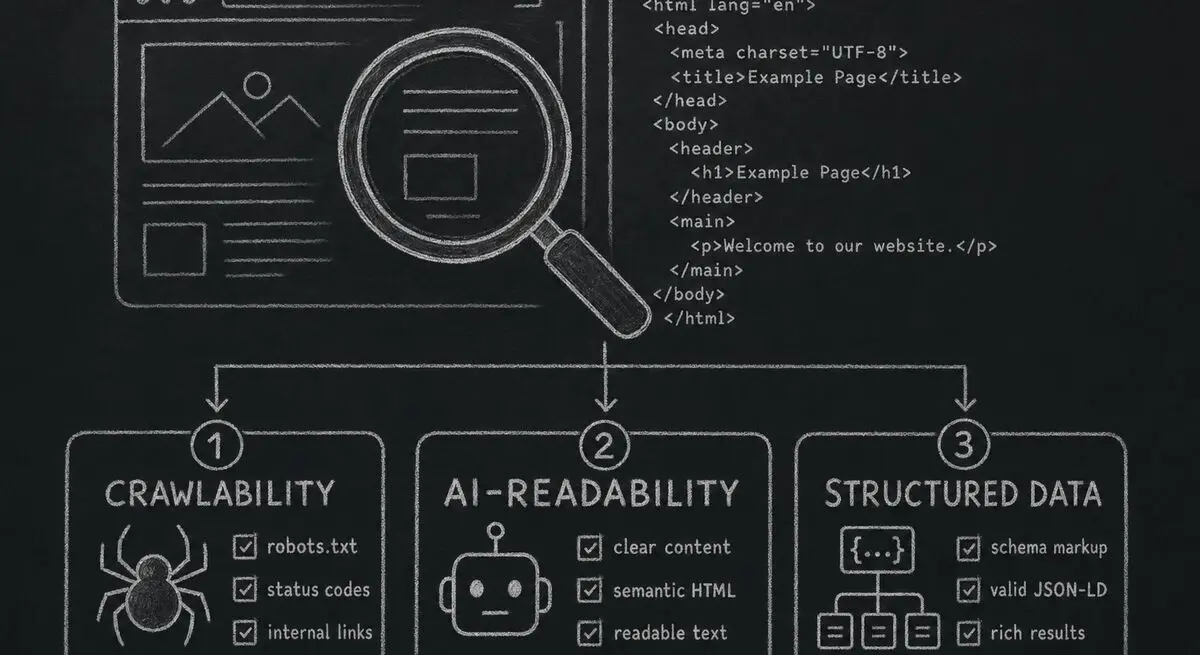
How Dashform computes technical agent readiness, groups its checks into Readiness Layers, and presents Findings without predicting traffic or revenue.
Try the world's first AI-native form and turn every response into action instantly.

