

This job application form with a data-processing consent question opens by explaining its data-protection commitments before asking seven questions in a logical sequence: personal details first (name, email, and an optional phone number), then role-specific information (the position sought and a resume or CV), and finally two closing questions about data consent and referral source. The consent question is placed near the end so applicants have already engaged with the form before making an informed choice about data processing, and the sourcing question is optional so it never blocks a submission. After submitting, applicants see a confirmation telling them their application has been received and that the team will be in touch if their qualifications are a match.
Try the conversation below to see how this template works
Trusted by over 10,000 customers and growing
Conversations Started
Questions Answered
Forms Created
Pairs the recruitment data-consent answer with the optional job-source answer, so HR can review consent and referral information alongside an application.
The "Please provide a link to your online resume/CV or paste its content here." question accepts both a URL and pasted text, making it easy to collect CVs from candidates who use different formats.
The welcome screen explains the data-protection purpose upfront, so owners without a dedicated legal team can collect applications in a transparent, regulation-aware way.

AI builds and refines your form through natural conversation no templates, no complex logic, no coding. From a simple text prompt or URL, Dashform generates intelligent flows that adapt automatically.
Dashform turns traditional form-filling into a two-way dialogue. The AI understands intent, remembers context, and asks relevant follow-up questions just like a real human conversation.
Every response is transformed into structured, meaningful, and ready-to-use data. Integrate with your favorite tools.
Everything you need to create amazing forms
Everything you need to know about this template
Don't see exactly what you need? Use our AI Form Generator to create a custom form in seconds. Just describe what you want, and AI will build it for you.
Explore more templates to find the perfect fit
 Professions
Collect contact details, insurance info, visit reason, and medical history from new dental patients before their first appointment.
 Report
A structured daily form for department managers to report activities, issues, payroll updates, and notes in one place.
 Payment
Outline payer, payee, deposit amount, purpose, date, and method for a receipt prepared separately.
 Tracking Log
Record and track asset depreciation by logging acquisition details, useful life, salvage value, and depreciation method.
 Consent
Capture informed consent for dermaplaning with identity verification, risk acknowledgment, and a typed-name signature.
 Agreement
Capture scope, budget, KPIs, and terms to generate a ready-to-sign digital marketing contract.
Learn how to get the most out of your forms and templates

Learn how automated form workflows reduce manual work and improve data accuracy. Discover how Dashform uses AI to generate forms, map fields, and automate workflows across your business tools.
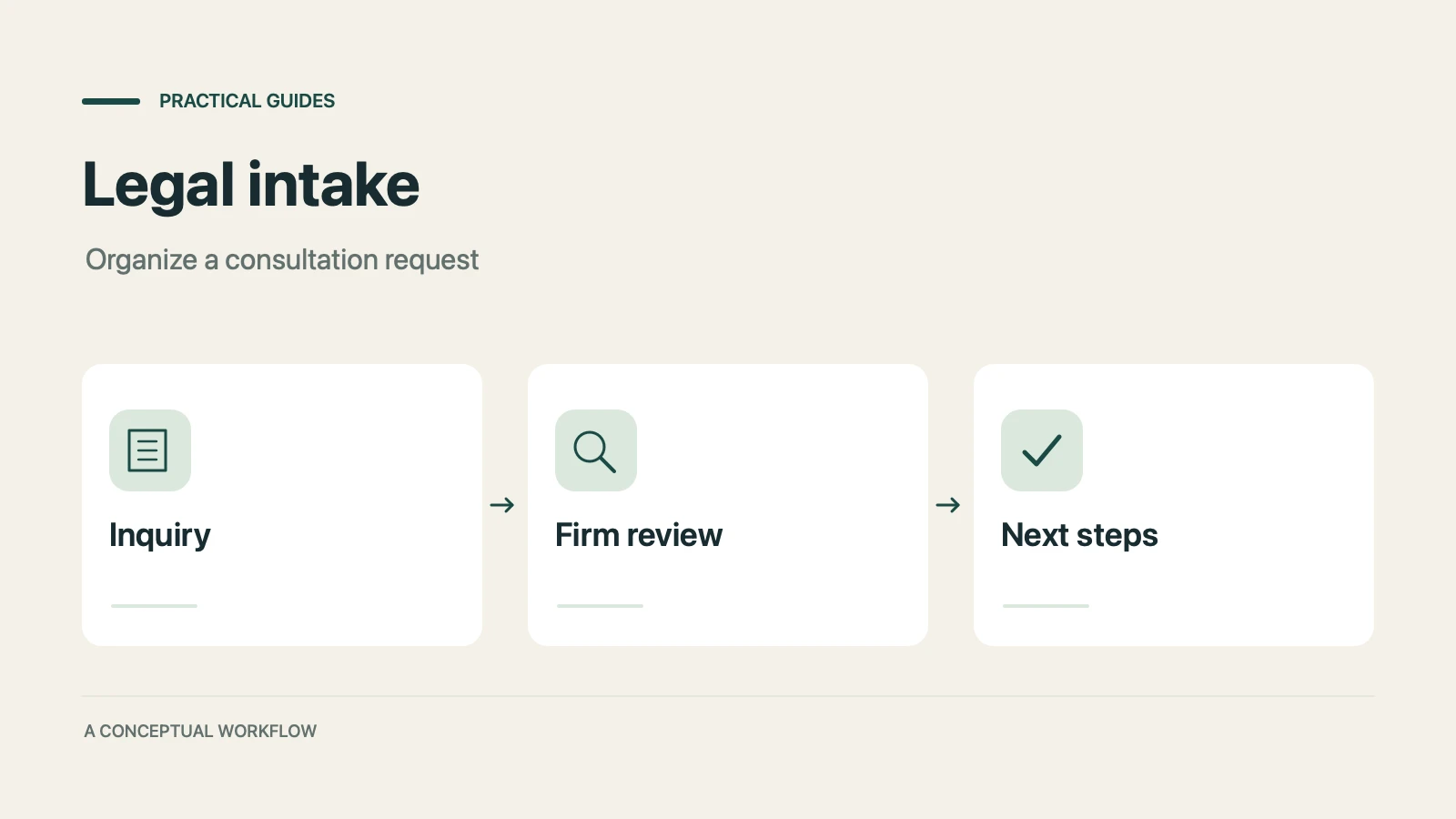
A proposed personal injury intake workflow for collecting inquiries, preparing attorney reviews, and gathering feedback, with clear boundaries for legal decisions, sensitive records, signatures, and external tools.
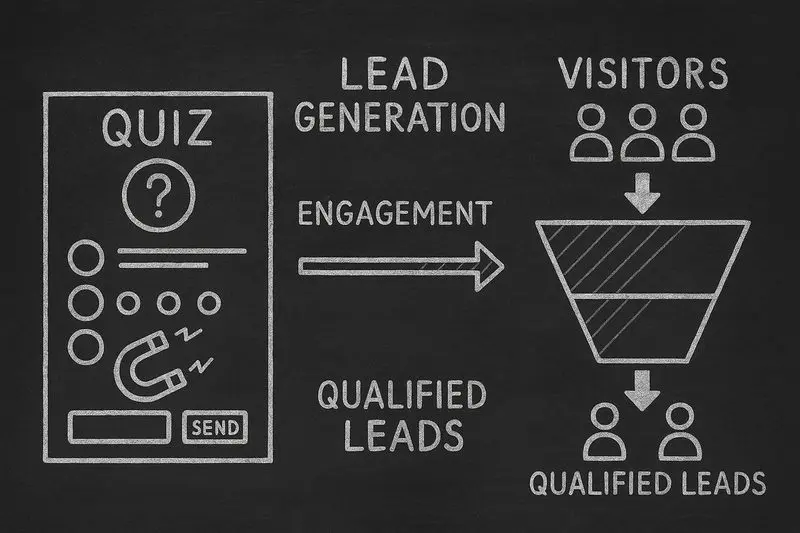
How lead generation quizzes work, the 5 quiz types that fit different goals, a design framework, and an email-capture playbook, with conversion data from Interact's quiz report.
Try the world's first AI-native form and turn every response into action instantly.