This multiple choice test form opens by collecting the respondent's full name, email address, and today's date — establishing identity and a timestamp before any scored content begins. It then moves through seven knowledge questions spanning chemistry, astronomy, mathematics, and literature, mixing single-choice and multiple-choice formats, before closing with an optional open-ended question that invites feedback about the assessment itself. The mix of subjects makes this a ready-made general knowledge quiz that owners can adapt for classrooms, training sessions, or onboarding programmes. After submitting, respondents see a confirmation that their answers have been recorded and will be reviewed.
Try the conversation below to see how this template works
Trusted by over 10,000 customers and growing
Conversations Started
Questions Answered
Forms Created
They rely on the name, email, and date questions to match each submission to the right student and sitting before reviewing the scored answers.
They use the optional "Do you have any questions or comments about this assessment?" question to surface confusion or gaps after a training module, without making feedback compulsory.
They benefit from the mix of single-choice and multiple-choice questions — particularly "Which of these are mammals? Select all that apply." — to vary difficulty and keep participants engaged.

AI builds and refines your form through natural conversation no templates, no complex logic, no coding. From a simple text prompt or URL, Dashform generates intelligent flows that adapt automatically.
Dashform turns traditional form-filling into a two-way dialogue. The AI understands intent, remembers context, and asks relevant follow-up questions just like a real human conversation.
Every response is transformed into structured, meaningful, and ready-to-use data. Integrate with your favorite tools.
Everything you need to create amazing forms
Everything you need to know about this template
Don't see exactly what you need? Use our AI Form Generator to create a custom form in seconds. Just describe what you want, and AI will build it for you.
Explore more templates to find the perfect fit
 Rsvp
Collect speaker confirmations, session details, logistical needs, and terms agreement in one tidy form.
 General Application
Collect applicant details and confirm all required documents before a sports academy admission is reviewed.
 Waiver
A pre-participation liability waiver capturing identity, emergency contacts, risk acknowledgement, and health disclosures.
 Donation
Record a charity donation pledge, preferred giving frequency, anonymity preference, and cause notes for follow-up.
 Employee Information
A structured leave request form for employees to submit time-off details, leave type, dates, and reasons for manager review.
 Hr
Collect name, role, department, contact info, start date, shift, and employment status for every staff member.
Learn how to get the most out of your forms and templates

Draft an AI quiz lead magnet in Dashform, review its branches and Endings, configure email delivery, and measure results against your current lead magnet.
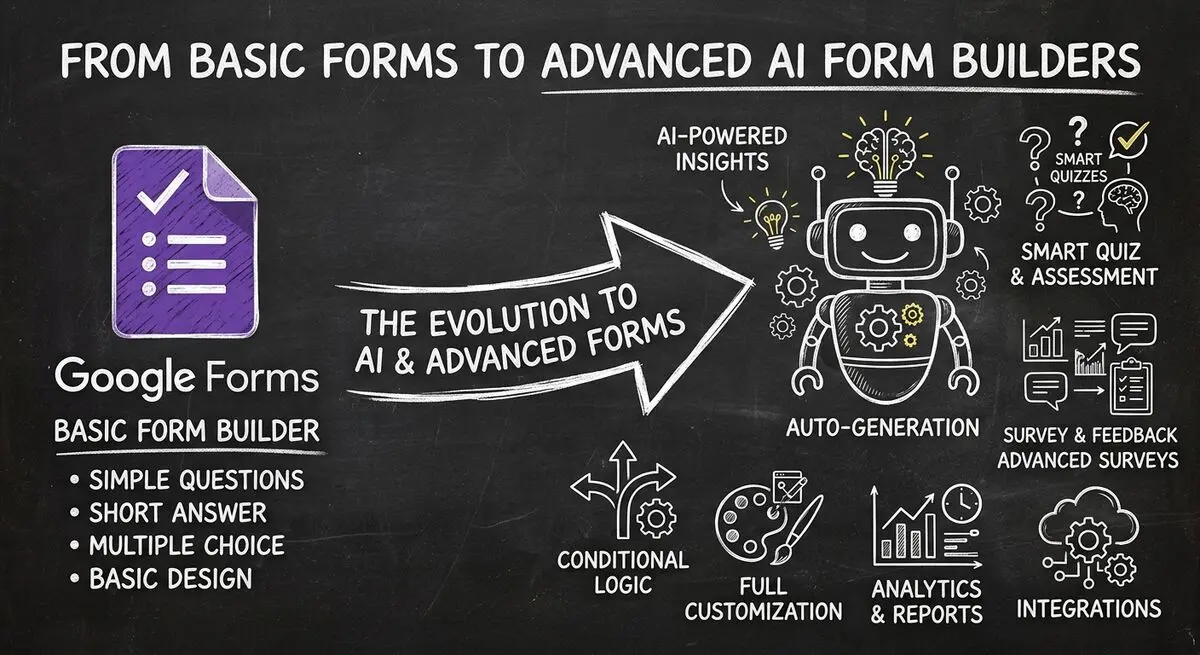
Set up a Google Forms quiz, configure answer keys and grade release, test the respondent experience, and evaluate alternatives for other quiz workflows.
View Google Form responses, link a Google Sheet, enable email notifications, and export a CSV. Compare these workflows with Dashform Reply review.
Try the world's first AI-native form and turn every response into action instantly.

