

The Employee Overtime Survey opens by asking how frequently employees work overtime, then digs into the reasons behind it — from project deadlines to supporting colleagues — using a multi-select question so nothing gets missed. A rating question gauges satisfaction with current compensation policies, followed by questions about whether employees feel supported by the company and how overtime affects their well-being and work-life balance. Two optional open-ended questions close the form, inviting suggestions for improvement and any additional comments or concerns. After submitting, respondents see a thank-you screen acknowledging that their input will help improve the workplace environment.
Try the conversation below to see how this template works
Trusted by over 10,000 customers and growing
Conversations Started
Questions Answered
Forms Created
The compensation rating question and well-being impact question together give HR concrete data points to justify policy reviews or budget requests.
The "How often do you typically work overtime?" question and the multi-select reasons question reveal whether overtime is driven by workload, deadlines, or resourcing gaps — directly informing staffing decisions.
The "Do you feel adequately supported by the company when working overtime?" question surfaces where team-level support is falling short before it affects retention.

AI builds and refines your form through natural conversation no templates, no complex logic, no coding. From a simple text prompt or URL, Dashform generates intelligent flows that adapt automatically.
Dashform turns traditional form-filling into a two-way dialogue. The AI understands intent, remembers context, and asks relevant follow-up questions just like a real human conversation.
Every response is transformed into structured, meaningful, and ready-to-use data. Integrate with your favorite tools.
Everything you need to create amazing forms
Everything you need to know about this template
Don't see exactly what you need? Use our AI Form Generator to create a custom form in seconds. Just describe what you want, and AI will build it for you.
Explore more templates to find the perfect fit
 Agreement
Collect customer contact info, property details, surface selections, and scheduling preferences for a pressure washing booking.
 Other
OtherOutline an account, current and proposed rates, effective date, reason, and notice period before drafting a customer letter.
 Quote Request
Request an accurate printing quote by sharing your paper size, orientation, quantity, and color mode preferences.
 Checklist
Log a task with its priority level, deadline, owner, and status in one quick form.
 Consent
Collect verified, documented patient consent for a medical procedure in eight clear, required steps.
 Other
OtherCapture a process name, owner, steps, responsibilities, and resources in one form to produce a ready-to-use process document.
Learn how to get the most out of your forms and templates
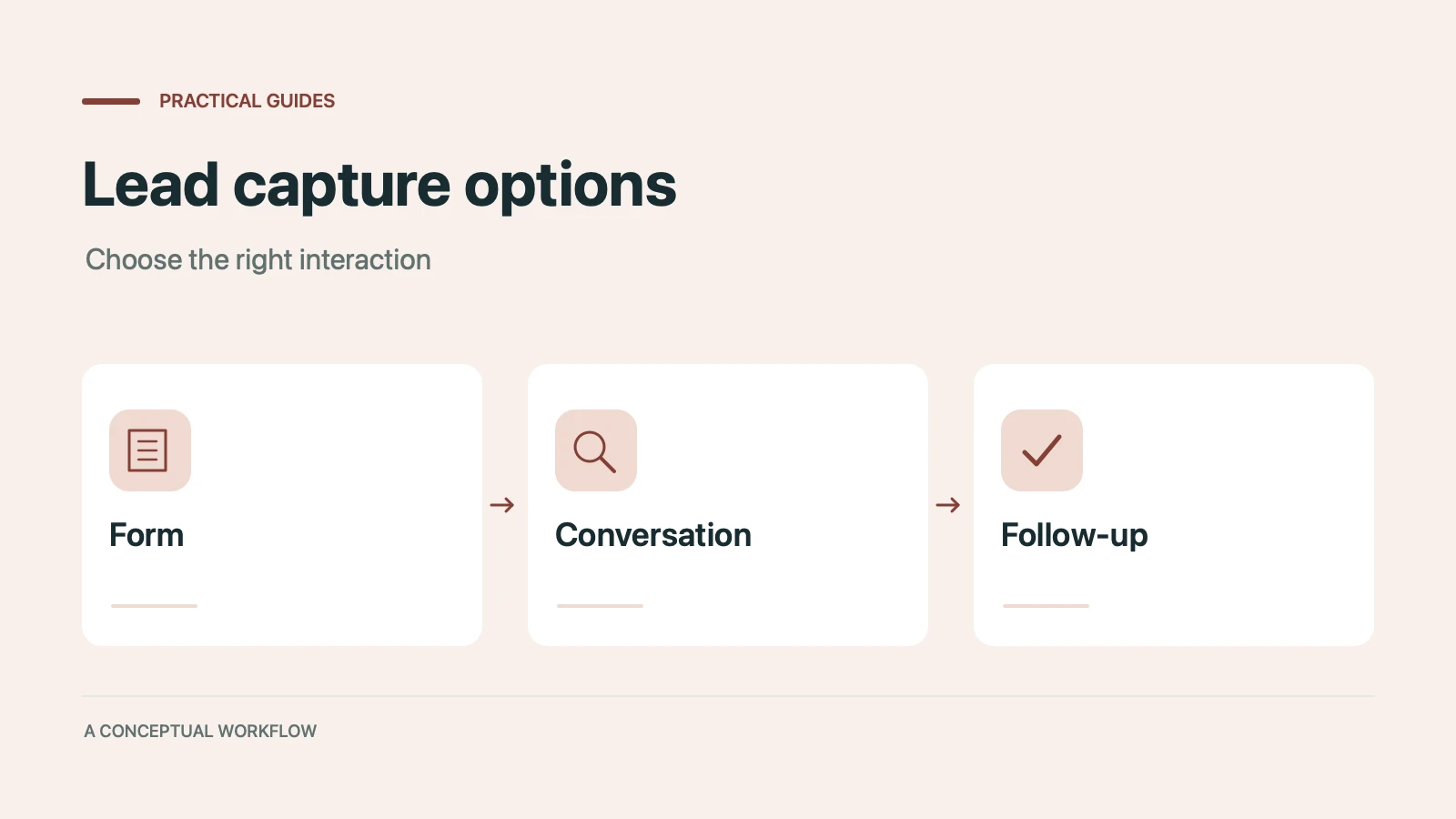
Static forms, AI chatbots, and conversational AI forms compared for lead capture: where each works, where each breaks, and the hybrid stack that combines them.
Call-to-action button examples grouped by goal, with best practices for placement, color, copy, and A/B testing.
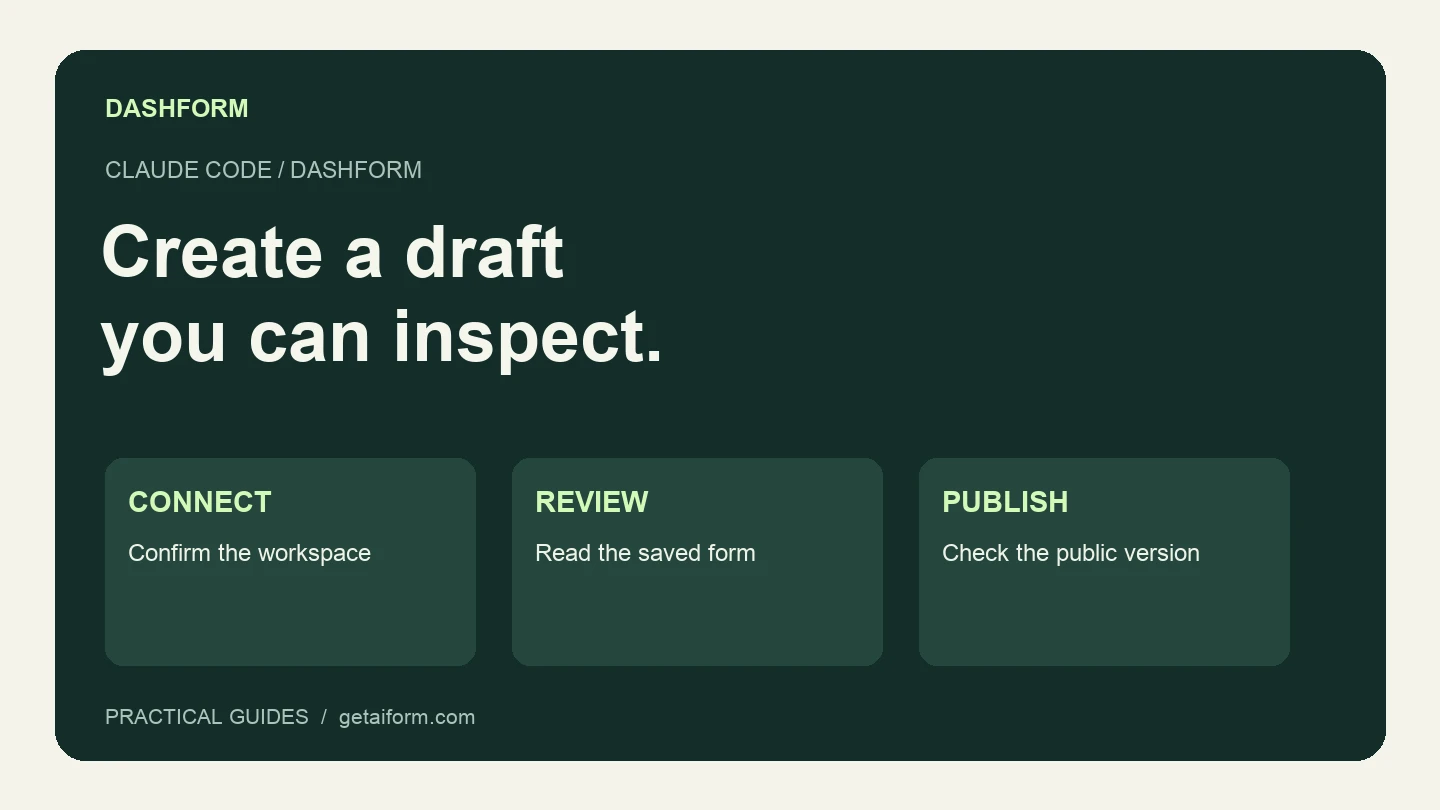
Connect Claude Code to Dashform, create and inspect a form draft, and understand the difference between reusable skills, MCP access, and publishing.
Try the world's first AI-native form and turn every response into action instantly.