

The Employee Onboarding Form collects eleven pieces of information from new hires before their first day. It opens with contact and role details — "Full Name", "Personal Email Address", "Phone Number", "Start Date", and "Job Title / Role" — so HR knows exactly who is joining and when. It then asks about "Department", "Employment Type", and "Work Location Preference" to route the new hire to the right team setup, followed by the optional "Equipment Needed" question so IT can prepare hardware in advance. "Emergency Contact Name and Phone Number" satisfies a basic safety requirement, and the final open-ended question gives new hires a chance to flag anything specific they need in their first week. After submitting, the new hire sees a confirmation screen letting them know HR will review their answers and follow up with next steps.
Try the conversation below to see how this template works
Trusted by over 10,000 customers and growing
Conversations Started
Questions Answered
Forms Created
Relies on "Start Date", "Department", and "Employment Type" to pre-populate personnel records and assign the new hire to the right onboarding workflow before day one.
Uses the "Equipment Needed" and "Work Location Preference" questions to prepare and ship the right hardware to the right place ahead of the new hire's arrival.
Gets the most from "Job Title / Role" and "Is there anything specific you need to feel set up for success in your first week?" to tailor the new hire's first-week plan to their actual role and needs.

AI builds and refines your form through natural conversation no templates, no complex logic, no coding. From a simple text prompt or URL, Dashform generates intelligent flows that adapt automatically.
Dashform turns traditional form-filling into a two-way dialogue. The AI understands intent, remembers context, and asks relevant follow-up questions just like a real human conversation.
Every response is transformed into structured, meaningful, and ready-to-use data. Integrate with your favorite tools.
Everything you need to create amazing forms
Everything you need to know about this template
Don't see exactly what you need? Use our AI Form Generator to create a custom form in seconds. Just describe what you want, and AI will build it for you.
Explore more templates to find the perfect fit
 Rsvp
RsvpPlan desired baby items and quantities, note gift preferences and items already owned, and share optional registry links.
 Rsvp
RsvpA simple baby shower RSVP form that collects attendance, guest count, well-wishes, and dietary needs.
 Membership Registration
Register to attend church services by sharing your contact details, attendance plans, and health status in one simple form.
 Application
Gather applicant background details, references, and consent or refusal after review of separately supplied investigation disclosures.
 Request
Collect and evaluate inbound backlink requests with site details, contact info, and a mutual-benefit pitch.
 Application
Submit your bag design entry with concept details, materials, and a design-file link in one tidy form.
Learn how to get the most out of your forms and templates
Connect Claude Code to Dashform, create and inspect a form draft, and understand the difference between reusable skills, MCP access, and publishing.
Compare Dashform and ScoreApp for coaching and agency assessments, including current pricing, scoring differences, and what to check before switching.
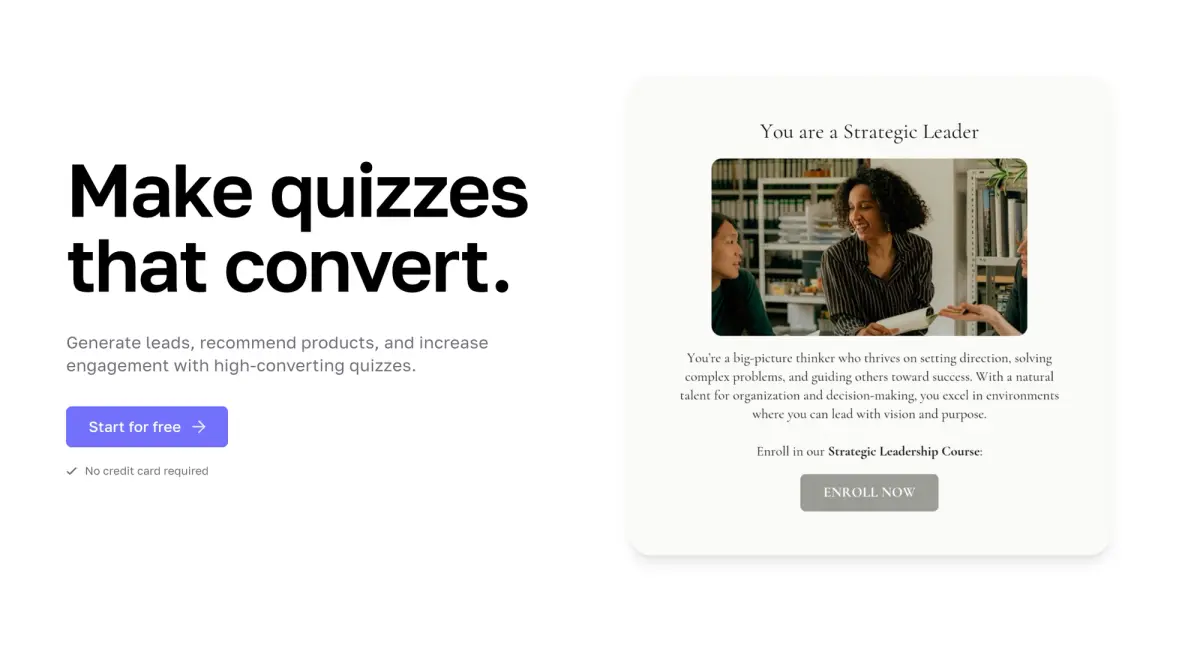
Interact's quiz builder is solid, but its features are spread across paid tiers. Compare Interact and Dashform side by side: AI quiz generation, scoring, branding, and free plan.
Try the world's first AI-native form and turn every response into action instantly.