The Employee Opinion Survey opens with a welcoming note that sets an honest, low-pressure tone before moving into eight questions. It covers three rated scales — job role satisfaction, team communication effectiveness, and work-life balance — interspersed with single-choice questions on company culture, recognition, and professional growth opportunities, so owners get both scored benchmarks and categorical breakdowns in one pass. Two optional open-ended questions invite specific improvement suggestions and any additional comments, giving employees room to raise topics the structured questions don't capture. After submitting, respondents see a thank-you screen confirming their input will be used to improve the workplace.
Try the conversation below to see how this template works
Trusted by over 10,000 customers and growing
Conversations Started
Questions Answered
Forms Created
HR managers rely on the three rating questions alongside the culture and recognition questions to identify which workplace dimensions score lowest and need the most attention.
Team leads focus on the "On a scale of 1 to 5, how effective is communication within your immediate team?" question to get a direct, scored read on how well their team is connecting day-to-day.
Senior leaders use the "What one or two improvements would you suggest to make our workplace better?" and additional comments questions to surface specific, unscripted ideas straight from employees.

AI builds and refines your form through natural conversation no templates, no complex logic, no coding. From a simple text prompt or URL, Dashform generates intelligent flows that adapt automatically.
Dashform turns traditional form-filling into a two-way dialogue. The AI understands intent, remembers context, and asks relevant follow-up questions just like a real human conversation.
Every response is transformed into structured, meaningful, and ready-to-use data. Integrate with your favorite tools.
Everything you need to create amazing forms
Everything you need to know about this template
Don't see exactly what you need? Use our AI Form Generator to create a custom form in seconds. Just describe what you want, and AI will build it for you.
Explore more templates to find the perfect fit
 Checklist
A structured check-in form to log project status, progress, accomplishments, blockers, and next steps in one place.
 Assessment
Document project outcomes, team performance, lessons learned, and final deliverables in one structured closure report.
 File Upload
Record project outcomes, three budget figures, an optional evidence link, and the names of the Project Head and report preparer.
 Quote
Collect project details, budget, and timeline from prospective clients so your team can prepare and send an accurate estimate.
 Request
Collect names, promo codes, and purchase proof to verify and process customer discount or reward redemptions.
 Quiz
A five-question grammar quiz testing pronoun recognition, selection, and verb agreement, with a closing confidence check.
Learn how to get the most out of your forms and templates
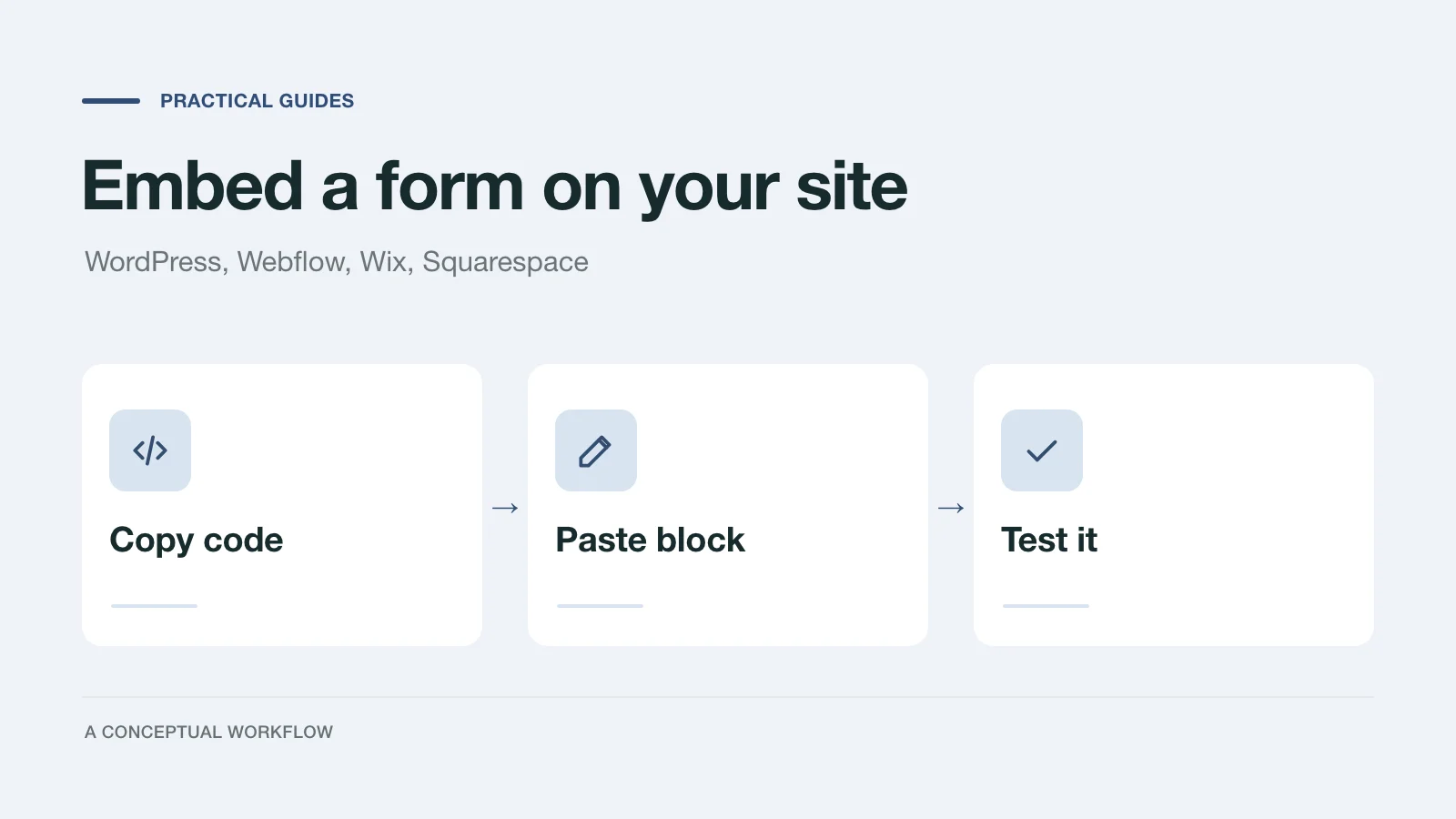
Exact steps to embed a form on WordPress, Webflow, Wix and Squarespace: which block to add, where to paste the code, plan limits, and a test checklist.

Stop spending hours on unqualified discovery calls. AI intake forms qualify fitness clients on goals, budget, and commitment before they book.
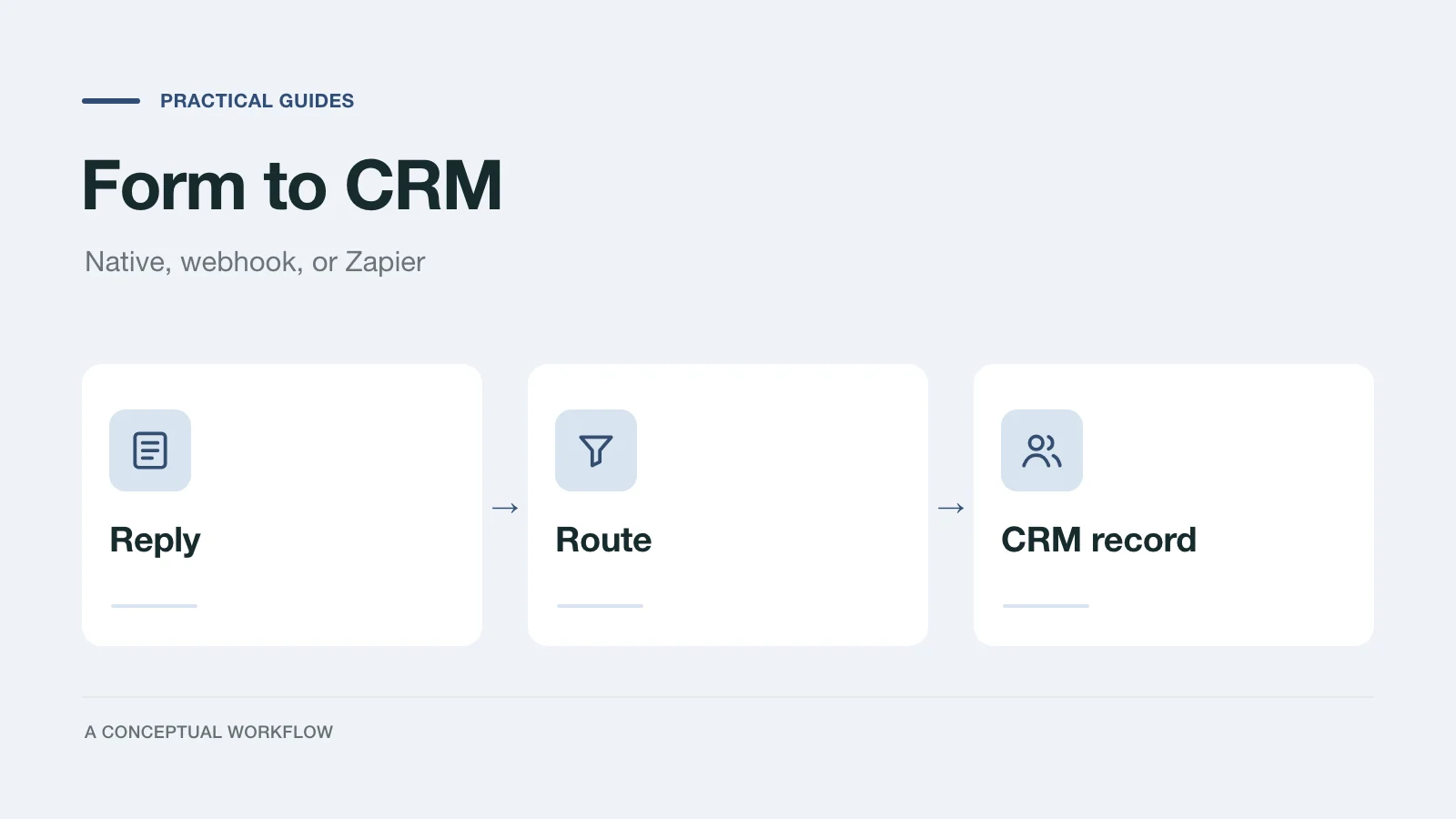
Compare three ways to send form submissions to your CRM (native, webhook, Zapier) by setup, failures, and duplicates, with two worked HubSpot builds.
Try the world's first AI-native form and turn every response into action instantly.

