This form collects a laser hair removal consultation request in nine questions. It starts with the "Full name", "Email address", and "Mobile phone number" questions so the team can reach you, then asks "Which areas would you like treated?" and "Have you had laser hair removal before?" to set out your goals and history. The "Which of these currently apply to you?" question covers pregnancy, medication, recent sun exposure, and skin conditions up front. It finishes with date, time of day, and open notes. The end screen says the team will review your details and contact you within one business day.
Try the conversation below to see how this template works
Trusted by over 10,000 customers and growing
Conversations Started
Questions Answered
Forms Created
They rely on the contact questions and the "Preferred consultation date" and "Preferred time of day" questions to call or email people and propose a slot that fits.
They use the "Which of these currently apply to you?" and "Have you had laser hair removal before?" questions to spot medication, pregnancy, sun exposure, or treatment history before the consultation.
They use the "Which areas would you like treated?" question to see what services people ask for and to prepare for each consultation.

AI builds and refines your form through natural conversation no templates, no complex logic, no coding. From a simple text prompt or URL, Dashform generates intelligent flows that adapt automatically.
Dashform turns traditional form-filling into a two-way dialogue. The AI understands intent, remembers context, and asks relevant follow-up questions just like a real human conversation.
Every response is transformed into structured, meaningful, and ready-to-use data. Integrate with your favorite tools.
Everything you need to create amazing forms
Everything you need to know about this template
Don't see exactly what you need? Use our AI Form Generator to create a custom form in seconds. Just describe what you want, and AI will build it for you.
Explore more templates to find the perfect fit
 Agreement
Gather customer review status, satisfaction, concerns, and acceptance choices for a named project or service.
 Contact
A clean, five-question form for capturing visitor inquiries with contact details and a full description of the request.
 Survey
Help your school understand and address cyberbullying by gathering student experiences, reporting habits, and prevention ideas.
 Report
A structured daily log for field teams to record work completed, hours, safety notes, and next steps.
 Tracking Log
A seven-question daily log for recording food and equipment temperatures, corrective actions, and staff accountability.
 Progress Tracking
A six-question daily reflection form that captures gratitude highlights, a meaningful person, and a mood rating for each day.
Learn how to get the most out of your forms and templates

Want a Specific.app alternative? Dashform AI Survey offers adaptive logic, AI-generated follow-ups, and flexible workflows for teams seeking more insight.
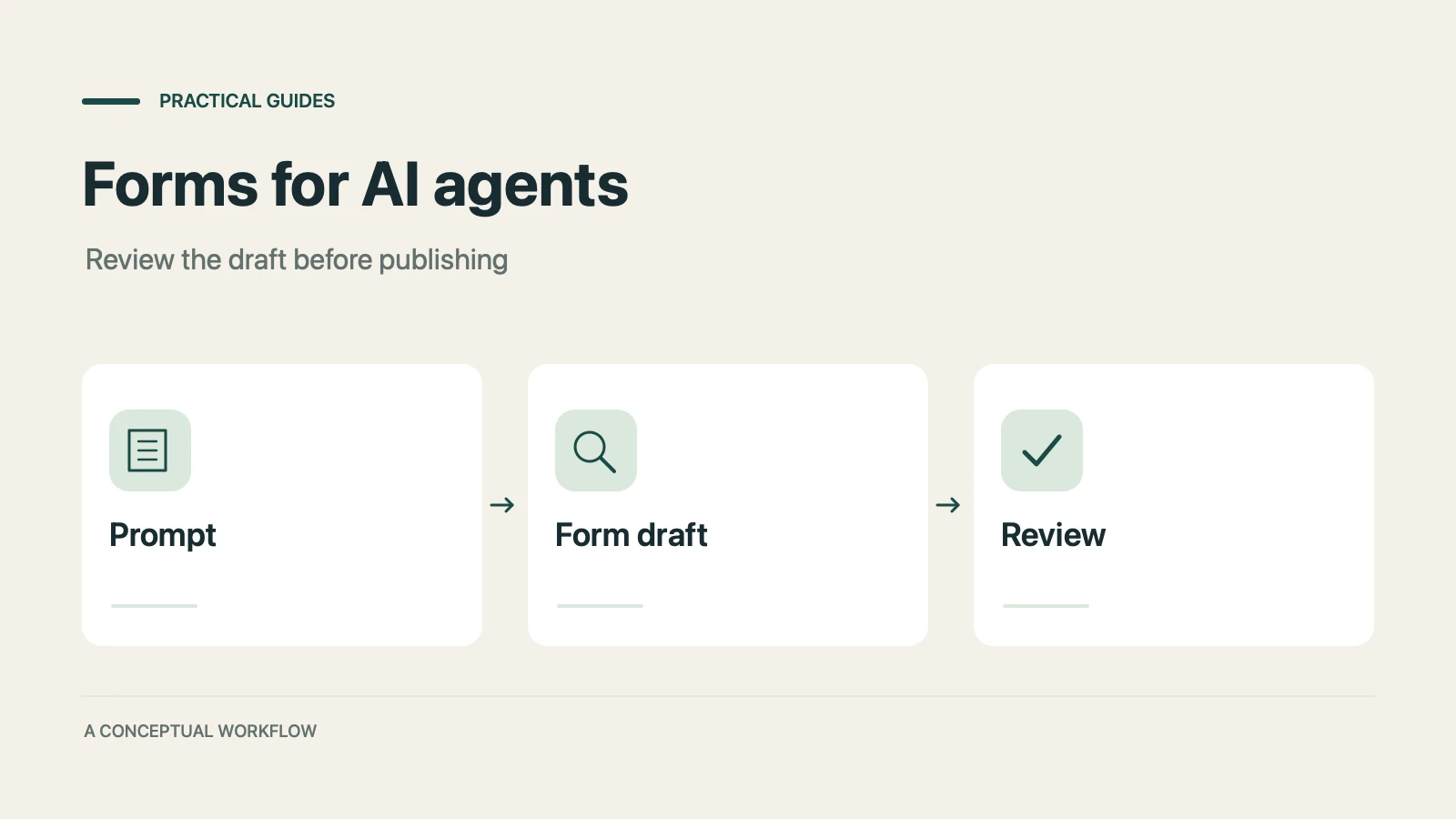
A practical guide to evaluating terminal-based Dashform workflows, checking current commands, reviewing drafts, and publishing with explicit authorization.

Use Dashform's MCP connection in a compatible AI client to draft and edit forms, review the saved result, and publish when ready.
Try the world's first AI-native form and turn every response into action instantly.

