

This survey opens by asking respondents to identify their age group and how frequently they use social media or online platforms, establishing the context for what follows. It then asks whether they have experienced cyberbullying or online aggression, and if so, two optional follow-up questions explore the specific types encountered and the platforms where incidents took place. The "Did you report the incident to anyone?" question uncovers whether and how students sought help, while the comfort-level rating question reveals how approachable school staff feel to students in distress. A final open-ended question invites suggestions for improvement, giving respondents a direct voice in shaping prevention programs. After submitting, respondents see a thank-you screen confirming that their insights will help create a safer environment for all students.
Try the conversation below to see how this template works
Trusted by over 10,000 customers and growing
Conversations Started
Questions Answered
Forms Created
They rely on the comfort-level rating question and the "Did you report the incident to anyone?" question to spot gaps between where incidents happen and whether students feel safe coming forward.
They use the types-of-cyberbullying and platform questions to pinpoint which behaviours and online spaces need the most focused intervention in their school's prevention programs.
They draw on the open-ended "What suggestions do you have for our school to better prevent or address cyberbullying and online aggression?" question to ground policy discussions in students' own words.

AI builds and refines your form through natural conversation no templates, no complex logic, no coding. From a simple text prompt or URL, Dashform generates intelligent flows that adapt automatically.
Dashform turns traditional form-filling into a two-way dialogue. The AI understands intent, remembers context, and asks relevant follow-up questions just like a real human conversation.
Every response is transformed into structured, meaningful, and ready-to-use data. Integrate with your favorite tools.
Everything you need to create amazing forms
Everything you need to know about this template
Don't see exactly what you need? Use our AI Form Generator to create a custom form in seconds. Just describe what you want, and AI will build it for you.
Explore more templates to find the perfect fit
 Survey
Collect post-experience VR feedback on immersion, visuals, performance, and likelihood to recommend.
 Event Registration
A clean registration form that captures attendee details, session interests, and speaker questions for a virtual webinar.
 Appointment Booking
Collect visitor contact details, visit purpose, and a preferred date and time in one straightforward appointment form.
 Hr
HrA structured form for employees to formally submit their voluntary resignation and notify HR of their intended last day.
 General Application
Collect volunteer applicants' contact details, availability, skills, interests, and motivation in one tidy form.
 Performance Evaluation
Help your organization improve volunteer programs by collecting honest, structured feedback from your volunteers.
Learn how to get the most out of your forms and templates
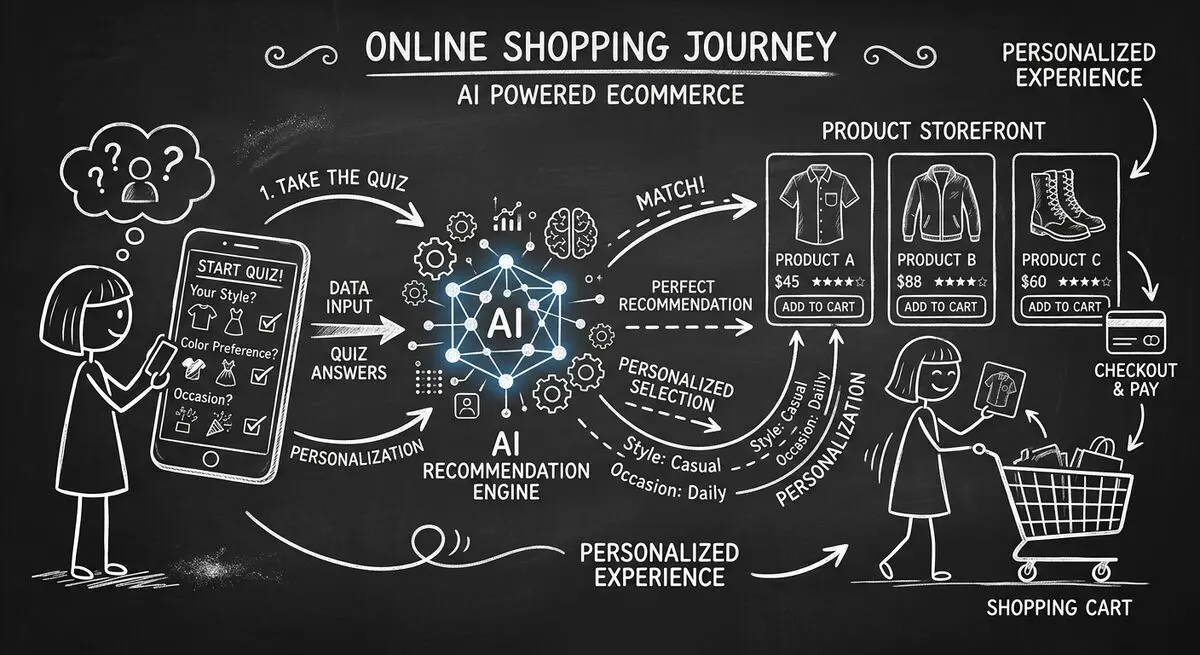
How to design an AI-assisted product quiz, map answers to recommendations, configure external tools, and measure the result for your store.
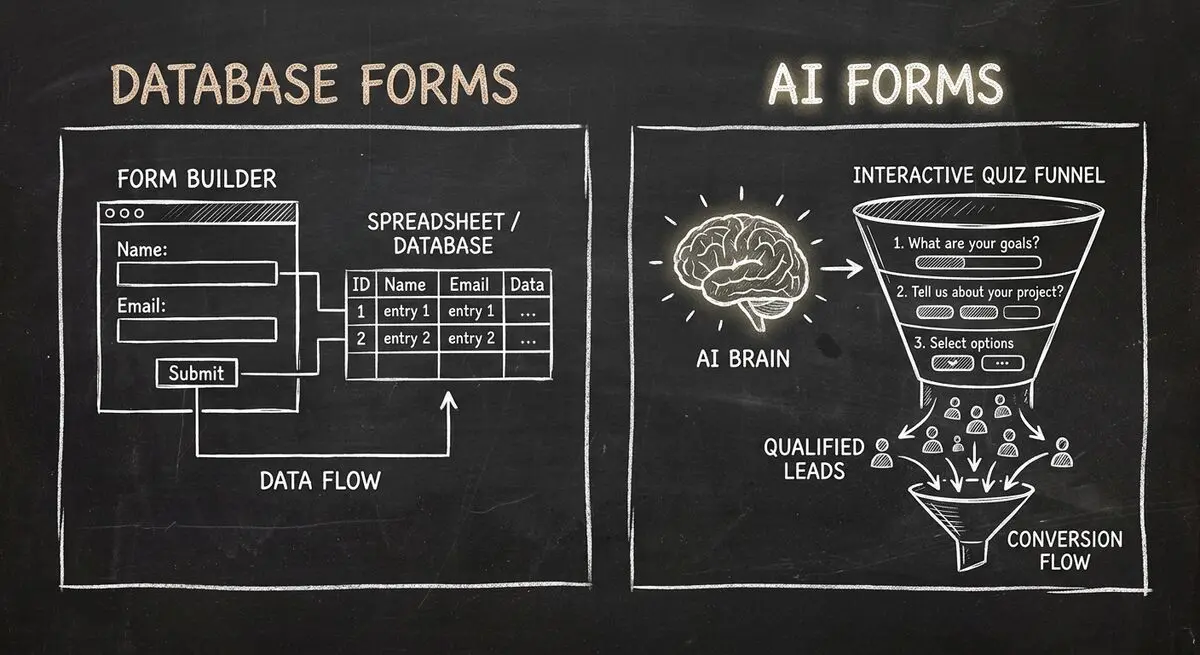
Compare Dashform and Fillout for lead intake, AI drafting, qualification, database connections, and the handoffs to test before switching.
FormHug vs Dashform side by side: AI quiz funnels, lead scoring, and pricing. Where FormHug excels and where switching makes sense for agencies and coaches.
Try the world's first AI-native form and turn every response into action instantly.