

The Daily Food Temperature Form opens by asking for today's date and the name or ID of the person completing the log, establishing a clear record of who checked what and when. It then asks what type of item is being logged — a refrigerator, freezer, hot holding food, cold holding food, or other food item — followed by a brief description to identify the specific unit or dish. The next two questions capture the temperature reading and the exact time it was taken, giving owners a precise, timestamped data point for each entry. A final optional question asks what corrective action was taken if the temperature was out of range, turning a simple log into an accountability record. After submitting, respondents see a short confirmation thanking them for their entry and reinforcing the value of consistent monitoring.
Try the conversation below to see how this template works
Trusted by over 10,000 customers and growing
Conversations Started
Questions Answered
Forms Created
Rely on the item-type and description questions to log multiple pieces of equipment and hot or cold holding food across a single shift.
Use the timestamped temperature and corrective action questions to document refrigerated and frozen display cases throughout the day.
Depend on the name/ID and date questions to maintain a clear staff accountability trail across events and locations.

AI builds and refines your form through natural conversation no templates, no complex logic, no coding. From a simple text prompt or URL, Dashform generates intelligent flows that adapt automatically.
Dashform turns traditional form-filling into a two-way dialogue. The AI understands intent, remembers context, and asks relevant follow-up questions just like a real human conversation.
Every response is transformed into structured, meaningful, and ready-to-use data. Integrate with your favorite tools.
Everything you need to create amazing forms
Everything you need to know about this template
Don't see exactly what you need? Use our AI Form Generator to create a custom form in seconds. Just describe what you want, and AI will build it for you.
Explore more templates to find the perfect fit
 General Application
Collect patient and emergency contact details, allergy and medication notes, relevant conditions, and a treatment-consent response for admission review.
 Patient Feedback
A six-question clinic feedback form covering care quality, staff, and facilities — with space for open-ended suggestions.
 Rsvp
RsvpA PHQ-9 symptom questionnaire with four frequency choices for each symptom over the past two weeks, for discussion with a healthcare professional.
 Patient
Collect patient contact details, insurance info, medical history, and HIPAA consent before the first appointment.
 Patient Feedback
Collect patient feedback on wait times, staff, and care quality to pinpoint where your practice can improve.
 Client Intake
Collect a patient's full medication record, including prescriptions, OTC drugs, allergies, and review date.
Learn how to get the most out of your forms and templates
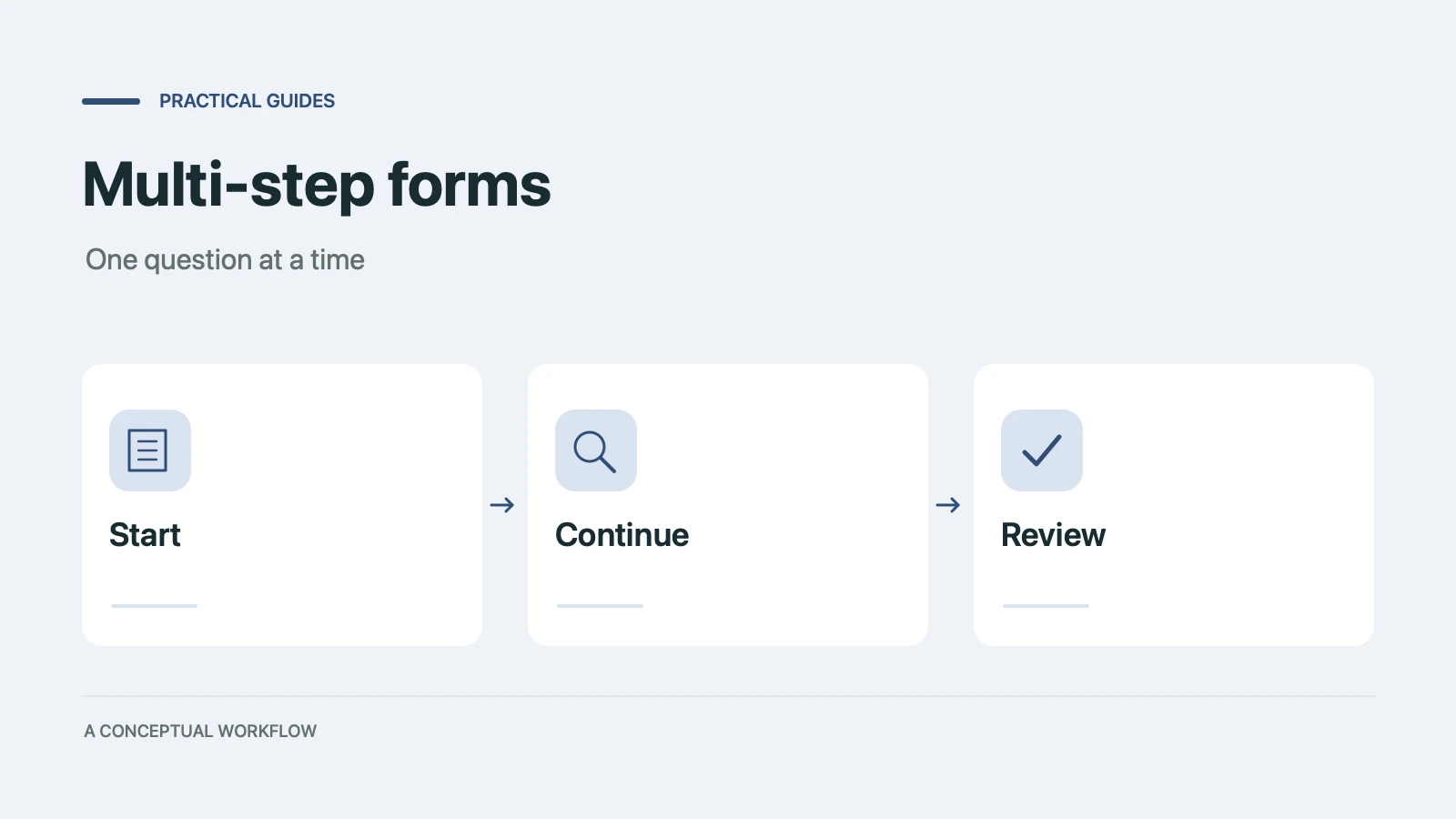
When splitting a long form into steps helps conversion and when it doesn't, the research and psychology behind it, and a step-by-step playbook to build one in any form builder.
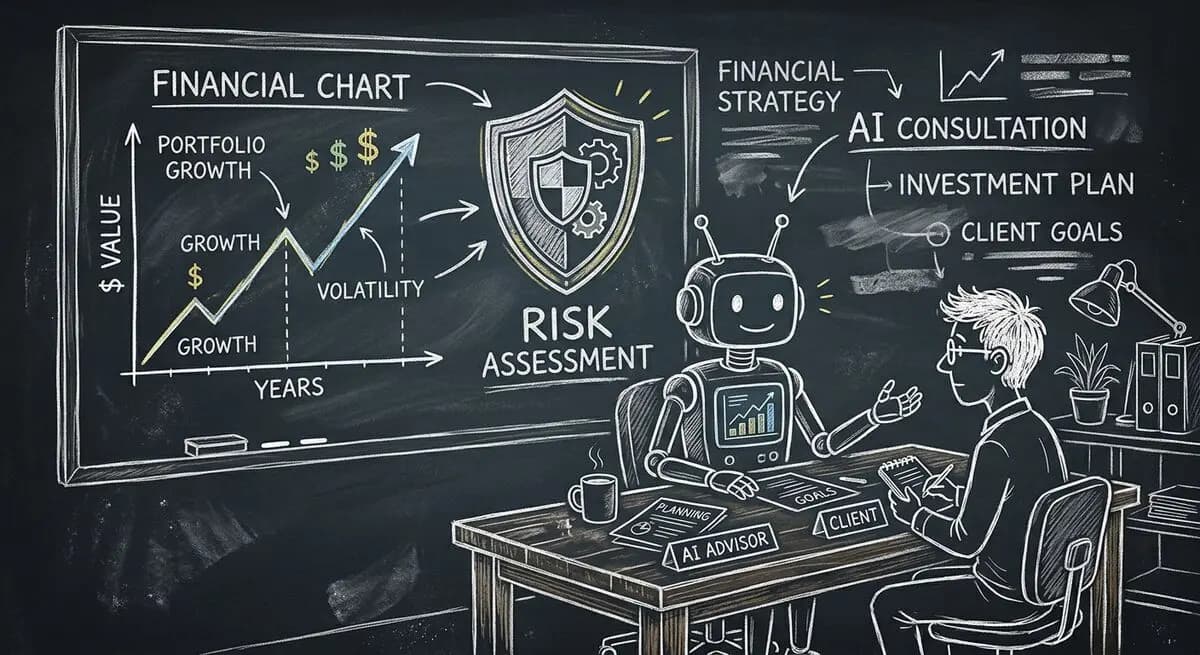
A proposed financial advisory intake workflow using Dashform and a separately configured OpenClaw agent, with advisor review and explicit integration boundaries.

How solo and mid-size firms can use OpenClaw and Dashform to qualify case intake around the clock, so attorneys spend consultations on viable cases. Step-by-step setup.
Try the world's first AI-native form and turn every response into action instantly.