The Daily Field Report Form opens with a welcome screen that sets expectations before walking field staff through eight questions covering the essentials of a working day. It starts by anchoring the report in time and place with the "Please enter the date for this daily report." and "What is the name or ID of the project this report pertains to?" questions, then moves into the substance of the day: work completed, hours logged, safety observations, and any challenges or delays. A 1–5 rating in the "On a scale of 1-5, how would you rate today's overall progress?" question gives project managers a quick snapshot they can track over time, and the final question captures tomorrow's planned activities so nothing falls through the cracks. After submitting, respondents see a brief thank-you screen confirming their report has been received and will contribute to accurate project records.
Try the conversation below to see how this template works
Trusted by over 10,000 customers and growing
Conversations Started
Questions Answered
Forms Created
Rely on the "Please describe the work activities and tasks completed today." and "How many hours were worked by the team/crew today?" questions to document crew output and support payroll or contract reporting.
Use the "On a scale of 1-5, how would you rate today's overall progress?" question alongside the challenges and next steps questions to monitor site momentum and anticipate delays from the office.
Depend on the "Were there any safety observations, incidents, or concerns to report today?" question to maintain a running log of on-site conditions and flag anything that needs a formal follow-up.

AI builds and refines your form through natural conversation no templates, no complex logic, no coding. From a simple text prompt or URL, Dashform generates intelligent flows that adapt automatically.
Dashform turns traditional form-filling into a two-way dialogue. The AI understands intent, remembers context, and asks relevant follow-up questions just like a real human conversation.
Every response is transformed into structured, meaningful, and ready-to-use data. Integrate with your favorite tools.
Everything you need to create amazing forms
Everything you need to know about this template
Don't see exactly what you need? Use our AI Form Generator to create a custom form in seconds. Just describe what you want, and AI will build it for you.
Explore more templates to find the perfect fit
 Patient Feedback
Collect patient feedback on wait times, staff, and care quality to pinpoint where your practice can improve.
 Client Intake
Collect a patient's full medication record, including prescriptions, OTC drugs, allergies, and review date.
 Incident Report
A structured end-of-shift form for officers to log patrol details, incidents, observations, and equipment status.
 Payroll
Enter employee identity, pay period, earnings, deductions, and net pay for payroll review before a pay stub is issued.
 Payment
Formally declare and certify a completed payment with payer details, amount, method, recipient, and purpose.
 Payment
Collect vendor, invoice, and approval details so your finance team has everything needed to process a payment.
Learn how to get the most out of your forms and templates
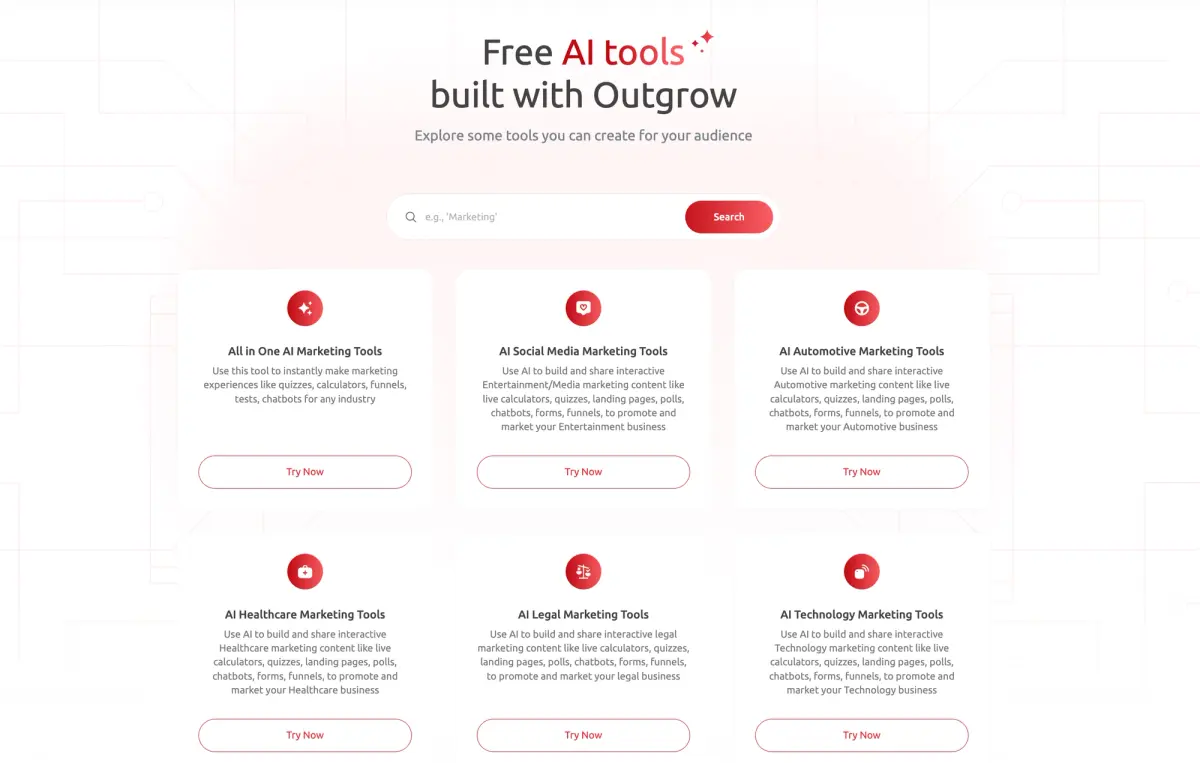
Dashform vs Outgrow on drafting workflow, qualification needs, branding, and current plan allowances. Test what your campaign needs before switching.

Evaluate Dashform and Riddle for quiz drafting, question logic, result content, branding, and publishing with a practical workflow checklist.

Want a Specific.app alternative? Dashform AI Survey offers adaptive logic, AI-generated follow-ups, and flexible workflows for teams seeking more insight.
Try the world's first AI-native form and turn every response into action instantly.

